Every meeting, written down.
Join your Google Meet as usual. Metrcs saves the whole conversation with who said what, writes the notes when the call ends and gives you one link to send everyone. No bot joins the call.
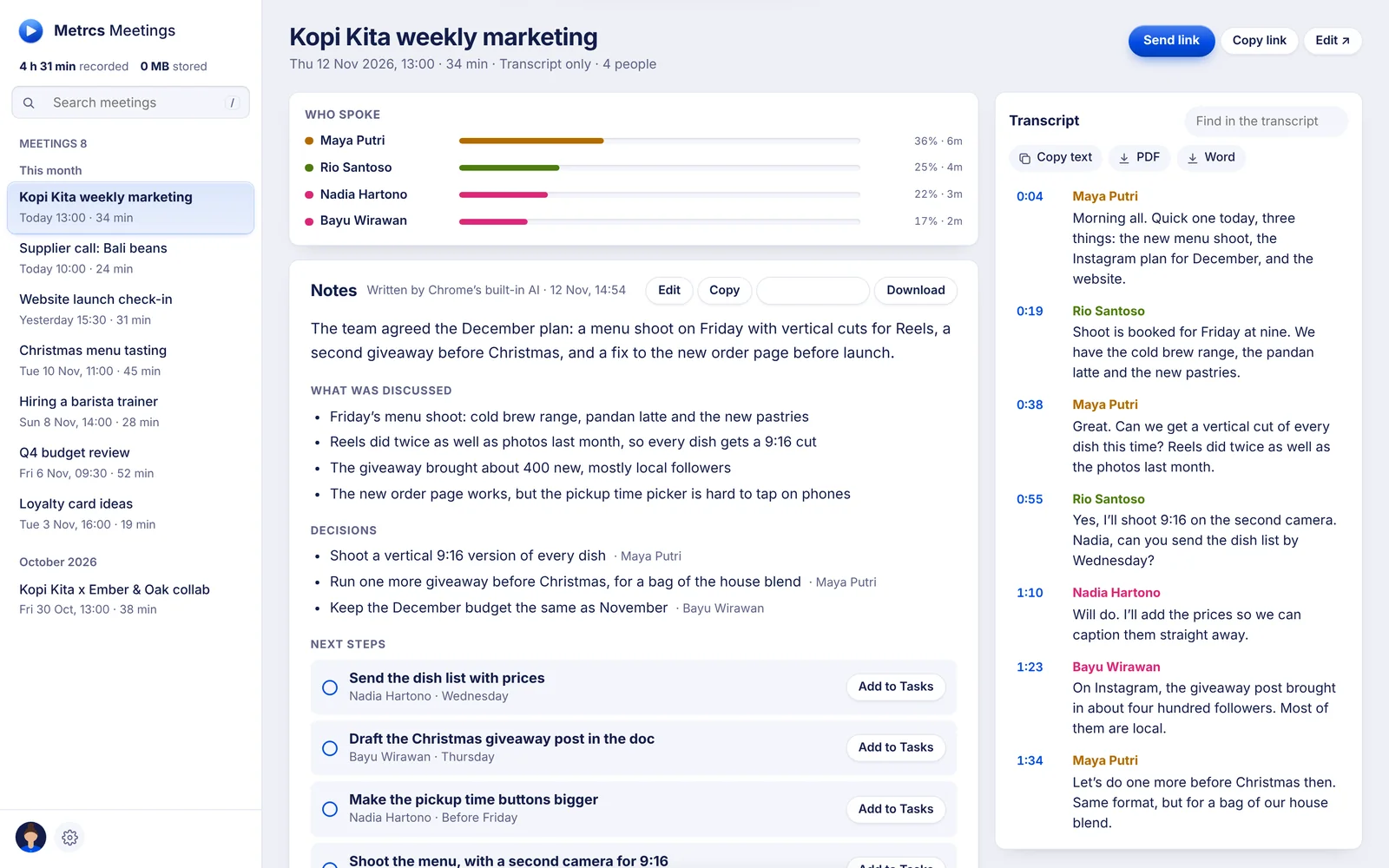
Nothing to press during the call.
A small Chrome extension does the listening. You do the talking.
It listens through Meet
Meet’s own captions, saved as the call goes, with each speaker’s name. Nothing new joins the meeting.
Notes when you hang up
A summary, what was discussed, the decisions and the next steps, written on your own computer.
One link to send
Everyone on the invite gets a view-only link to the notes and transcript. No account needed to read it.
Six small things that make meetings worth having.
Less scribbling during the call, less “what did we agree?” after it.
No bot in the call
Nothing joins your meeting. The extension reads Meet’s own captions in your browser, so nobody sees a note-taker.
Who said what
Every line keeps the speaker’s name, in their own colour, with the moment it was said.
Notes, written for you
When the call ends: a short summary, what was discussed, what was decided and the next steps, with who and when.
One link for everyone
The people on the calendar invite are filled in. Send them a view-only link to the notes and the transcript.
Find anything that was said
Search every meeting at once: titles, people, the notes and the whole transcript.
Who spoke, and for how long
Talk time per person, worked out from the captions. Handy for client calls, interviews and keeping meetings fair.
You should be in the conversation, not writing it down.
Most of us either take notes and half listen, or listen and forget half of it by the afternoon. A note-taker bot fixes that, but everyone sees it join, and some people talk differently once it does.
Metrcs Meetings sits in your browser instead. It reads the captions Google Meet already makes, keeps them with each person’s name, and turns them into notes you can actually use.
You stay present in the call. The record takes care of itself.
Meetings is one part of Metrcs.
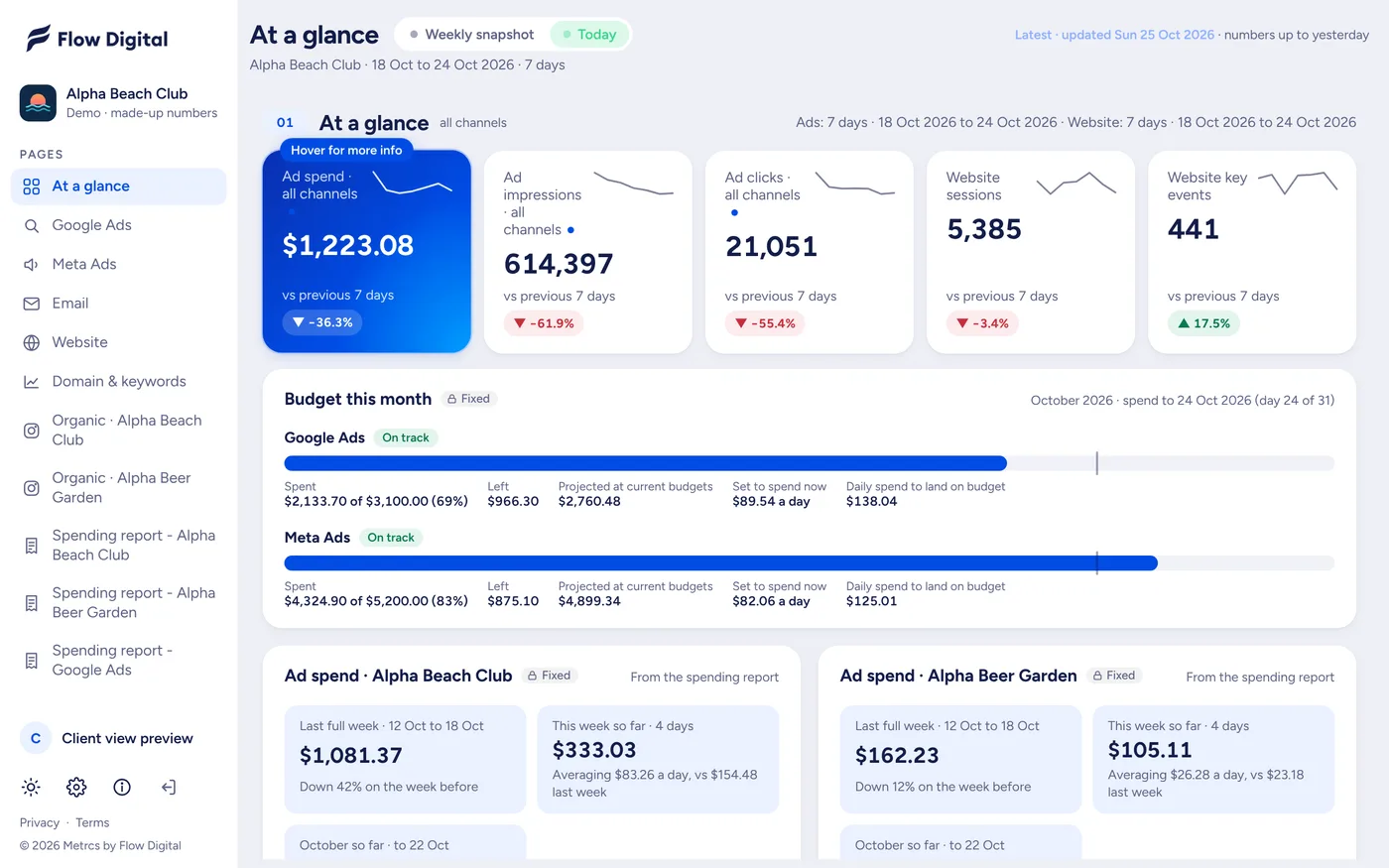
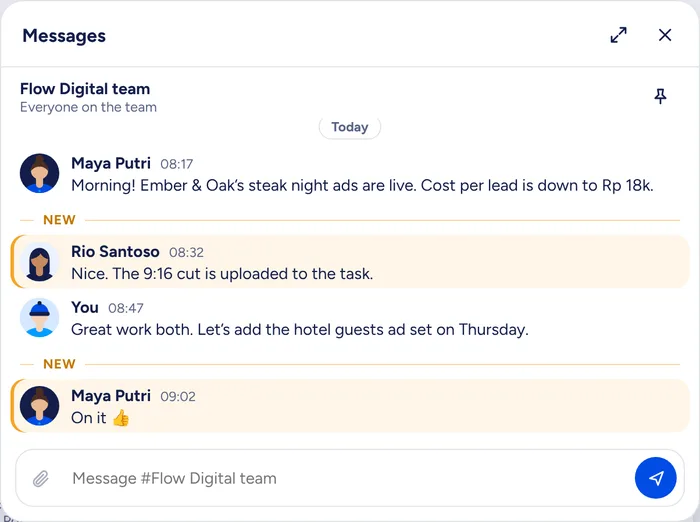
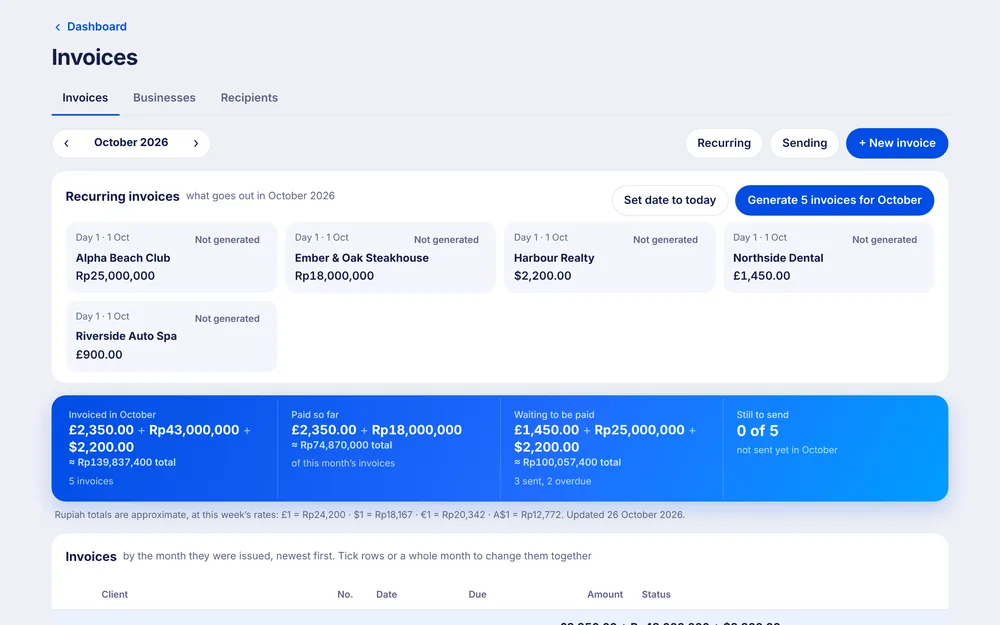
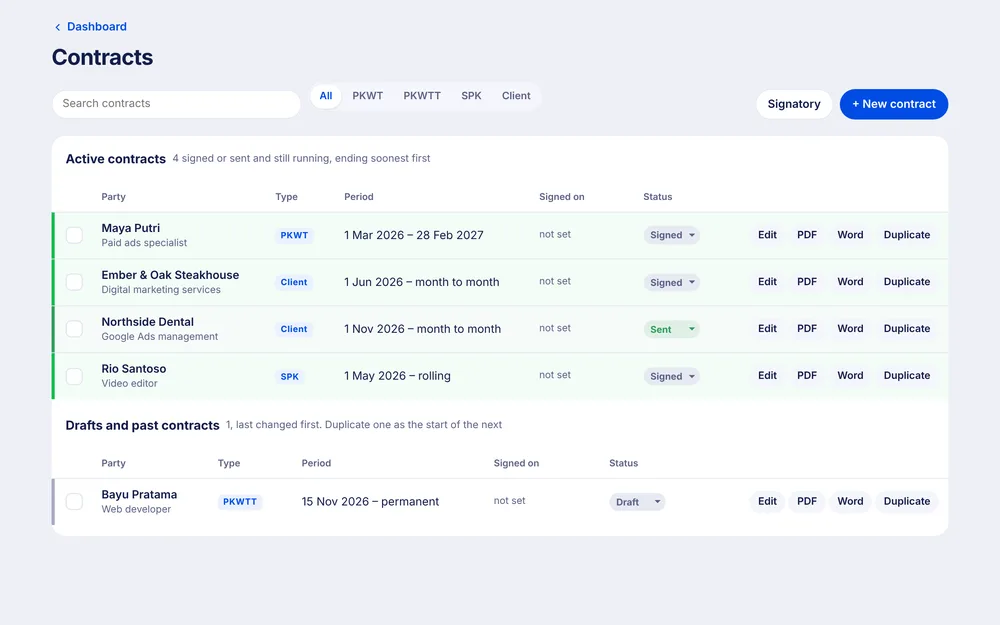
Meetings sits beside your recordings, your tasks and your clients’ dashboards. Turn a next step into a task in one click. One login, one look.

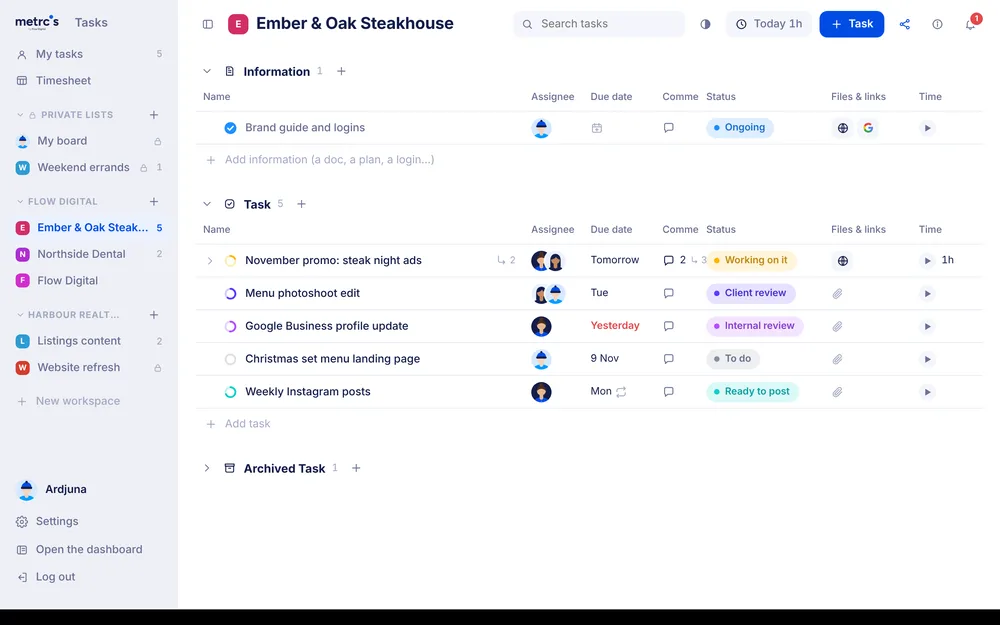
 Tasks
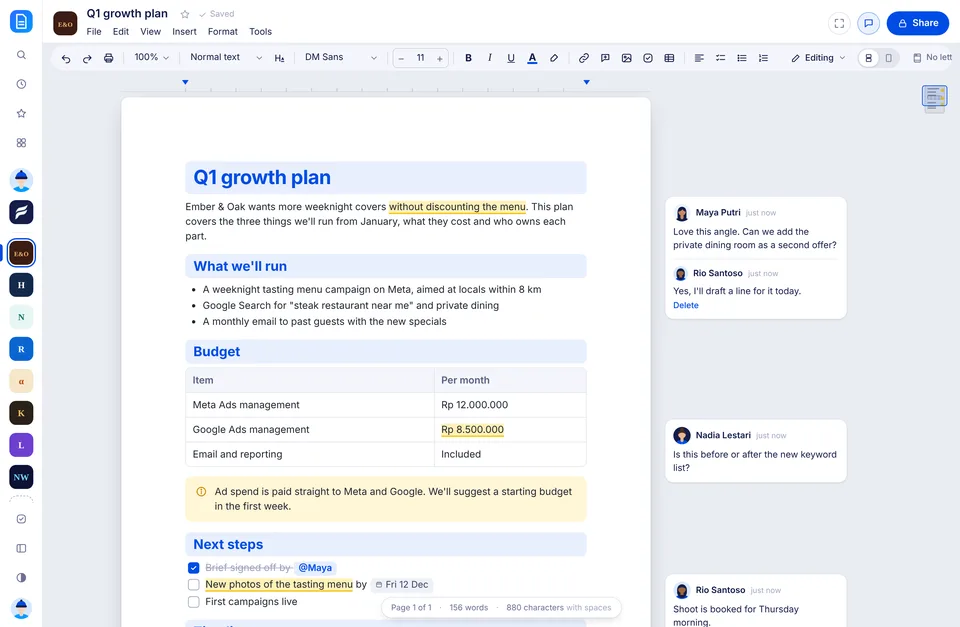
 Docs
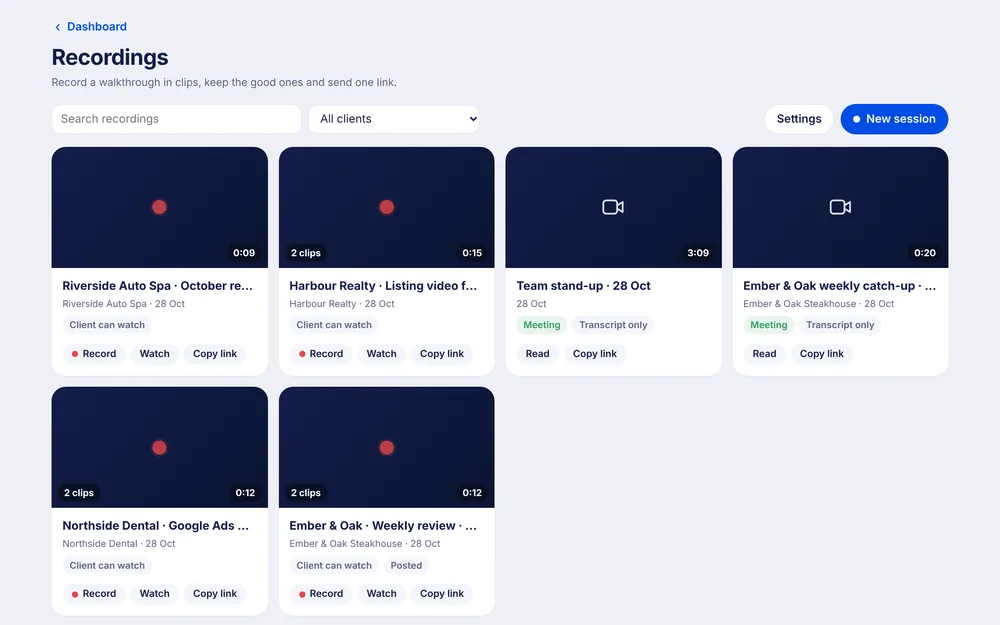
 Recordings
Coming next
Free for the first 50 people. Here’s how it works.
One account, no card. Works with Google Meet in Chrome.
Sign up
Your name and email in the form below. Ten seconds.
Open your email
One link from us, straight away. No password to make up.
Add the extension
Add Metrcs Meetings to Chrome and connect it with one click. Two minutes, once.
Join a Google Meet
Talk as usual. The transcript saves by itself, and the notes are ready when you hang up.
Start Metrcs Meetings free for three months.
We’re keeping the beta small so we can listen properly. A spot is only taken once you open your welcome email.
- One link by email, no password
- No card, no catch
- No bot joins your calls
Check your inbox
Your link to Metrcs Meetings is on its way. Open it and you’re in. Not there in a couple of minutes? Have a look in spam or promotions.
Good to know.
Is it really free?
Yes. The first 50 people get three months free, from the moment they open their welcome email. No card, nothing to cancel.
What does the free beta include?
Transcripts with who said what, the notes written after each call, search across every meeting and a view-only link to send. Recording the sound and the screen is coming soon.
Does a bot join my calls?
No. Metrcs Meetings is a Chrome extension. It reads the captions Google Meet already makes, in your own browser, so nothing new appears in the call. It’s still good manners to tell people you keep notes.
Which apps does it work with?
Google Meet in Chrome (and Edge or Brave). Zoom and Teams in the browser are on the list.
Who writes the notes?
Chrome’s built-in AI, on your own computer. It’s free and your conversation isn’t sent anywhere to be summarised. It needs a recent Mac or PC; on older ones the transcript still saves.
Who can read my meetings?
Only you, plus anyone you send a link to. Links can be switched off or changed any time.
What happens after three months?
Press Ask for more time in Settings, Your apps and we’ll add more months. If we’ve started charging by then, you’ll be able to subscribe instead. Your meetings are kept either way.
Talk freely. It’s all written down.
Free for three months for the first 50 people. Transcripts and notes now, recording the sound and screen coming soon.