Built for getting the work done.
Most task tools turn into a second job: columns to maintain, statuses to chase, boards nobody reads. Tasks keeps the list short and puts the team’s conversation at the centre, so the work moves forward.
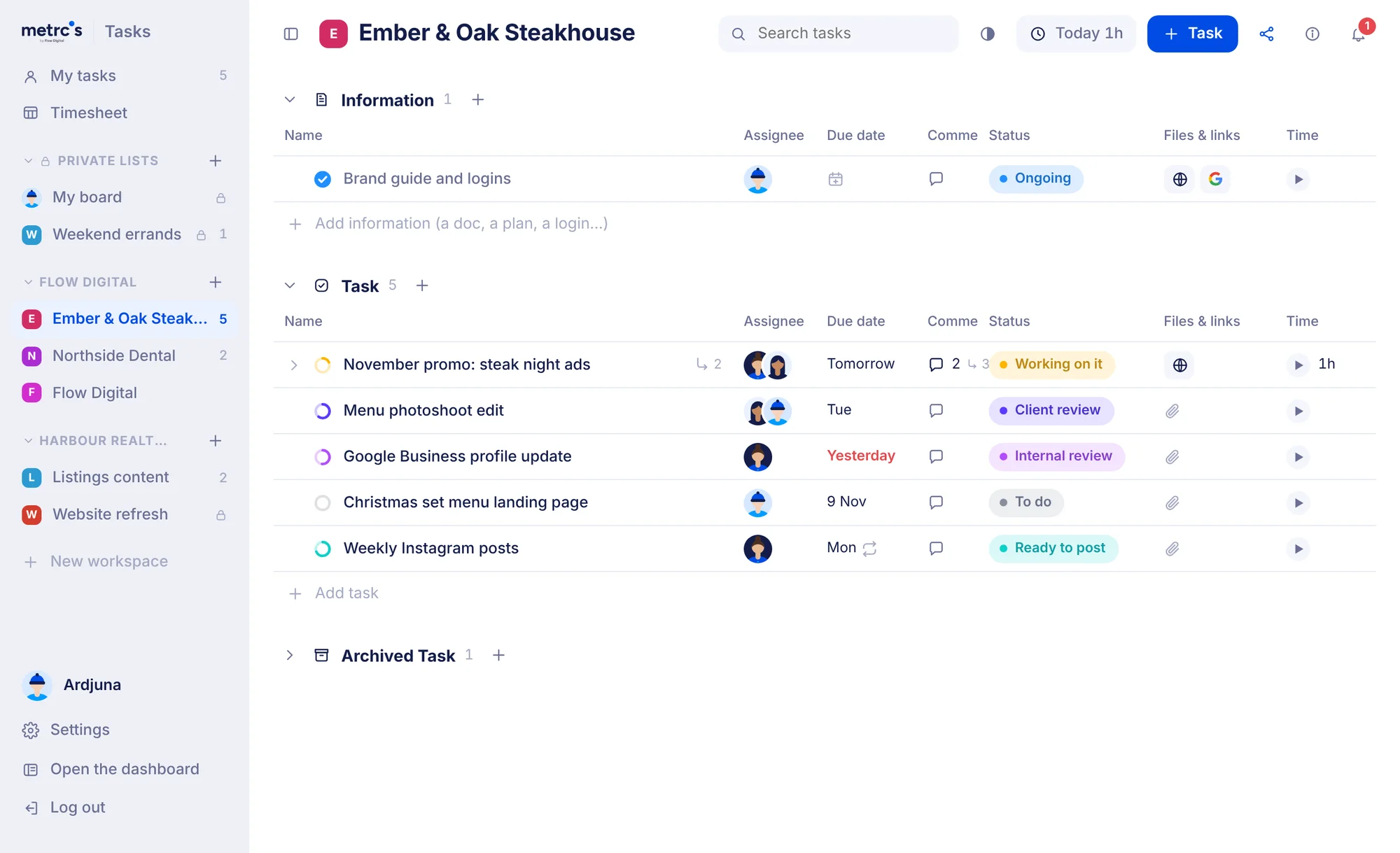
Work moves through conversation, so that’s where we started.
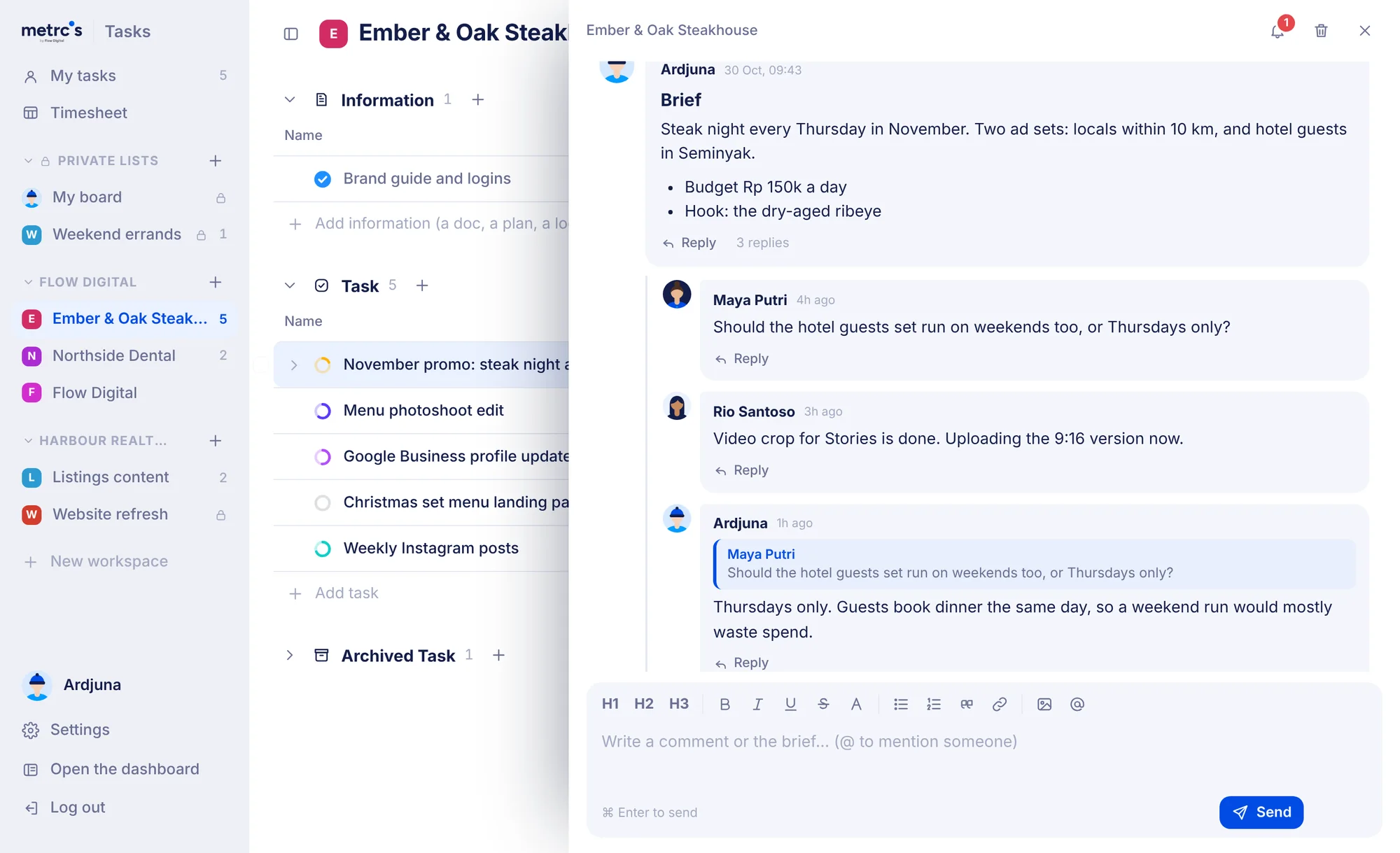
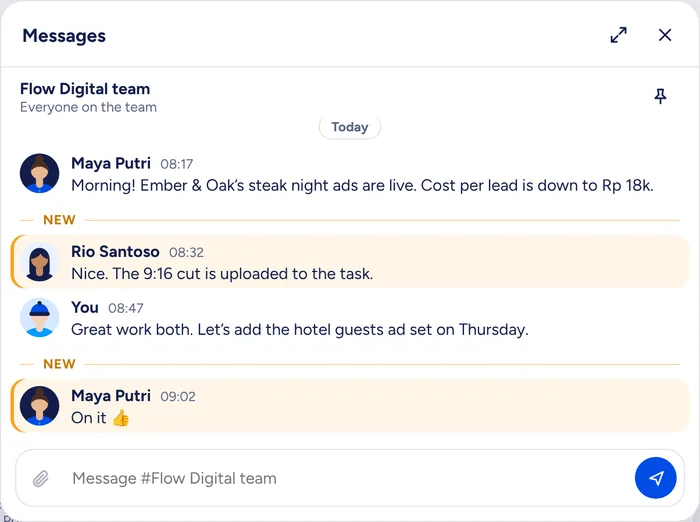
A task is mostly people agreeing on what good looks like. In Tasks, the comments sit right under the details, and everything about them is built for a busy team.
- The brief is the first comment. No separate description box that goes stale after day one. The brief, the questions and the answers read top to bottom.
- Reply where it belongs. Every comment has its own thread. Quote one message in your reply and anyone can click it to jump straight back.
- Nothing gets lost. What you type is saved as you go, so a long brief survives an accidental reload.
- Files land where you drop them. A blue line shows exactly where an image or file will go before you let go.
- @mention puts people on it. Mention someone in a comment and they’re added to the task and told about it.
Three groups on every list. Chosen on purpose.
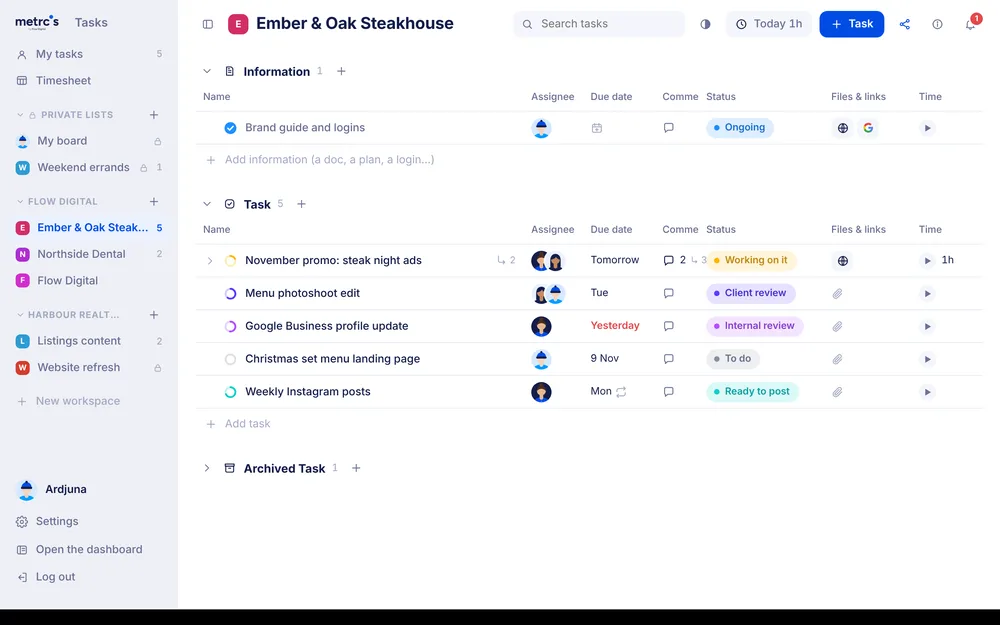
We don’t ask you to design a workflow. Every list has the same three groups, so anyone can open any board and know where things are.
Information
The things the team keeps coming back to: logins, brand guides, plans and links. Always at the top, never buried under to-dos.
Task
The work itself, with its status, people, dates, files and time. Done tasks stay in view until you decide they’re finished with.
Archived
Where work goes when you put it away. Archiving is a deliberate step, so nothing vanishes before the client has seen it.
Your day, in the view that fits the question.
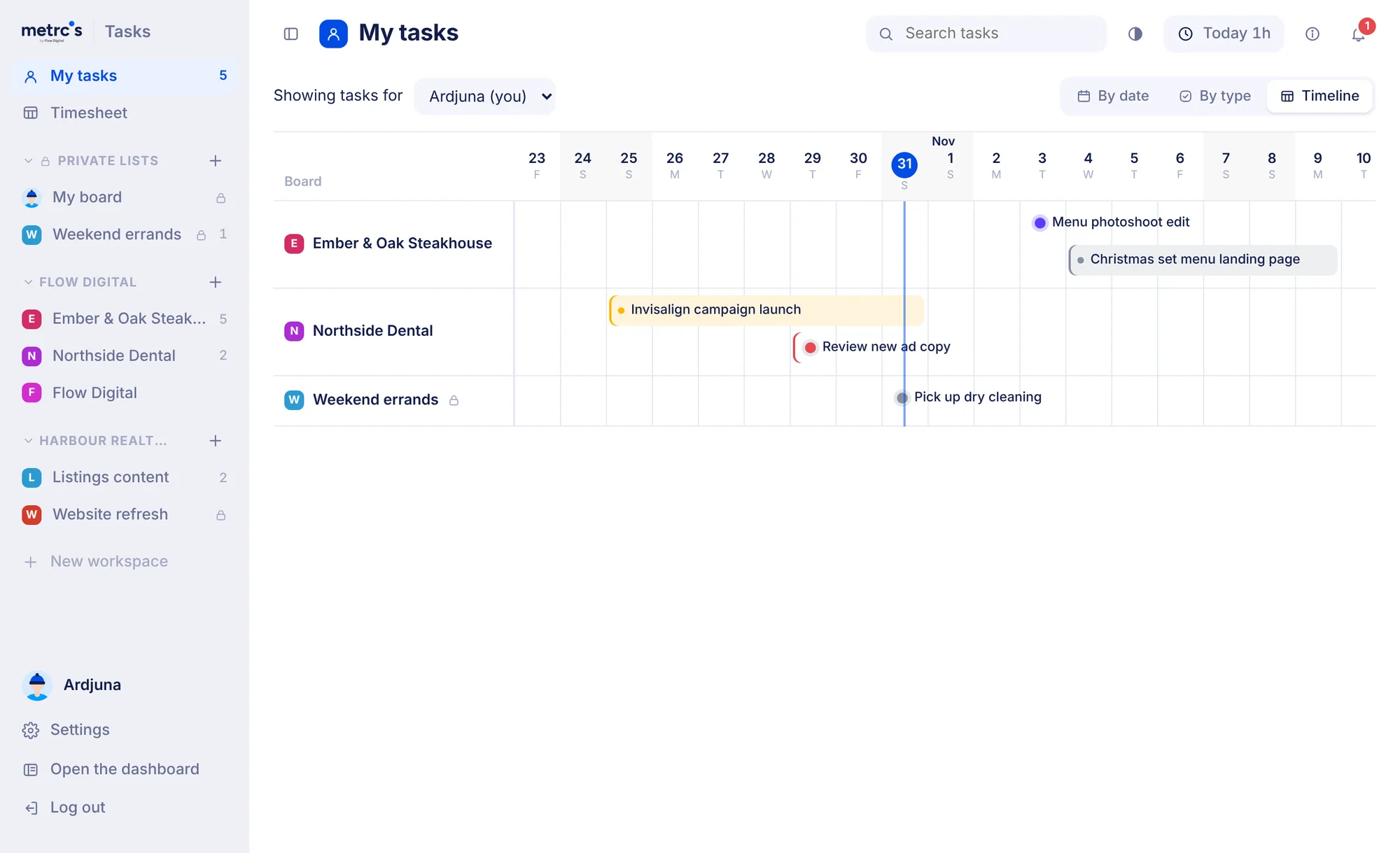
Everything assigned to you across every client, plus your own board, in one place. Switch the view depending on what you need to know.
- By date. Overdue, today, this week, later. The fastest answer to “what’s next?”.
- By type. Information, Task and Archived, the same as any board.
- Timeline. Each board as a row and the days across, so you can see how the next few weeks stack up before they arrive.
We’d rather you got the work done than managed the tasks.
We run an agency. Our team lives in briefs, feedback and client questions all day, and every minute spent updating a board is a minute not spent on the work.
So every part of Tasks has to earn its place. If a feature makes people maintain something, it goes. If a small detail saves a second or a guess, it stays, because those add up across a team’s week.
It’s the same idea behind all of Metrcs: check in, see what matters, get back to work.
Small things, done properly.
None of these is a headline feature. Together they’re the difference between a tool you tolerate and one you open first thing.
One line per task
Names use the whole width of their column. The rename and archive buttons only appear when you hover, so nothing crowds the list.
Columns that fit
Drag any column wider or narrower. Its neighbour gives up the space, so the board never needs a sideways scroll.
Status at a glance
A small ring beside each name closes as the work moves along. You can read a list without looking at the status column.
Dates in two clicks
Tomorrow, Next week, This weekend or a repeat. Overdue dates turn red on their own.
Time without a timesheet chore
Start a timer from any row. Forgot? Type "1h 30m" into the cell and carry on.
Your own board
Everyone has a private board for their own to-dos, assigned to them automatically. It sits next to client work without mixing into it.
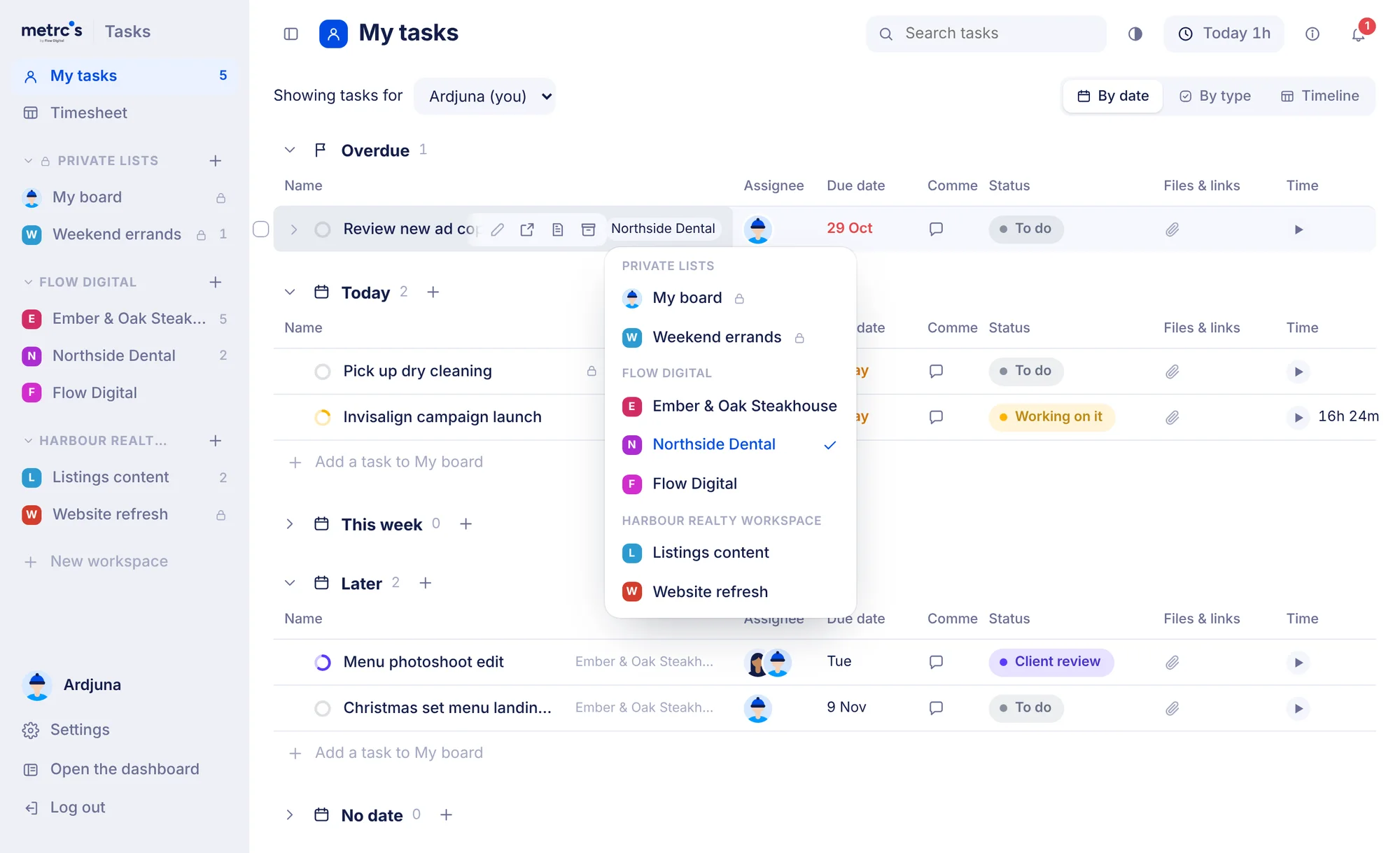
Move work in one click
In My tasks, click a task’s board and pick another. Only the board changes; the status, dates and conversation come along.
Built for phones too
One clean line per task, with no zooming in when you tap a field. Checking a brief on the way to a meeting just works.
Notifications that mean you
You hear about it when you’re assigned, mentioned or replied to. Nothing else.
Bring people in. Keep the rest private.
Agency work involves more than your own team, so sharing is built in, with clear lines around what each person sees.
- Shared workspaces. Invite a client’s in-house team by email. They see their workspace and nothing else.
- A view-only link for the client. Task names, status, files and links. Internal comments, time and who’s on what stay inside.
- Private lists. Your own lists are yours. Share one with the people you choose, or nobody at all.
- Moving over is quick. Bring a list in from ClickUp or a monday.com board export. Run it twice and nothing doubles up.
Tasks is one part of Metrcs.
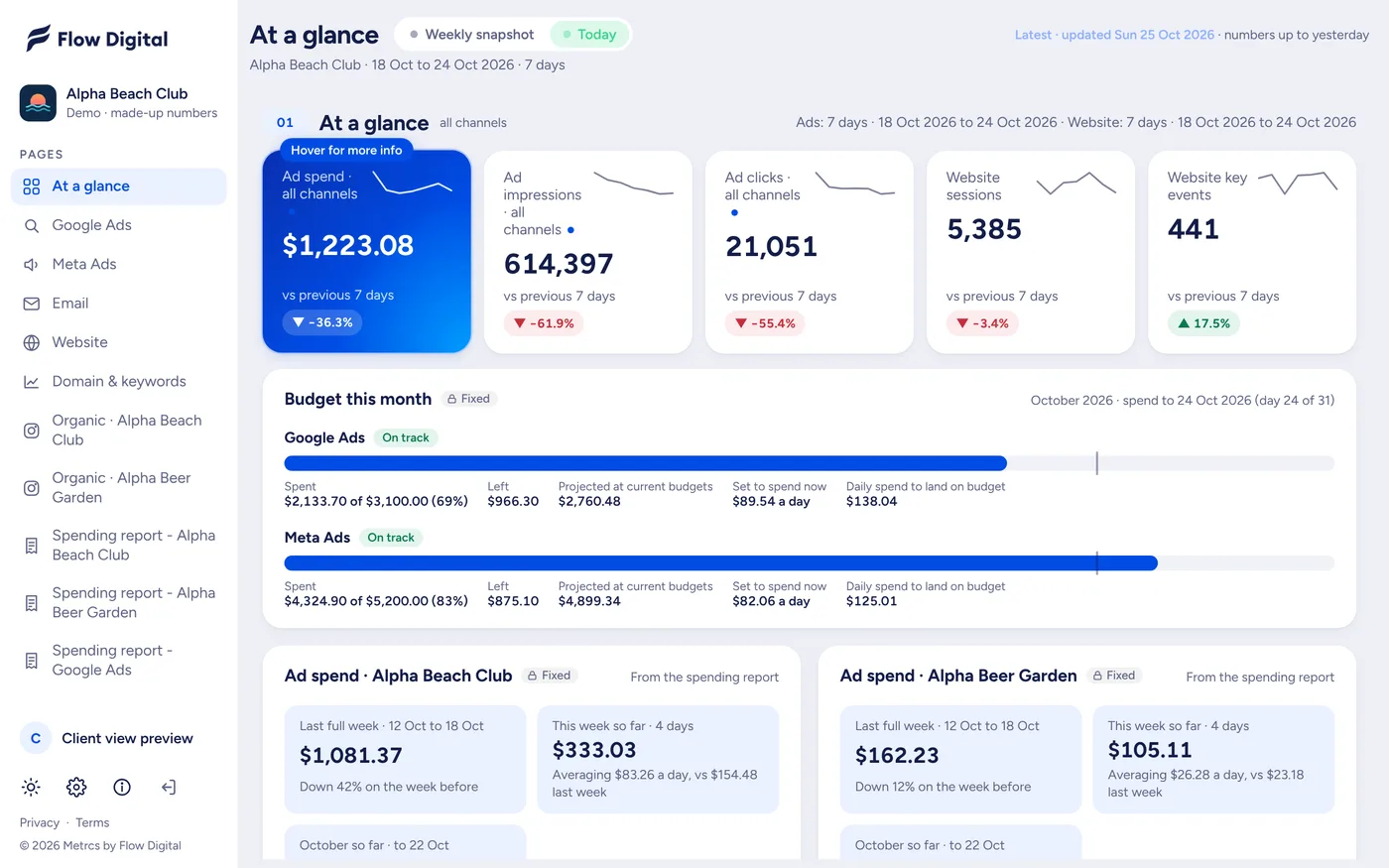
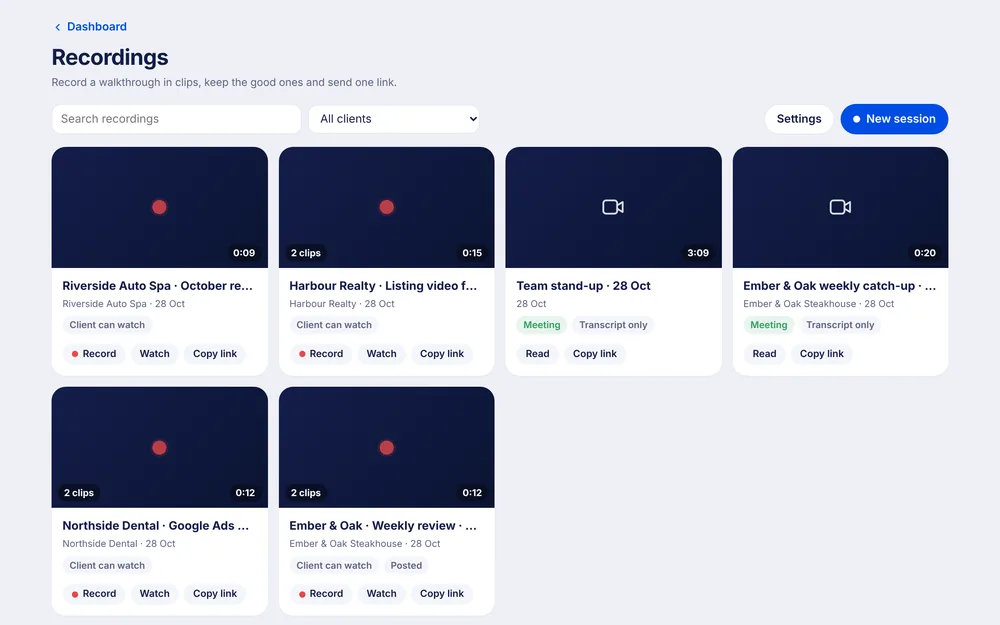
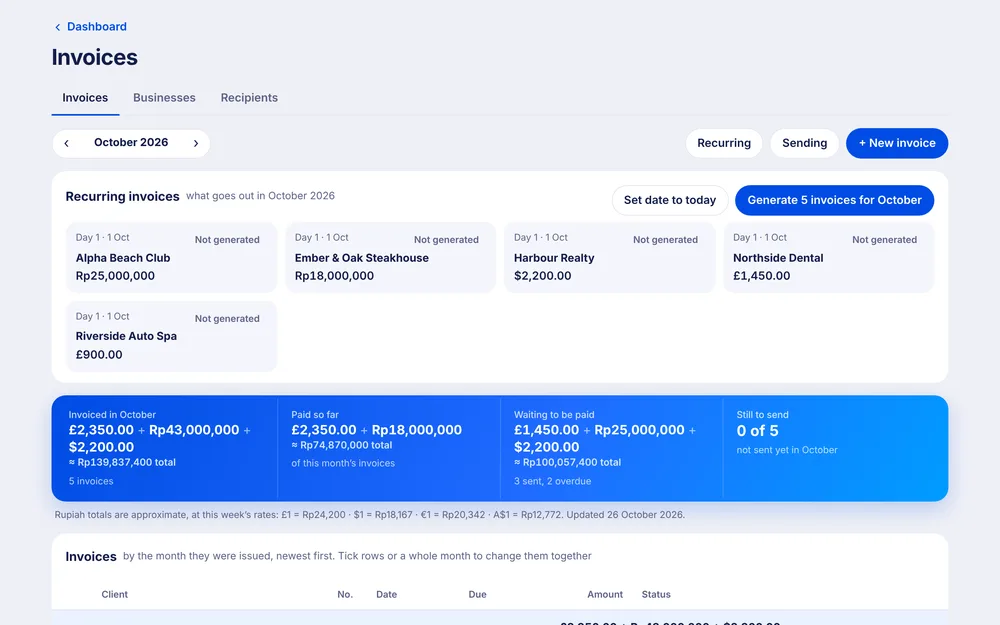
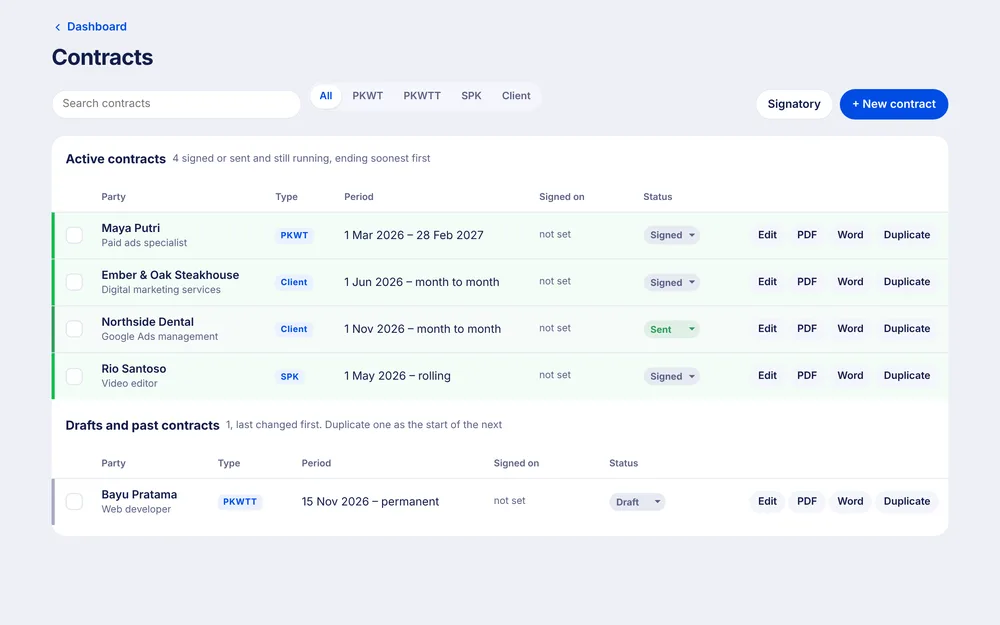
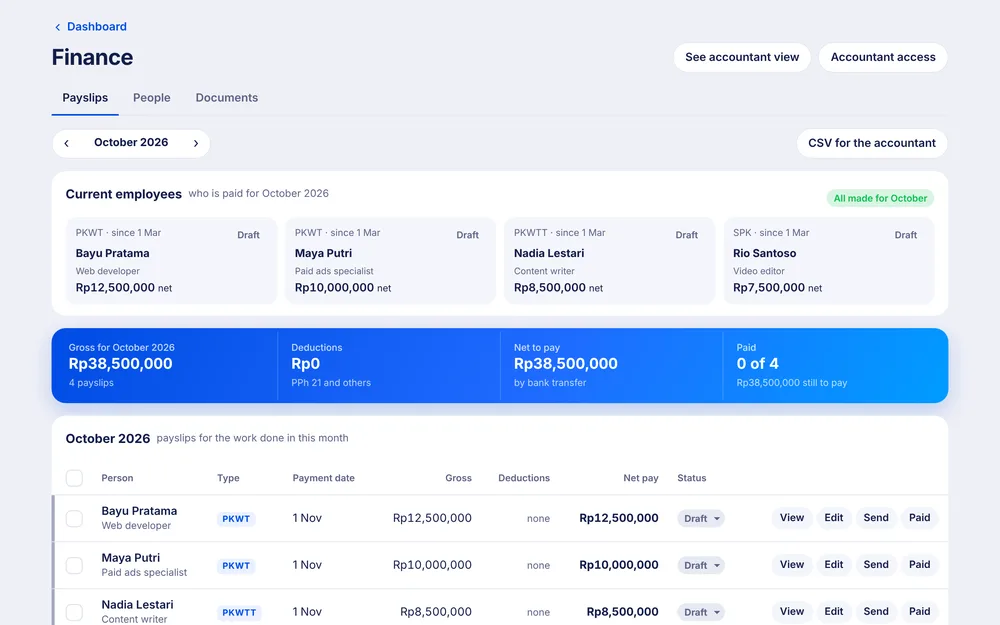
Your tasks sit next to the client dashboards, the team chat, recordings, invoices and the rest. One login, one look, and every tool knows which client you’re working on.

Coming next
Less to manage. More work done.
Tasks is part of Metrcs, alongside your client dashboards. Join the waitlist and we’ll let you know when your team can start.