Docs that are a joy to write in.
Real paper, calm tools and a handful of small surprises, right next to the clients you already manage. Write the brief, the proposal or the SOP beside the work, and spend your time on the words instead of the formatting.
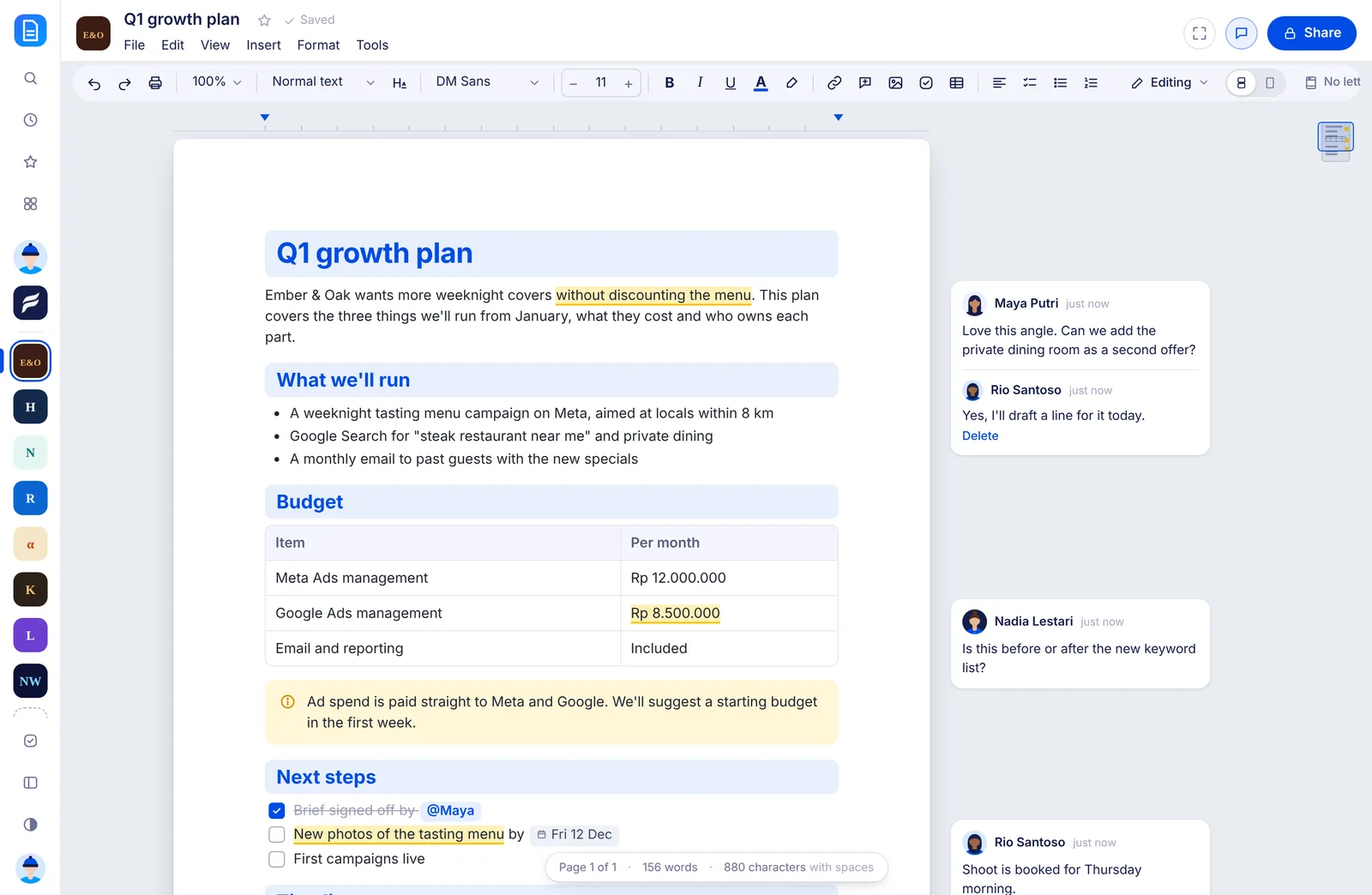
Everything you need, right where your eyes already are.
Select some text and a small bar appears at its top right. No hunting through menus, no trip to the margin.
- Turn into. Hover once and the lines become a heading, a checklist, a quote or a callout.
- Fix the case. UPPERCASE to Sentence case in one click. Acronyms like NASA and words like iPhone stay as they are.
- Make it a task. Pick who and when, add a brief, and it lands on their board with the quote and a link back to the doc.
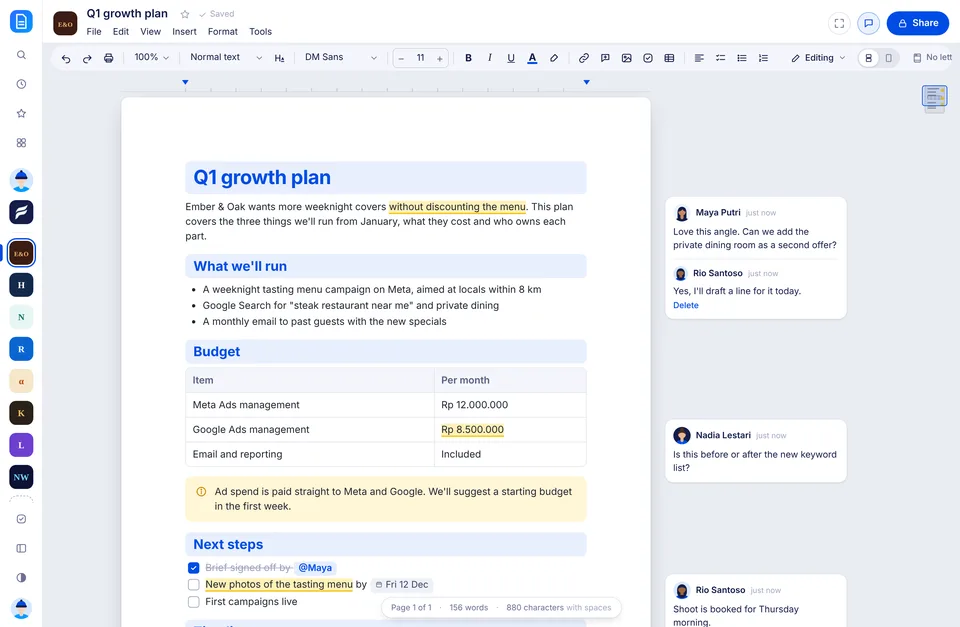
- Comment beside the words. Notes line up next to the text they’re about, with replies and resolve.
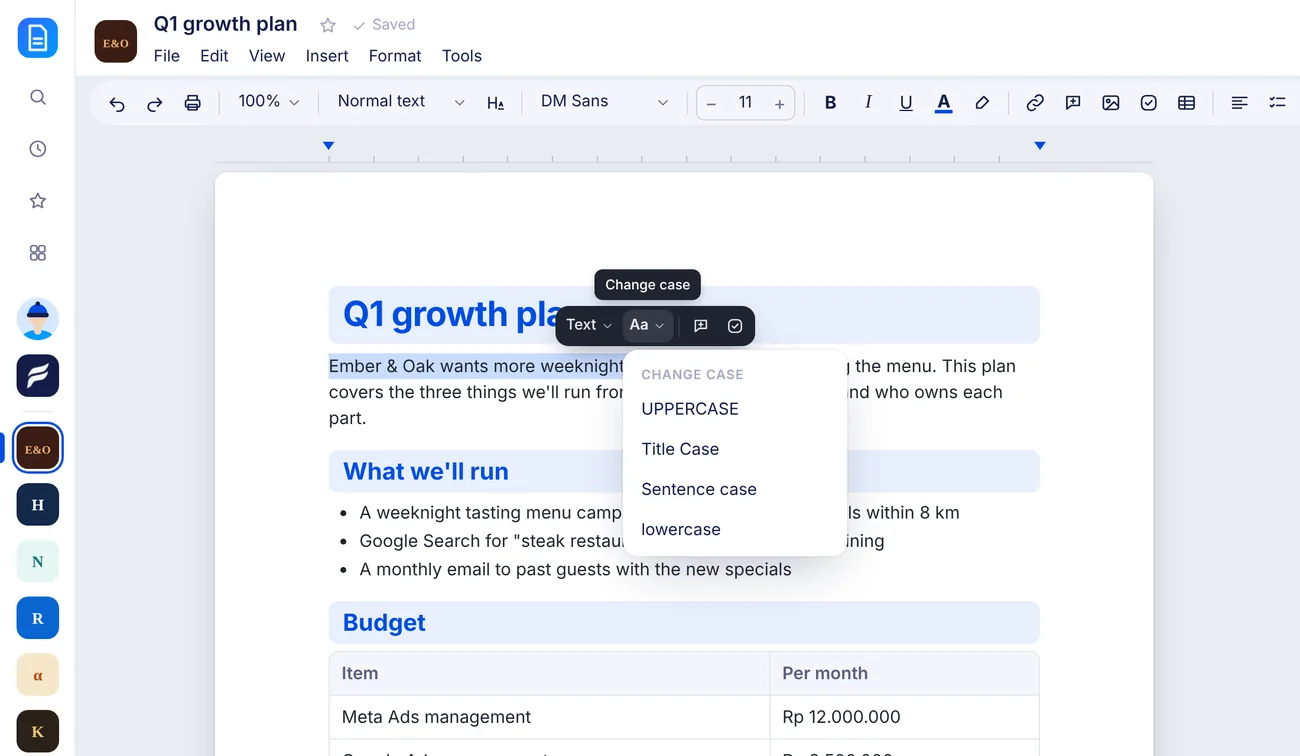
One key for every block.
Type / anywhere and pick what you need. Keep typing to narrow it down: /table, /callout, /h2. Your hands never leave the keyboard.
- Headings, lists and checklists. All the basics, one keystroke away.
- Tables, callouts, quotes and code. Dropped in where your cursor is, already styled.
- Live tasks. A real task from Tasks, with its status, people and due date, right inside the doc.
- Images, HTML blocks and page breaks. Everything else a proper doc needs.
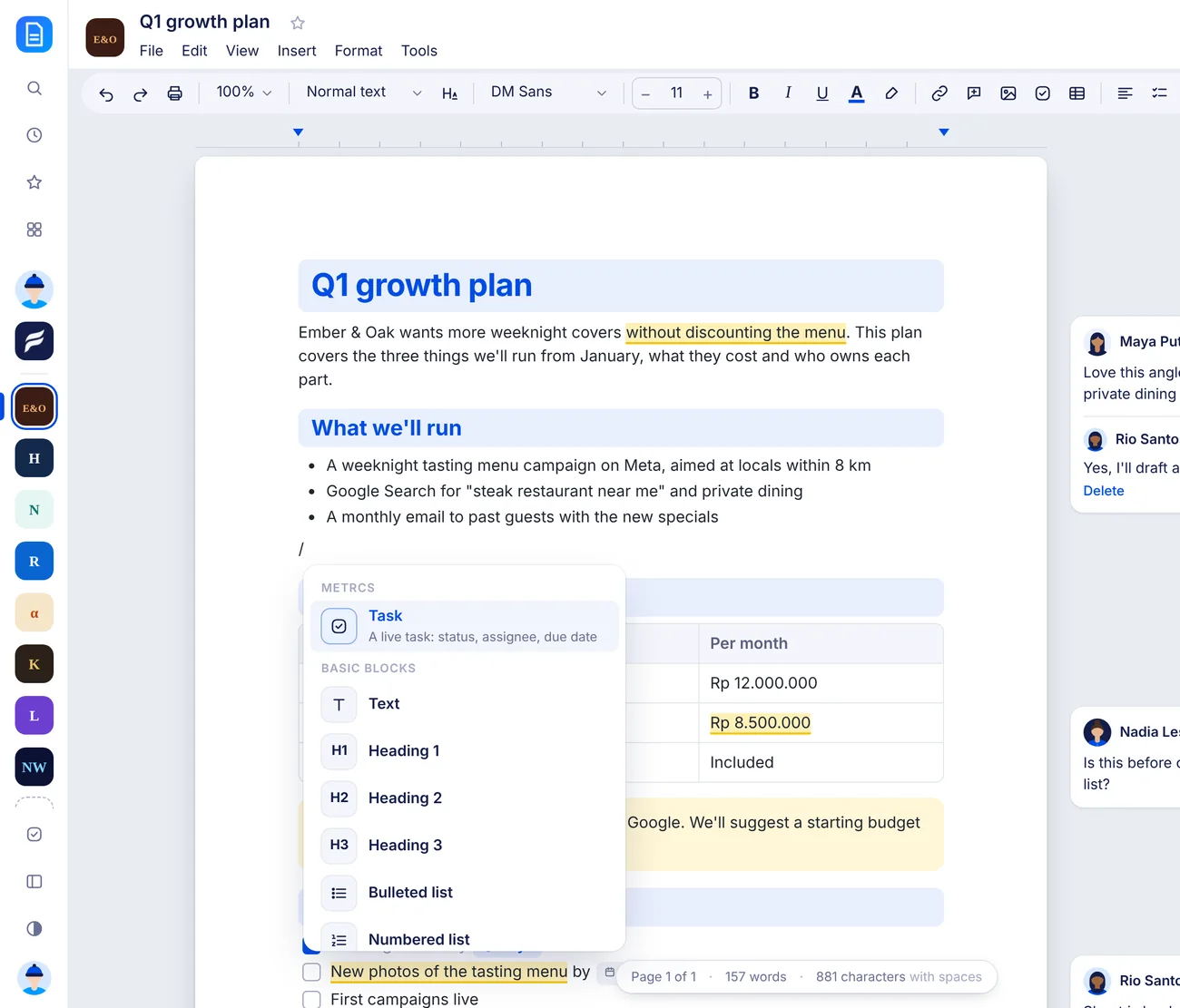
Docs that know who they’re for.
Metrcs already knows your clients, so Docs starts with them. No folders to set up, no permissions to copy across.
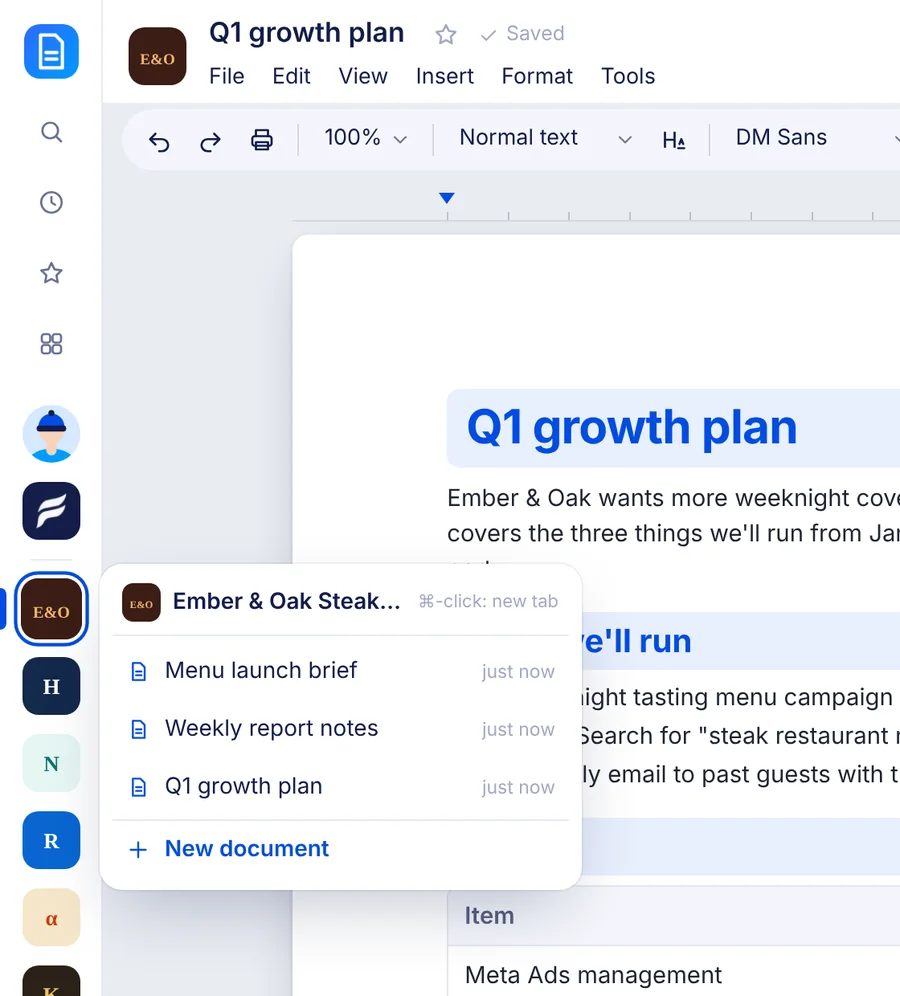
- Every client in the sidebar. Their logo, most recent first. Hover for their latest docs, click for all of them.
- The right people, automatically. A client’s docs are open to the teammates who work on that client, and nobody else.
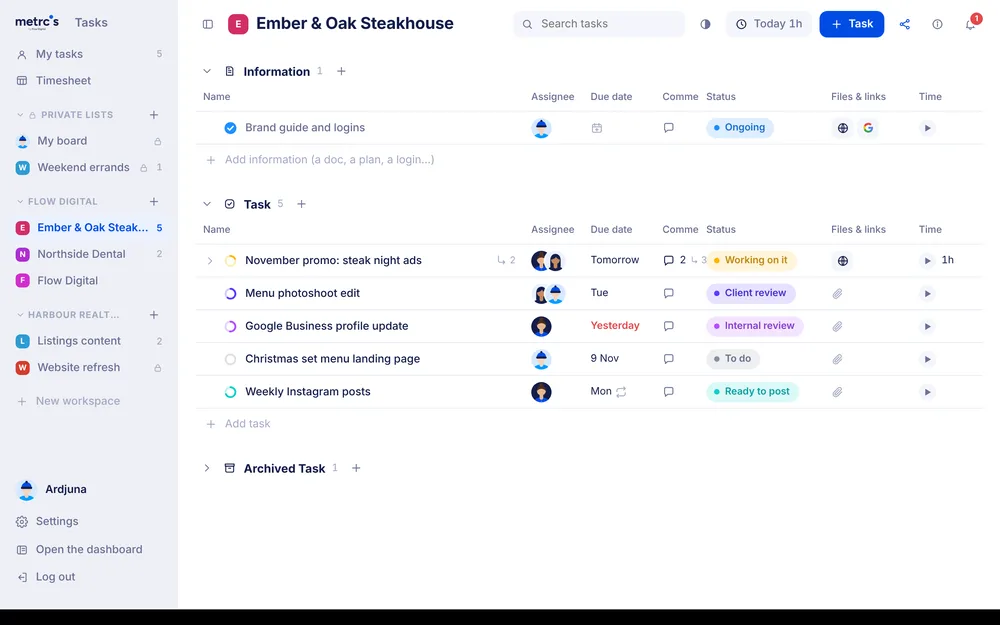
- Next to the rest of the work. Turn a line into a task on the client’s board, or make a doc straight from a task.
- Private when you need it. My docs are yours alone until you move them somewhere shared.
Sixteen small things you’ll use every day.
Each one quietly saves a click, a guess or a trip to another tool.
Your clients, built in
Every client you manage sits in the sidebar. Hover one for its latest docs.
A map of the doc
Pages, headings, tables and comments at the edge, with a box for where you are.
One heading style
A colour band, a divider or plain, in seven colours, for every heading at once.
A floating counter
Page, words and characters, or just your selection, always in view.
Select, then act
A small bar on any selection: turn into, change case, comment or make a task.
Sums as you type
Type “=” after a sum and the answer appears. Enter keeps it.
HTML blocks
Email footers and wireframes as the real thing. Copy straight into Gmail.
Focus mode
One click and everything fades except the page, the counter and the map.
People and dates as chips
Type @ for a teammate or a date like “next friday”.
More weeknight covers without discounting the menu.
More weeknight covers without discounting the menu.
More weeknight covers without discounting the menu.
One font per doc
Pick from 23 free fonts and the whole doc follows. No stray Arial.
Undo anything
⌘Z takes back any change at all. ⌘⇧Z puts it back.
Nothing is ever lost
A copy every ten minutes, and one before any big deletion. Restore in a click.
Tables that stay tidy
Always the full width of the page. Add a column and the rest make room.
Write together
See who else is in the doc and which paragraph they’re on.
Letterheads in a click
Your agency letterhead, or any saved header and footer, on every page.
Images that behave
Full, half, a third or a quarter width in one click, with text flowing round.
Try a look. Then try another.
Every heading in the doc follows one style, so changing your mind takes a click, not an afternoon of reformatting. Nothing is locked in.
Q1 growth plan
Ember & Oak wants more weeknight covers without discounting the menu. Here’s what we’ll run from January.
What we’ll run
A tasting menu campaign for locals, Google Search for private dining, and a monthly email to past guests.
Budget and timeline
Rp 20.500.000 a month for management. First campaigns live in the second week of January.
Click around. It changes every heading at once.
Writing should feel calm.
Most docs tools give you a hundred buttons and a blank page. We’d rather give you a few good ones, in the right place, at the right moment.
So the toolbar stays quiet, one font covers the whole doc, and the clever parts only appear when you need them: when you select something, type an equals sign or reach for a heading.
It’s the same idea behind all of Metrcs: check in, see what matters, get back to work.
Darkness in just the right places.
Switch Docs to dark or night and the menus, sidebar and margins go dark, while the page stays white. Your eyes get a rest, the doc still looks exactly as it will print, and nothing pulls your focus away from the words.
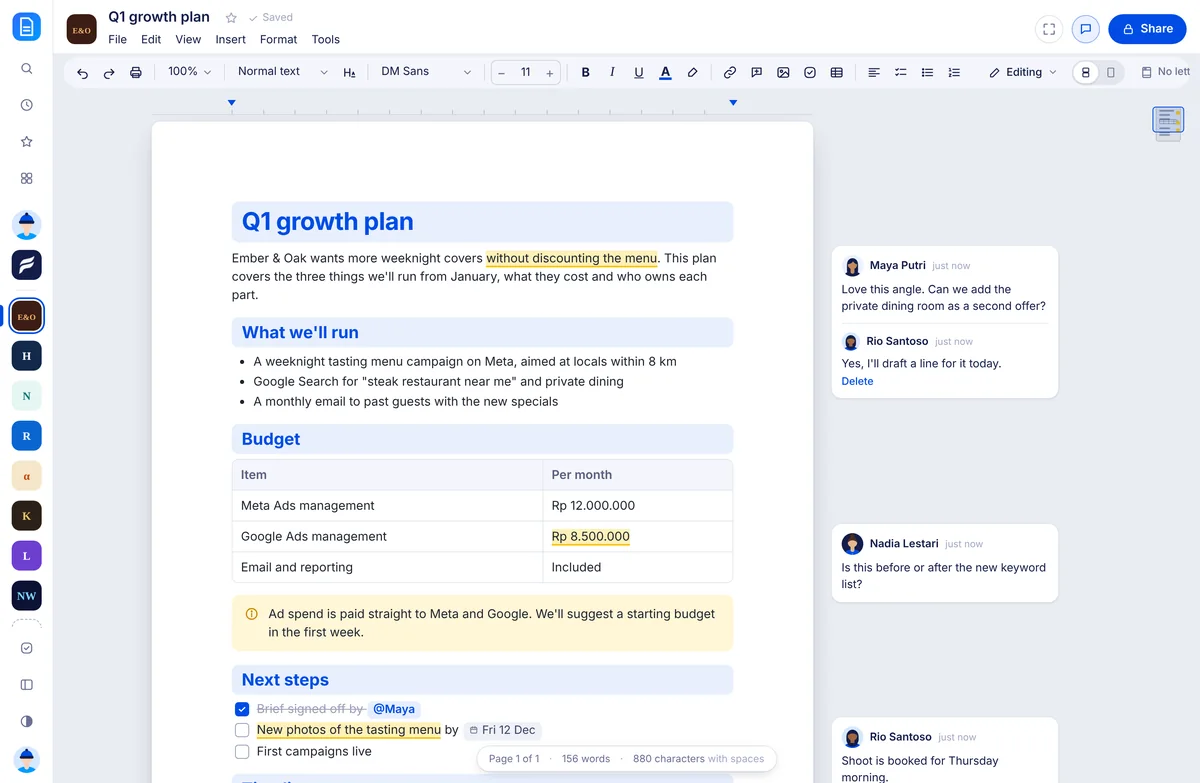
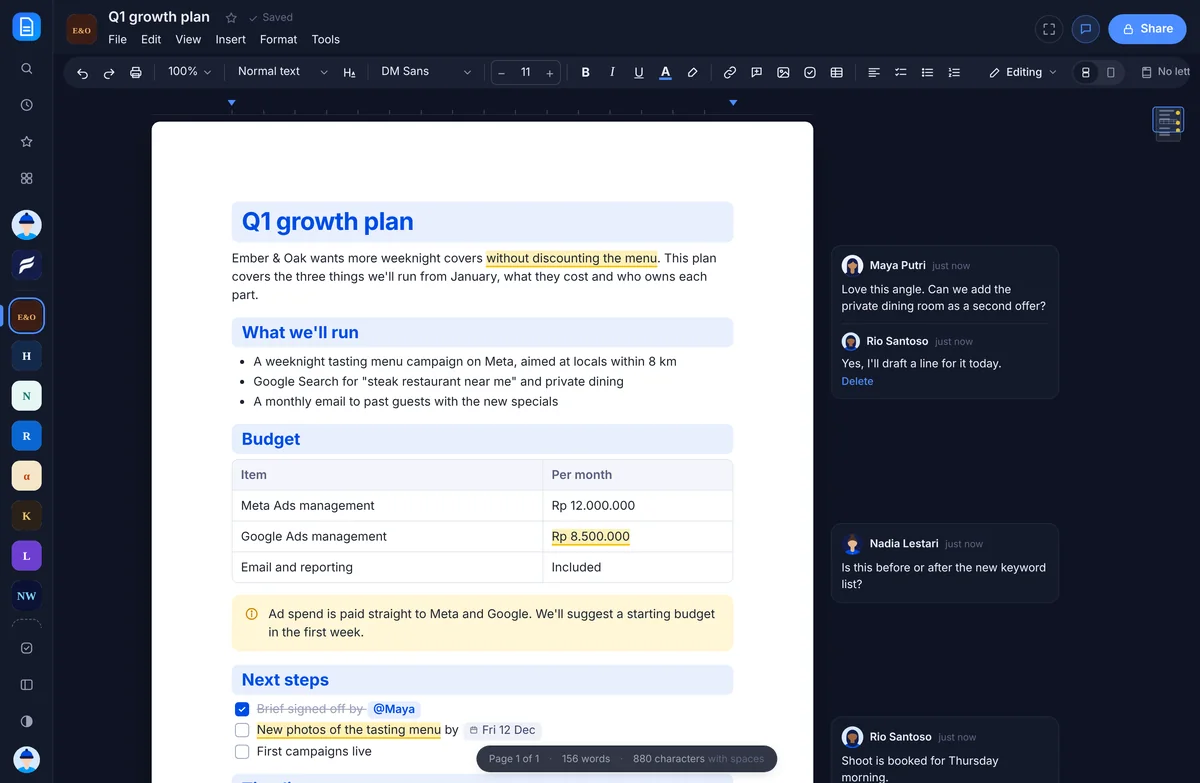
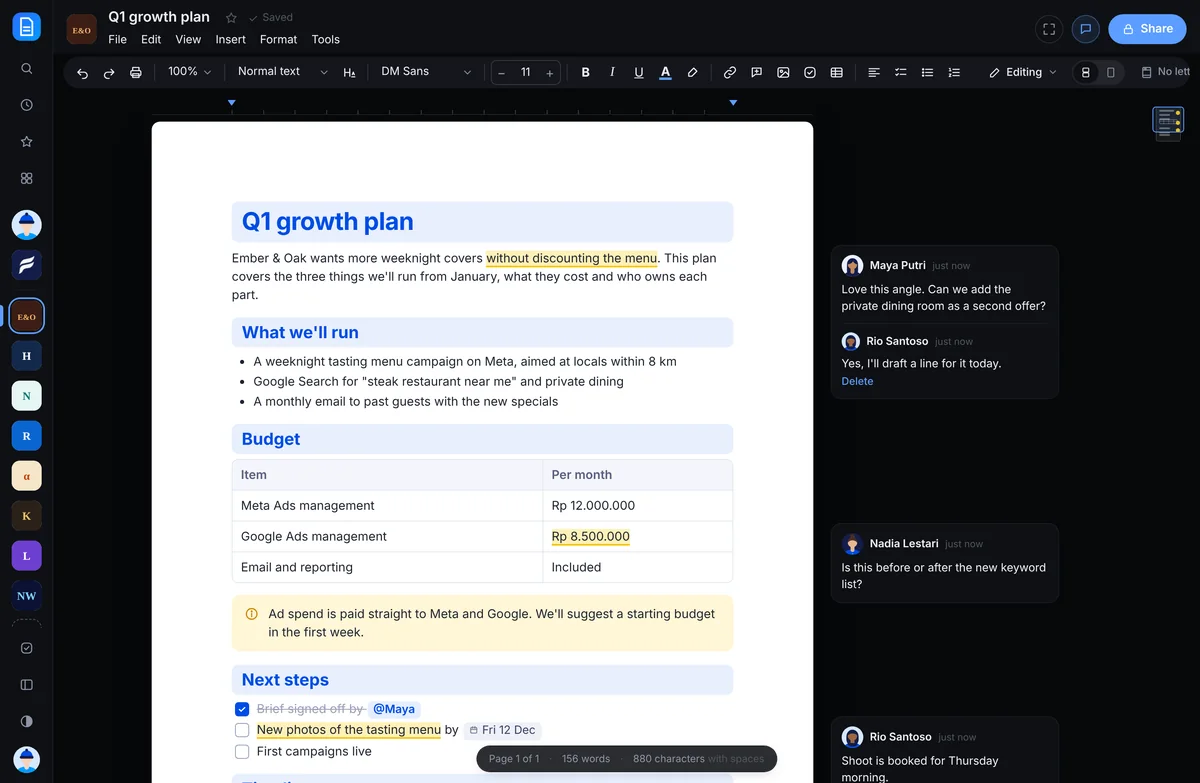
Docs remembers your choice on its own, so you can write in night mode while the rest of Metrcs stays light.
Try it with nothing to lose.
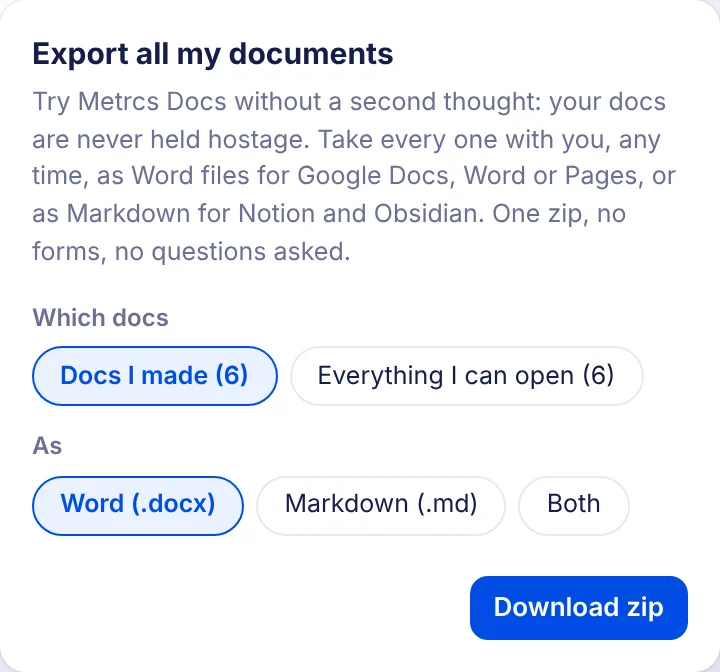
Your docs are never held hostage. One button at the bottom of Docs exports every one of them, whenever you like.
- Every doc in one zip. Sorted into folders for you, your agency and each client.
- Word or Markdown. Word files open in Google Docs, Word and Pages. Markdown goes straight into Notion or Obsidian, images included.
- No lock-in. Use Docs for as long as it suits you. Your work comes with you either way.
Docs is one part of Metrcs.
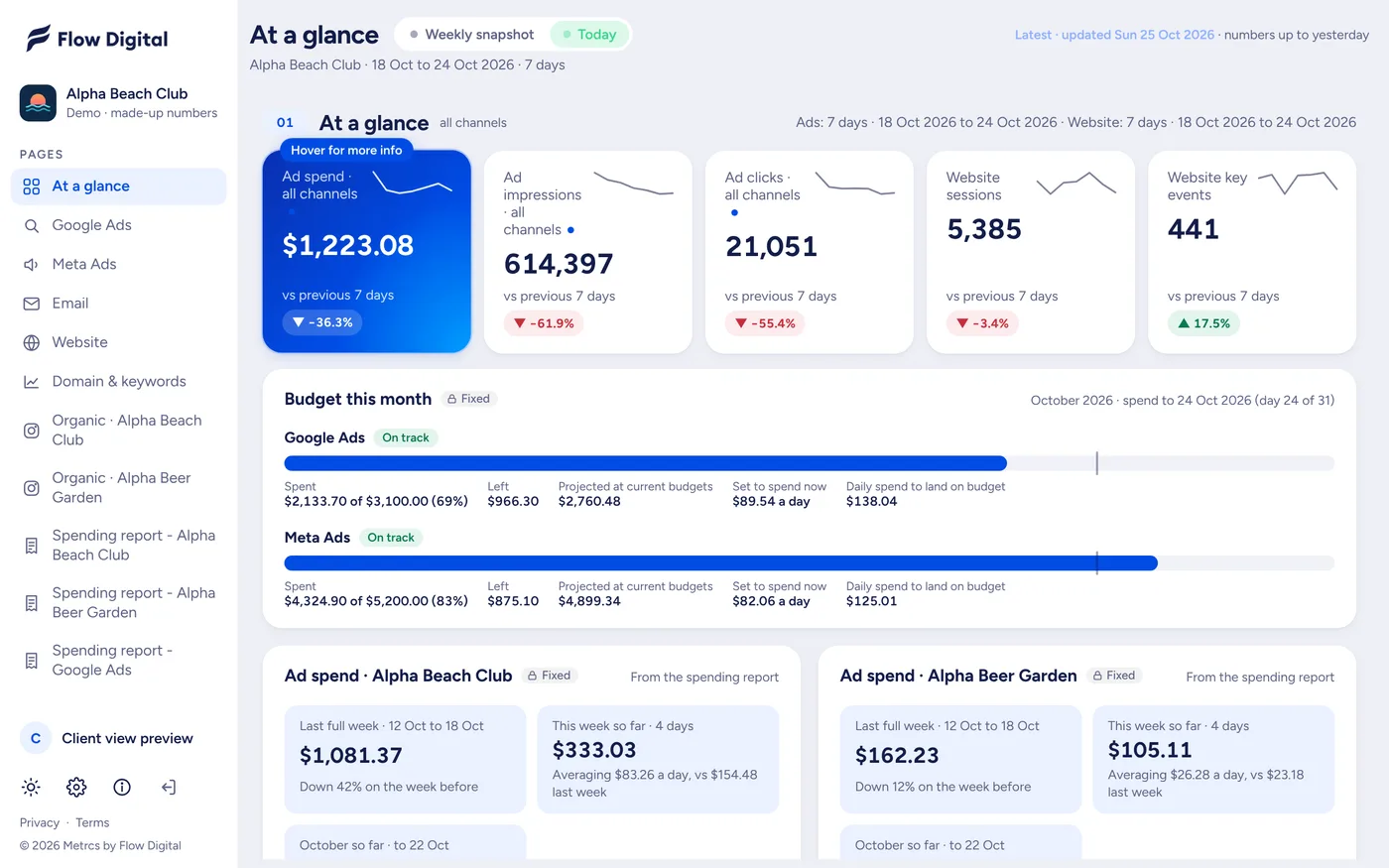
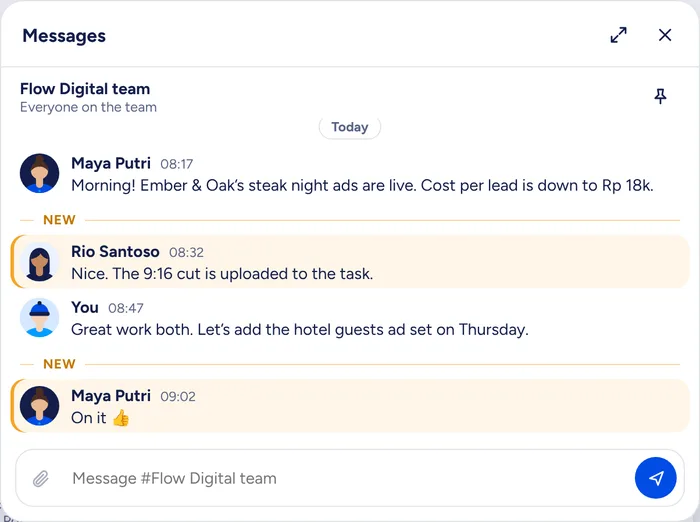
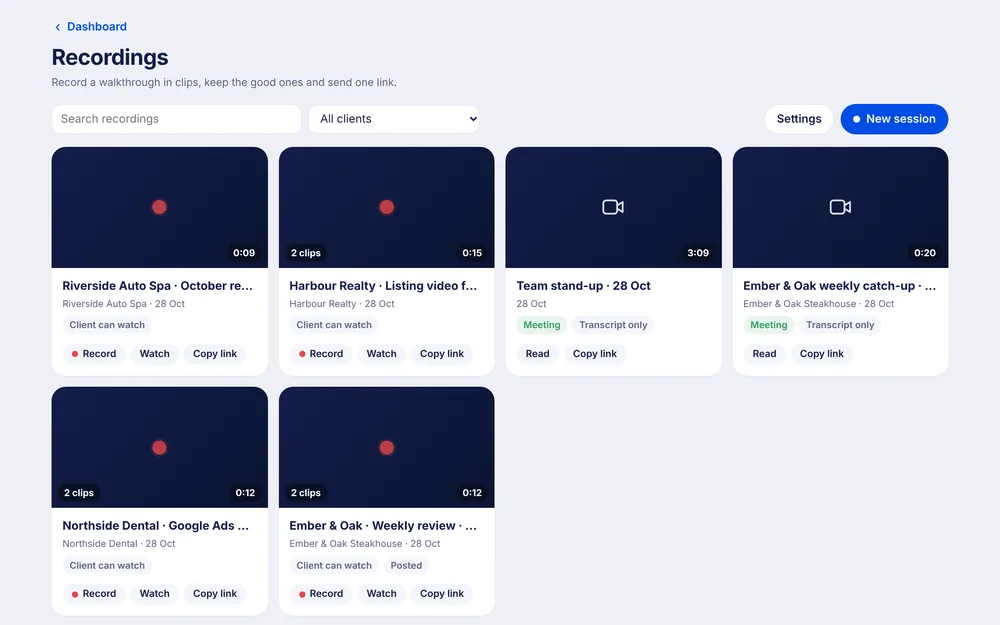
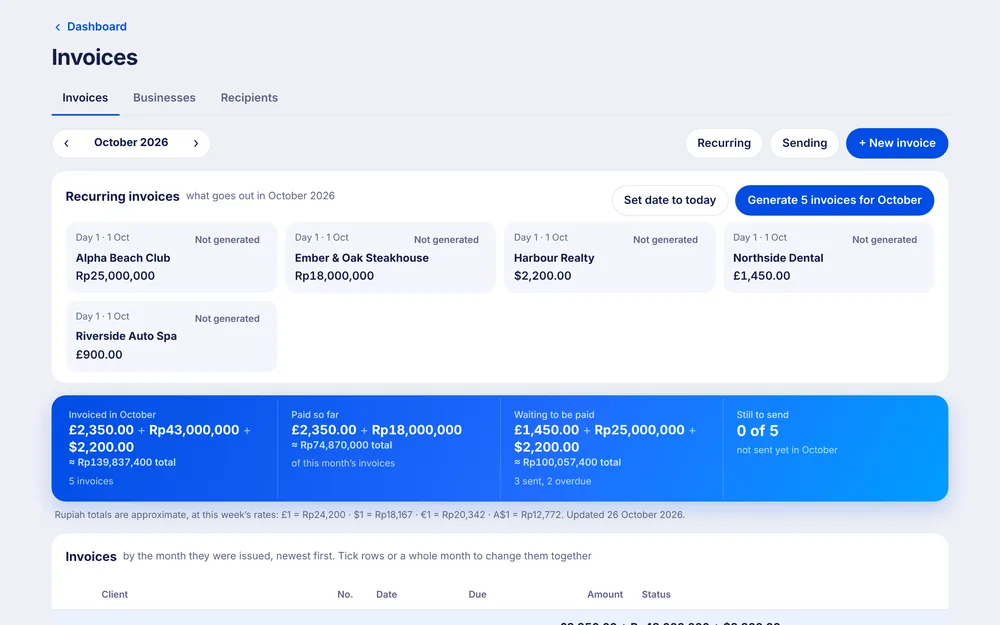
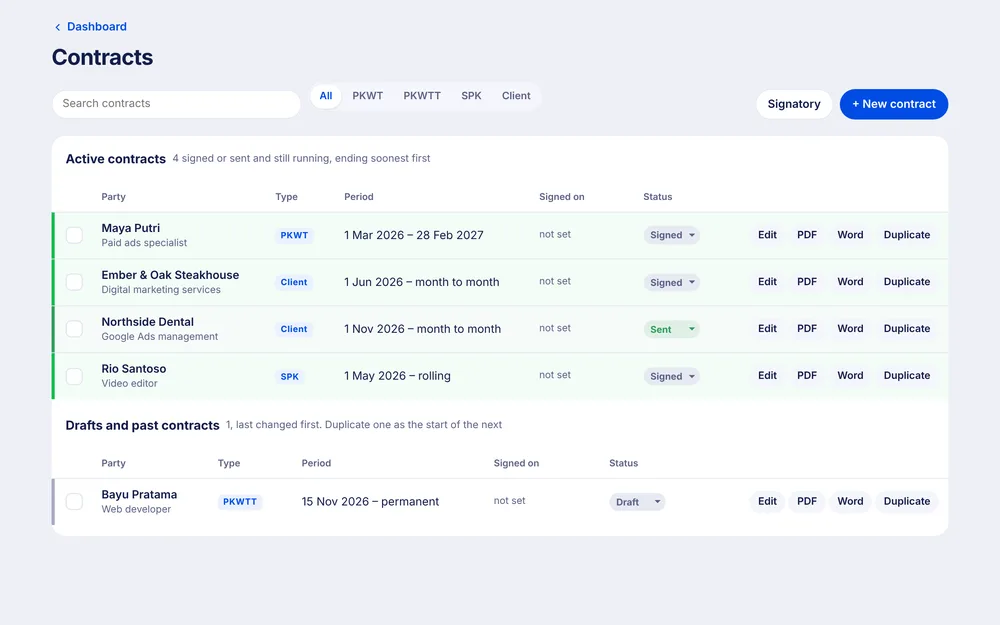
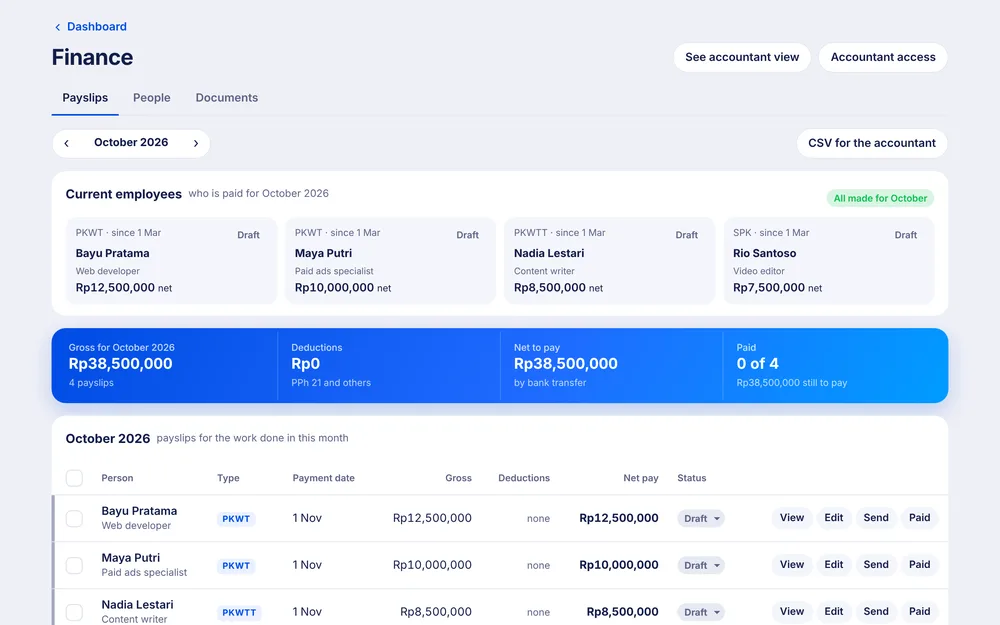
A brief in Docs becomes a task in Tasks, sits beside the client’s dashboard and shares its letterhead with your invoices and contracts. One login, one look.

Coming next
Less formatting. Better writing.
Docs is coming to Metrcs soon. Join the waitlist and we’ll let you know when your team can start writing.