Invoices, without the admin.
Every invoice on one timeline, grouped by month, with its status in colour. Recurring clients take one click a month, and sending takes one more.
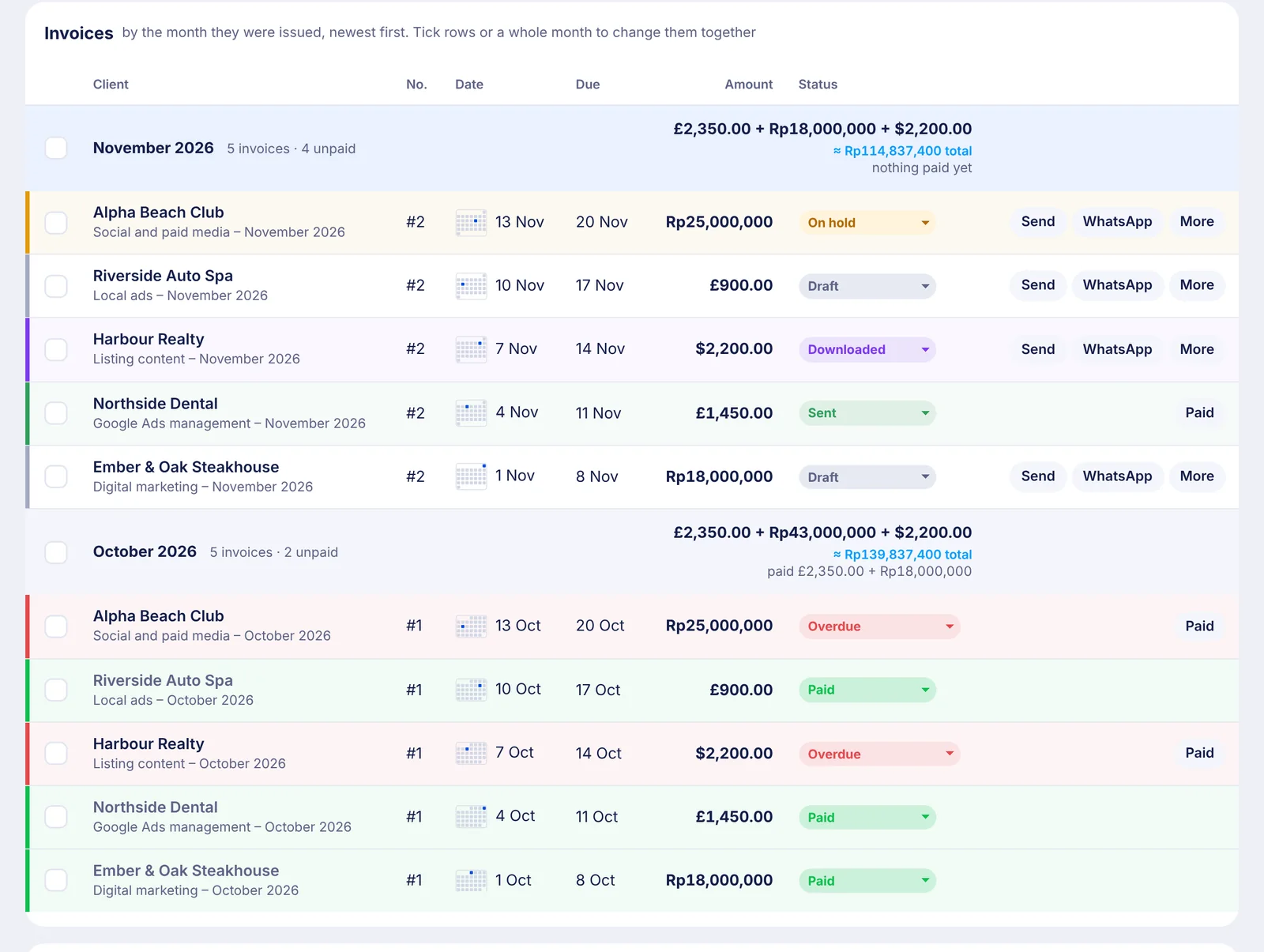
One list. That’s the whole app.
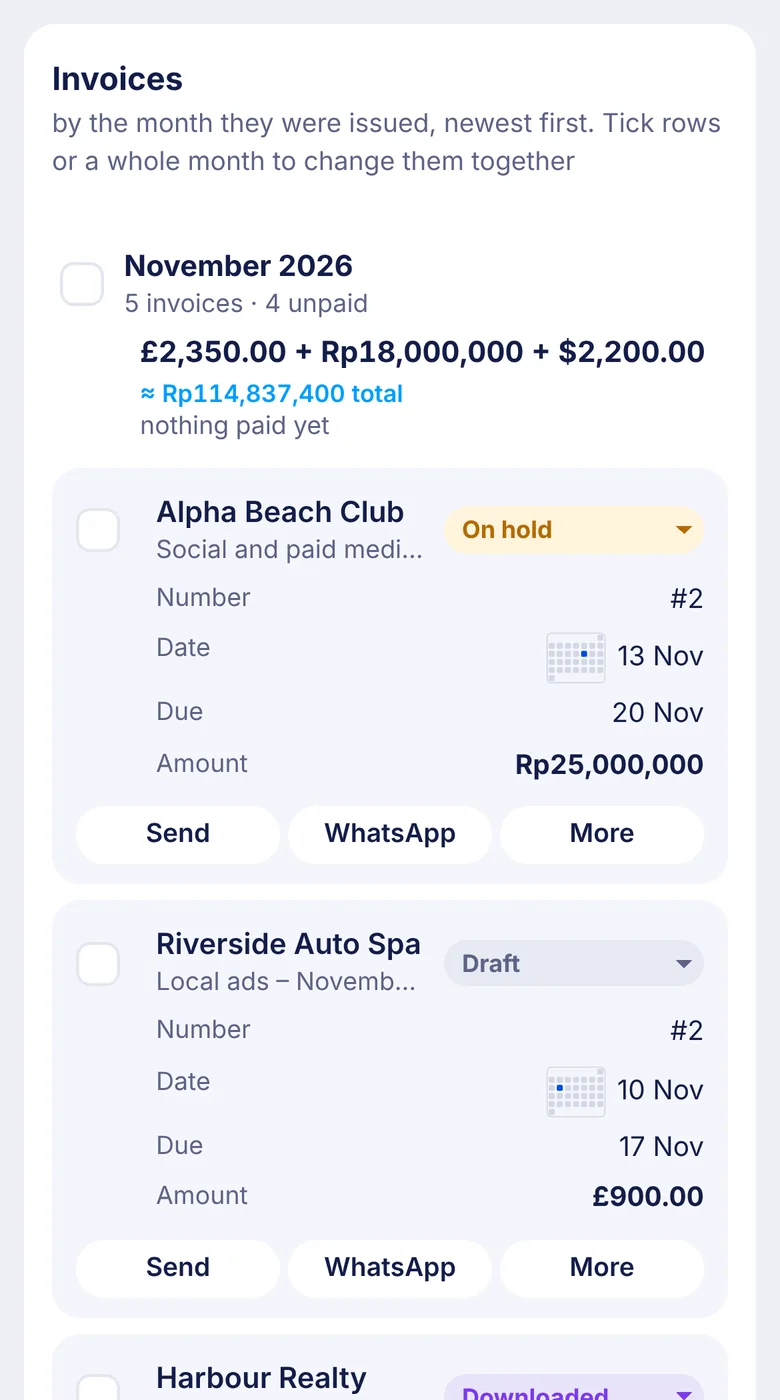
No separate screens for drafts, sent and paid. Every invoice lives on one timeline, newest first, grouped by the month it was issued.
- Status you can read from across the room. Each row carries a coloured edge and a soft tint: grey for draft, purple when downloaded, green when sent, bright green when paid, red when overdue.
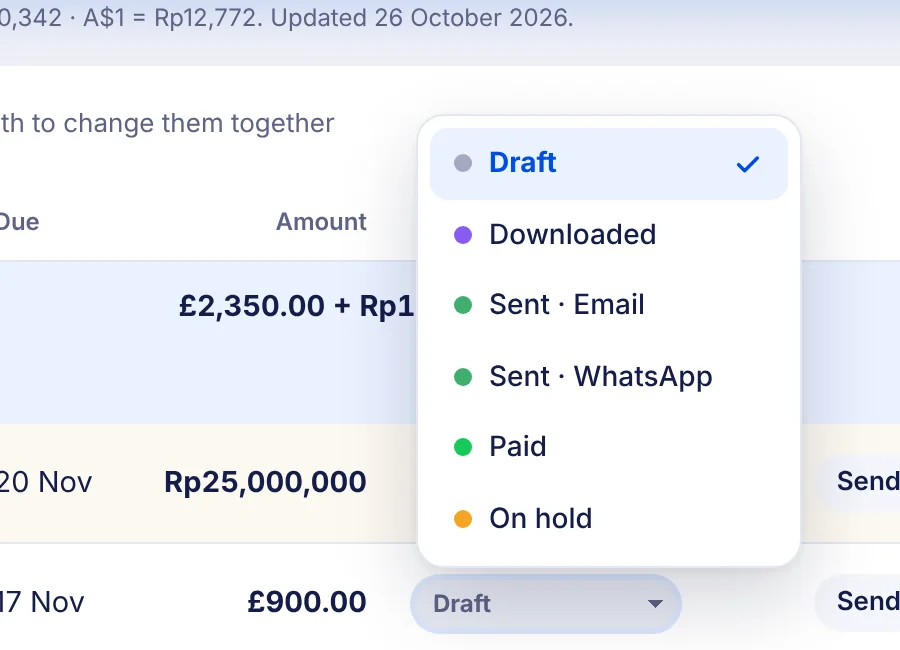
- Change it in one click. Every row has its status right there. Sent by email or by WhatsApp, it remembers which.
- Dates at a glance. A tiny month calendar beside each date shows whether it went out at the start, middle or end of the month.
- Totals that add up. Each month shows what was invoiced and what’s been paid, across every currency.
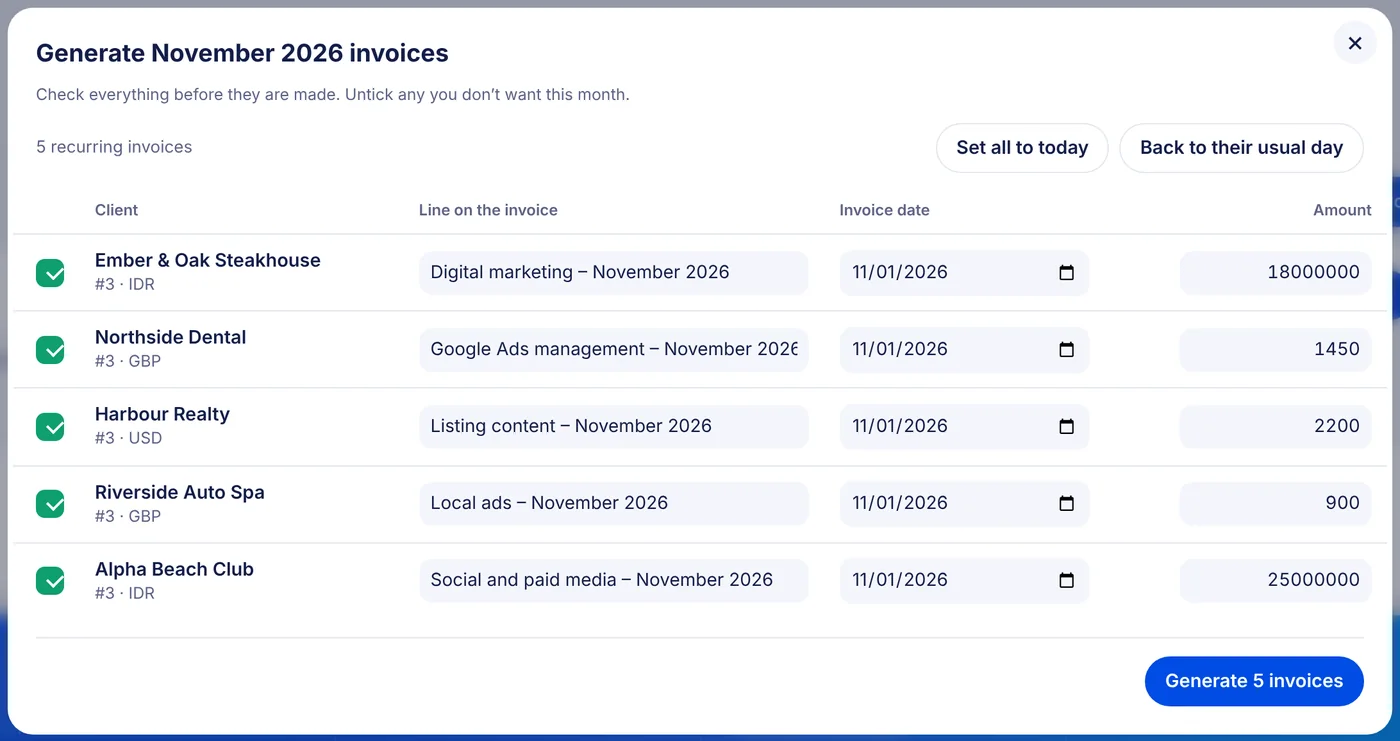
The first of the month, in one click.
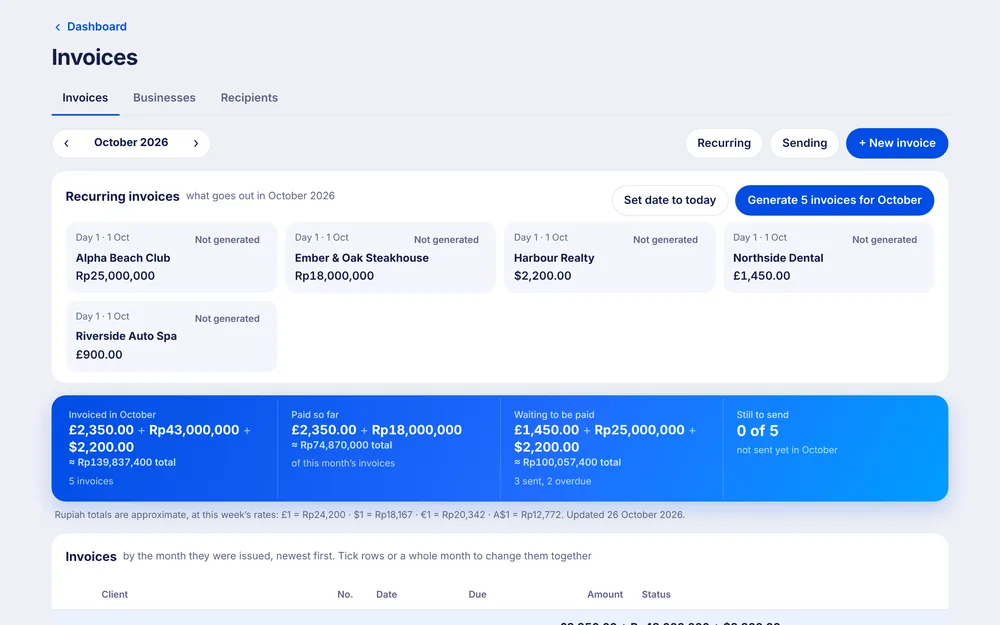
Your retainers sit at the top of the page. Nothing is ever made on its own: you press Generate when you’re ready, and check every invoice before it exists.
- A quick review first. See every line, date and amount. Change anything, or untick a client to leave them for later.
- Today or their usual day. Date them all today with one switch, or keep each client’s usual day.
- Ready to send. The new invoices come back already ticked, so downloading or emailing them is the next click.
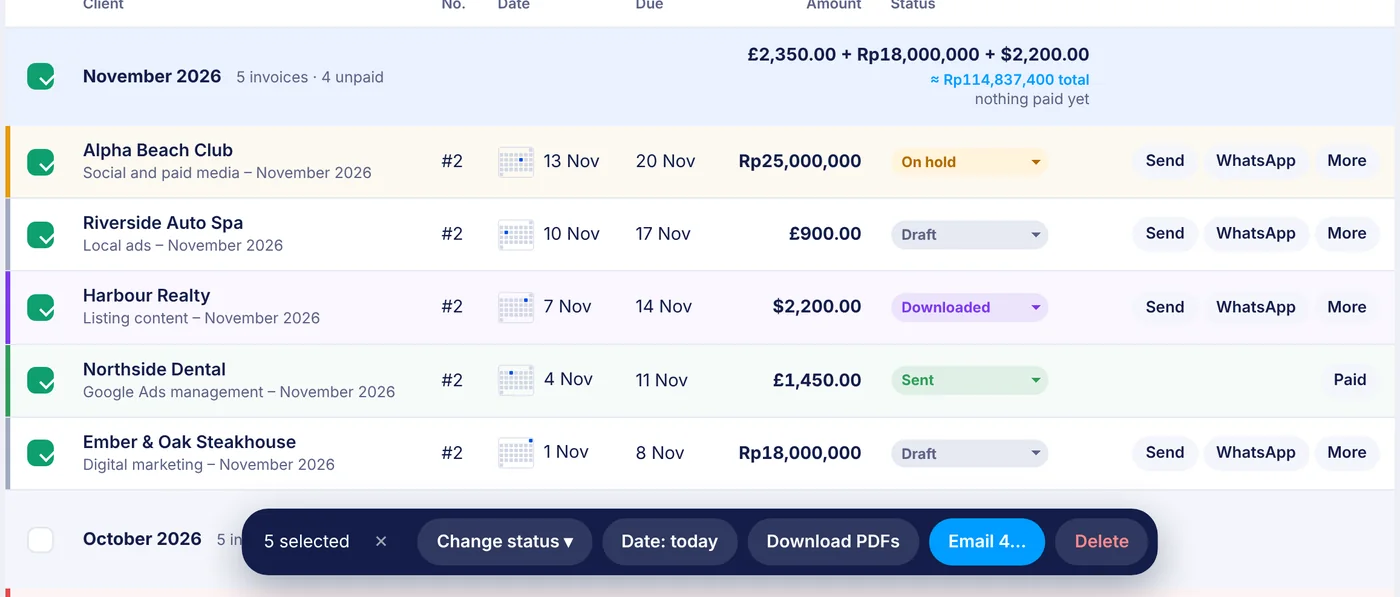
Tick a month. Do the lot.
Tick rows, shift-click a run, or tick a whole month. A bar slides up with everything you can do to them together.
- Change the status of all of them. Mark a month paid when the transfers land.
- Download every PDF. One file per invoice, no zip to unpack.
- Email the unsent ones. Send them all now, or save them as Gmail drafts to look over first.
Built so the first of the month stops being a chore.
We send invoices to clients in three currencies, from two businesses, by email and WhatsApp. Spreadsheets and invoice apps made that feel like a monthly tax.
So Invoices does one thing well: shows you where every invoice stands, and gets the next ones out the door in a couple of clicks. No accounting jargon, no dashboards to decode.
Your accountant gets a read-only view and tidy PDFs. You get your evenings back.
Small things, done properly.
The bits you only notice when another tool doesn’t have them.
Numbers you never type
Each client’s invoices are numbered in order, automatically. Move one to another client and it takes their next number.
PDFs in a blink
Drawn right in your browser with your logo and payment details. One file per invoice, named so your accountant can find it.
Email in your own words
Your usual subject, greeting and signature, the PDF attached. Send it, save it as a Gmail draft, or send a test to yourself first.
WhatsApp ready
One button opens the client’s chat with the message typed and the PDF downloaded, ready to drop in.
Every currency
Rupiah, pounds, dollars and more on the same timeline, with an approximate total at this week’s rates.
More than one business
Invoice as your company or as yourself, each with its own details, payment lines and sending account.
Receipts attached
Drop in screenshots of ad spend or receipts and they become extra pages at the back of the PDF.
Honest dates
An invoice dated before the day it was made carries a small clock icon, so nothing looks quietly backdated.
Fine on a phone
Every invoice becomes a tidy card. Mark one paid from the car park.
Check who’s paid from anywhere.
On a phone every invoice becomes a card, with its status at the top and Send, WhatsApp and More underneath. No pinching, no sideways scrolling.
Invoices is one part of Metrcs.
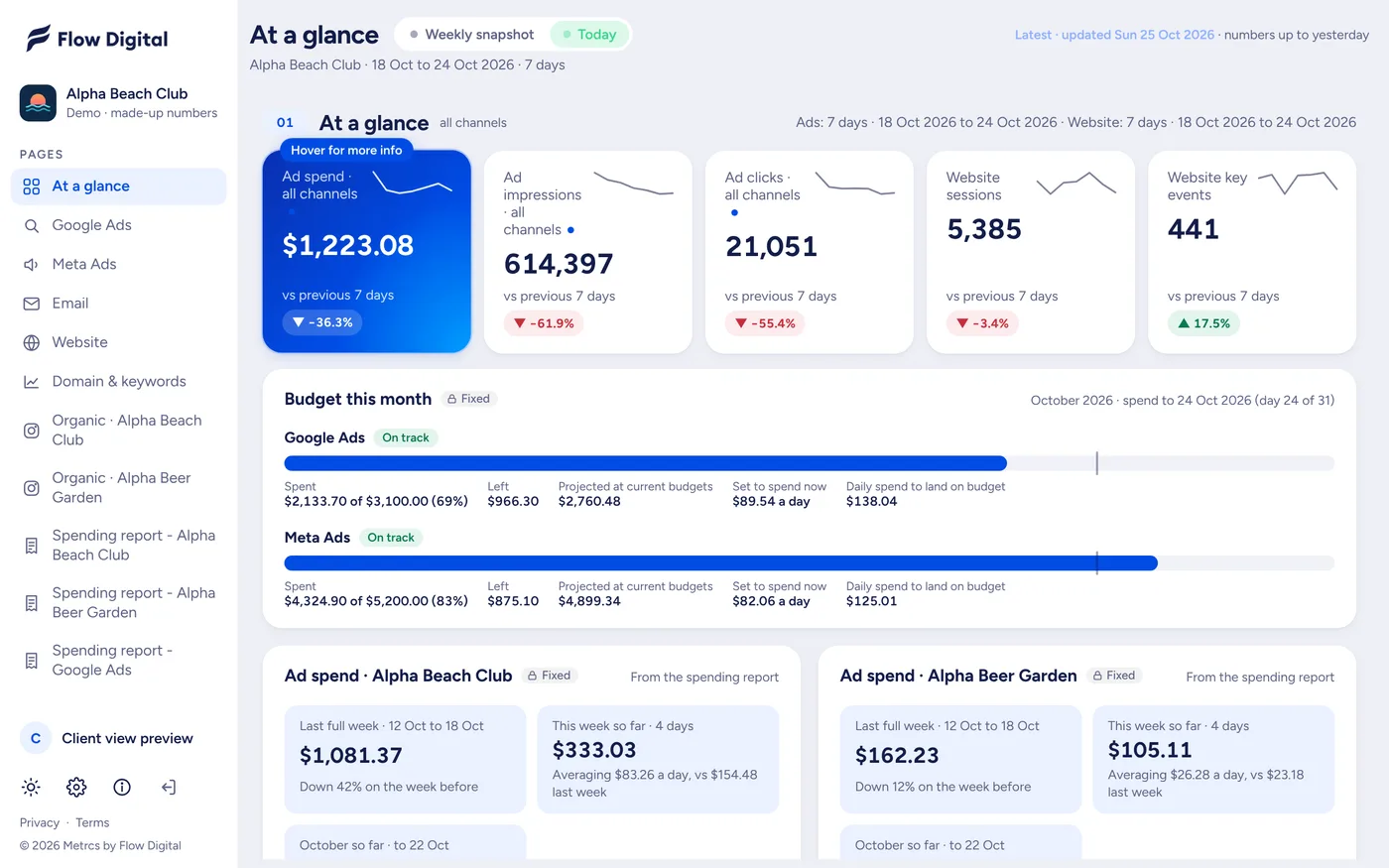
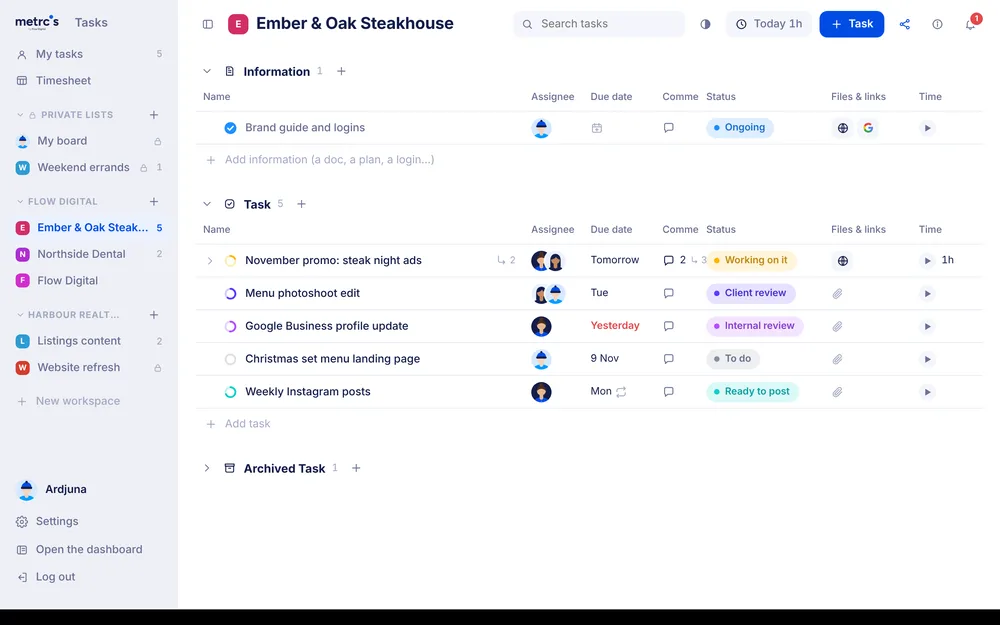
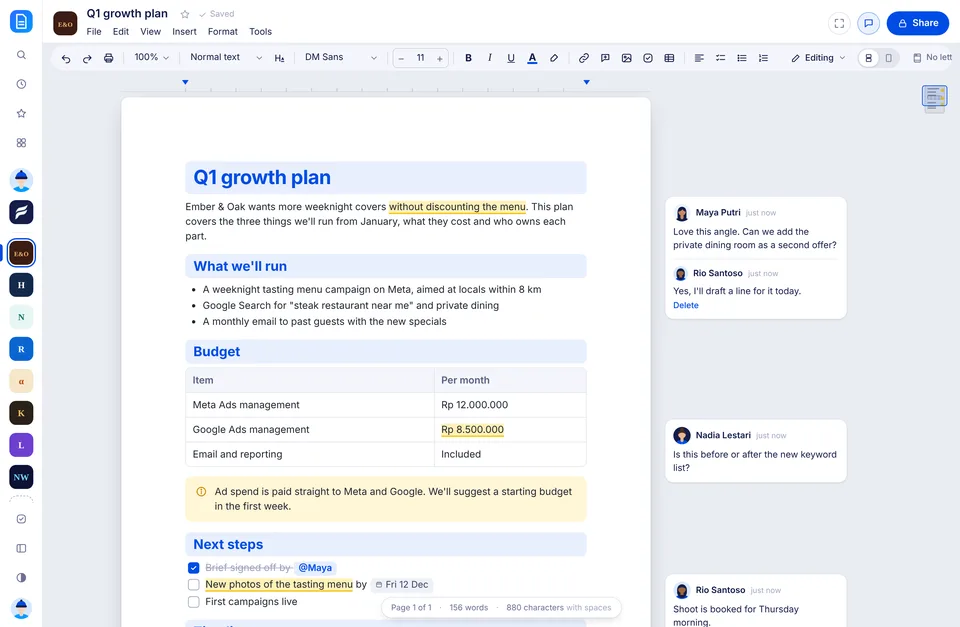
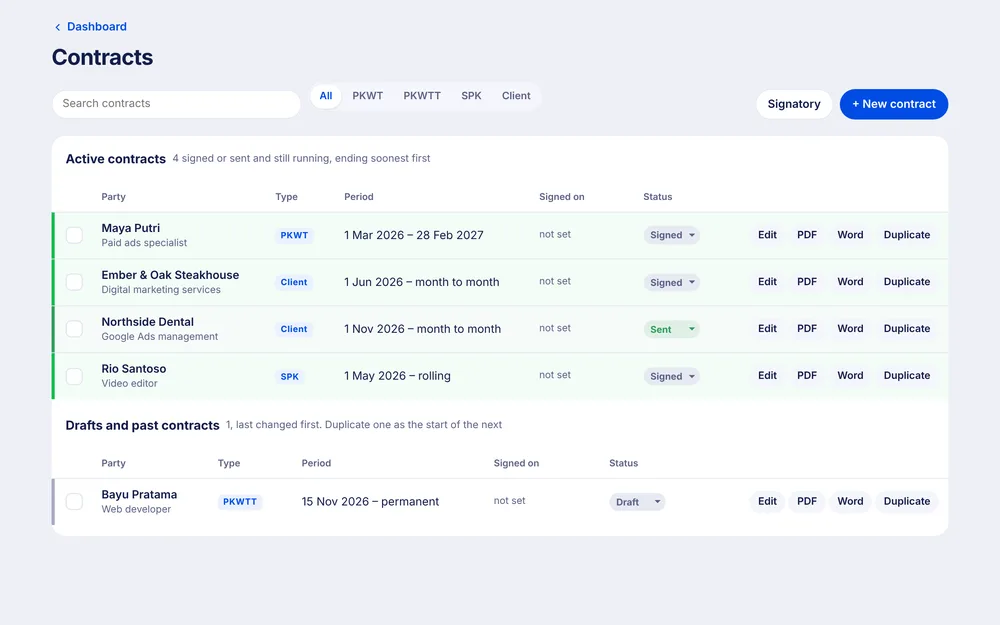
Your invoices share their clients with the dashboards, their letterhead with contracts and payslips, and their PDFs with your accountant’s view. One login, one look.

Coming next
Less admin. Paid on time.
Invoices is coming to Metrcs soon. Join the waitlist and we’ll let you know when your team can start.