Your meetings, beside your work.
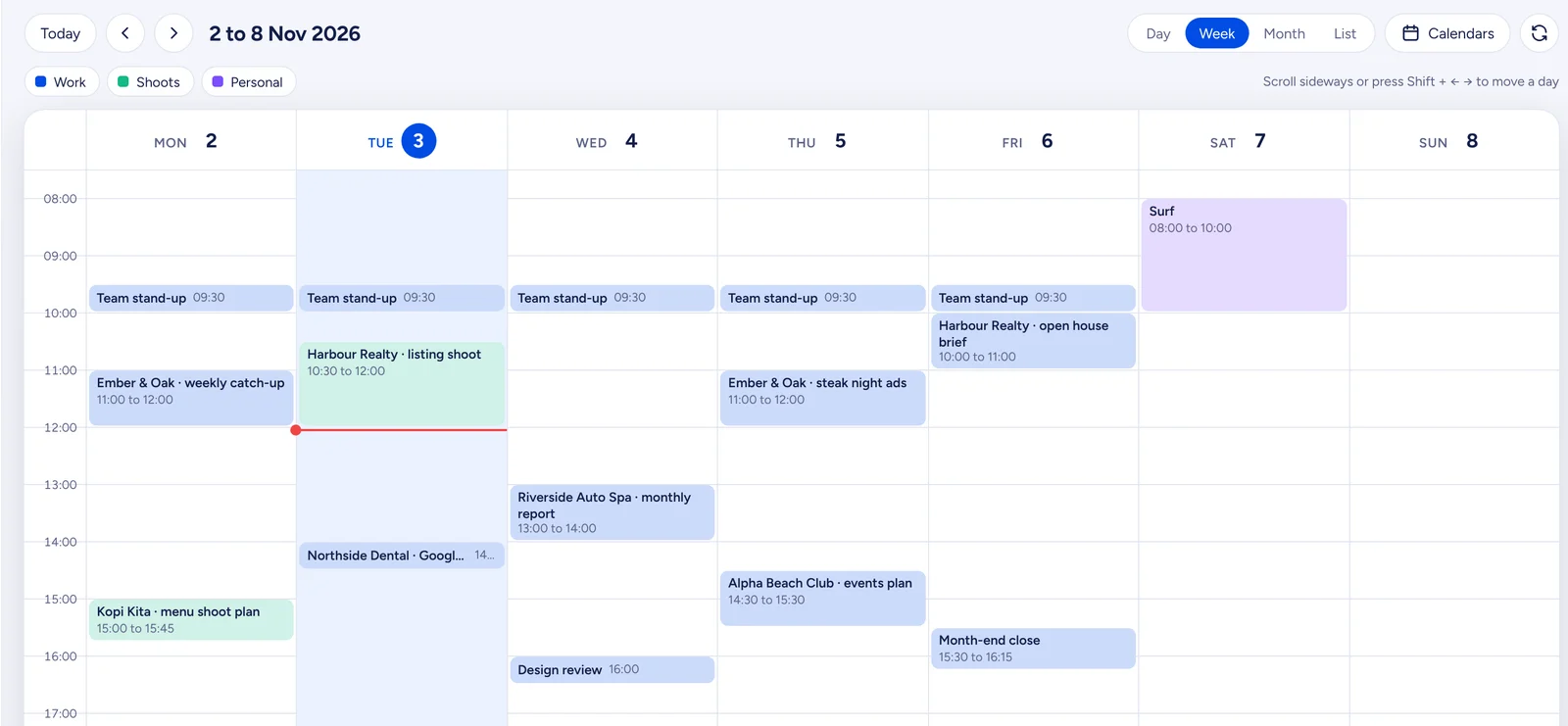
Bring your Google, Outlook or iCloud calendars into Metrcs. Your next meeting sits under your name on every page, with a Join button when it’s time.
No more switching tabs to check the time.
Calendar reads the calendars you already use. Nothing to move, nothing to sync by hand.
Add a calendar in seconds
Paste the private link from Google, Outlook or iCloud. Add as many as you like, each in its own colour.
Next meeting, always in view
What’s on now and what’s next, right under your name. Join appears 15 minutes before.
A week that moves with you
Any seven days, a day at a time. Swipe on a phone, scroll on a computer.
Six small things that keep your day on time.
Calm by design: it shows your meetings and stays out of the way.
Your next meeting, always in view
A small bar under your name shows what’s now and what’s next. Join appears 15 minutes before.
Any seven days
Swipe or scroll and the week moves a day at a time. Today and the arrows jump a whole week.
Google, Outlook or iCloud
Paste your calendar’s private link and your meetings appear. Add as many calendars as you like.
A colour for each calendar
Work, shoots and personal side by side, each in its own colour, so the day reads at a glance.
Repeats, sorted
Weekly stand-ups, monthly reviews and the odd one-off all land on the right days.
Join with the right account
Google Meet links open in the Google account the calendar belongs to. No more “ask to join”.
One less tab to keep open.
Your calendar app is full of reminders, invites and settings. Most days you only need to know one thing: what’s next, and how to join it.
So Calendar shows exactly that, on every page of Metrcs, with the full week a click away. It reads your calendars and leaves them as they are.
Each person sees only their own calendars.
Calendar is one part of Metrcs.
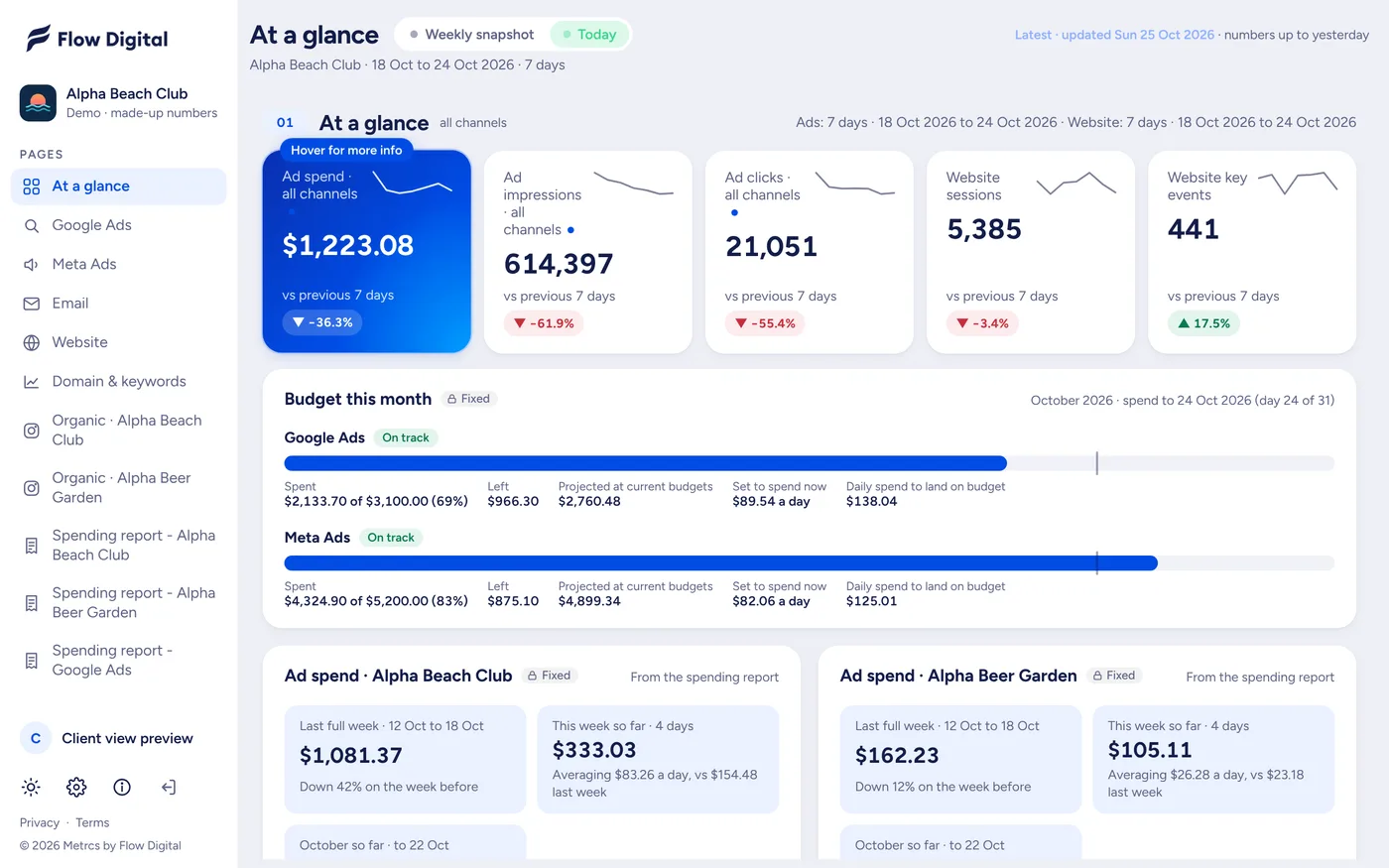
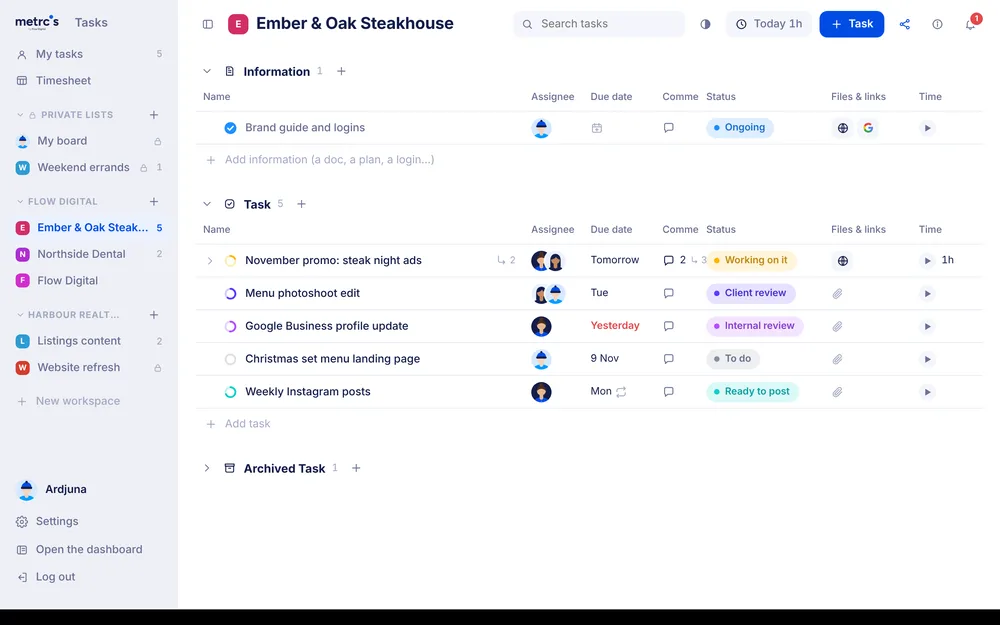
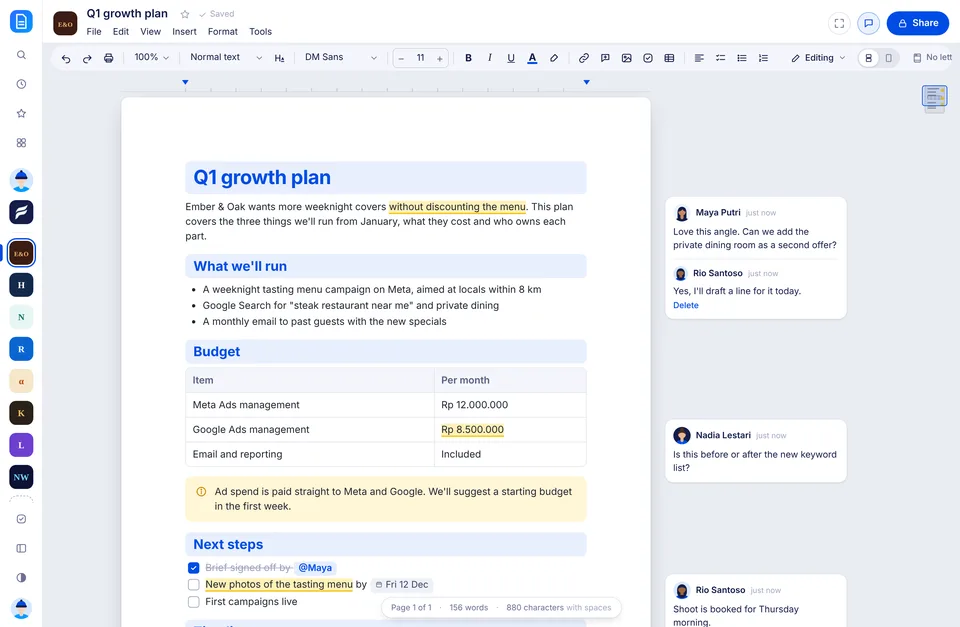
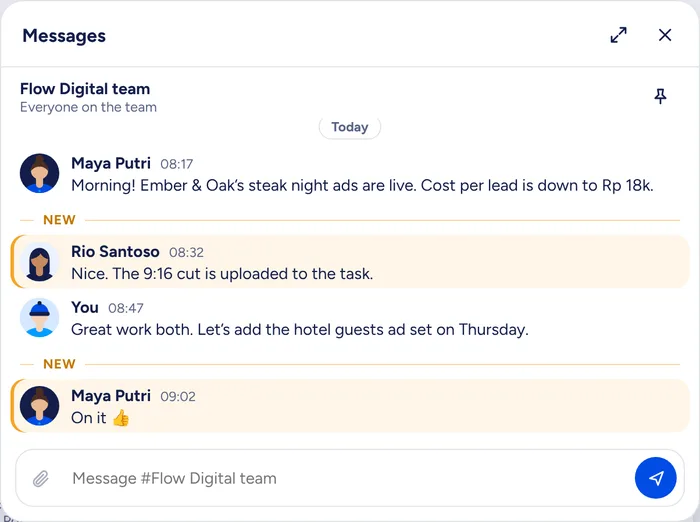
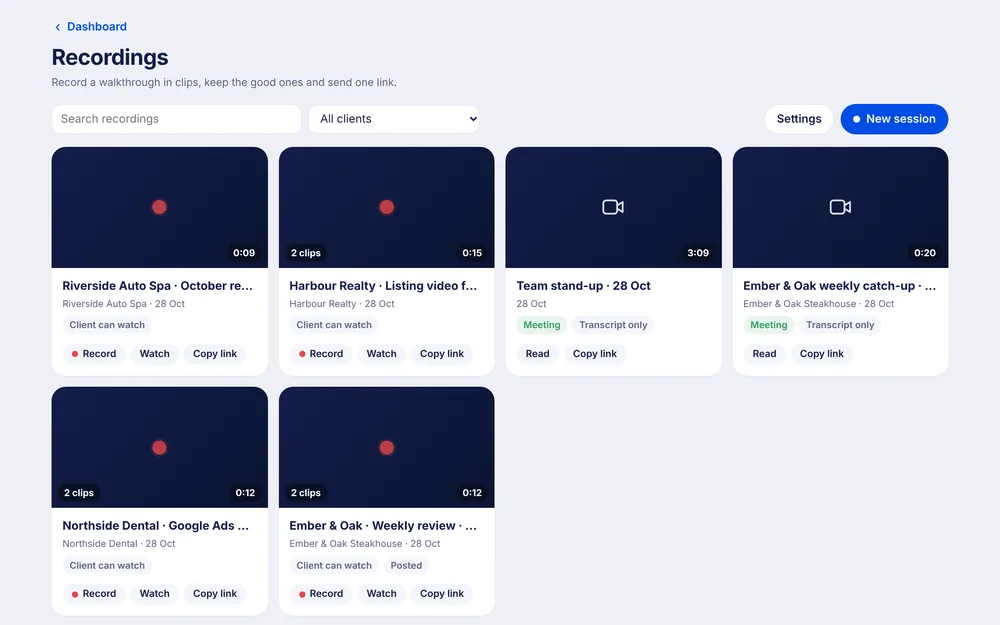
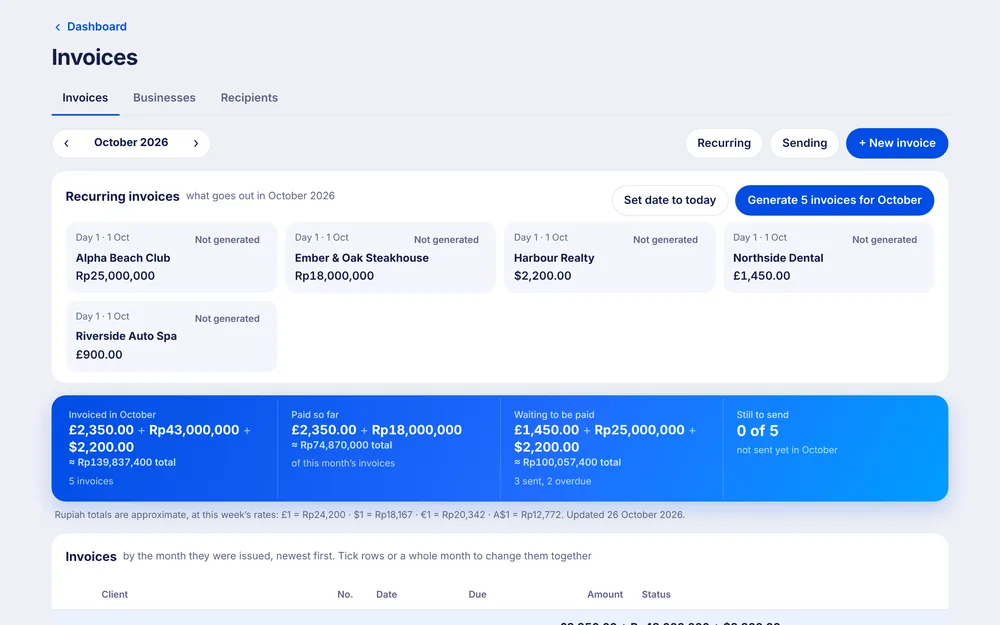
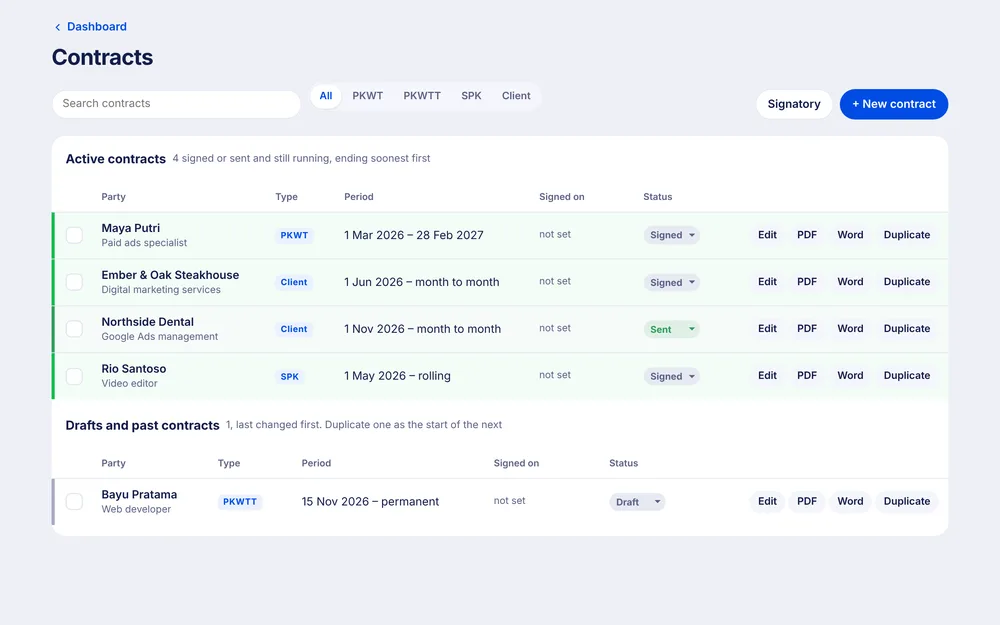
Your meetings sit under your name on the dashboard, next to Tasks, Messages and the rest. One login, one look.

Coming next
Never late to a client call again.
Calendar is part of Metrcs. Join the waitlist and we’ll let you know when your team can start.