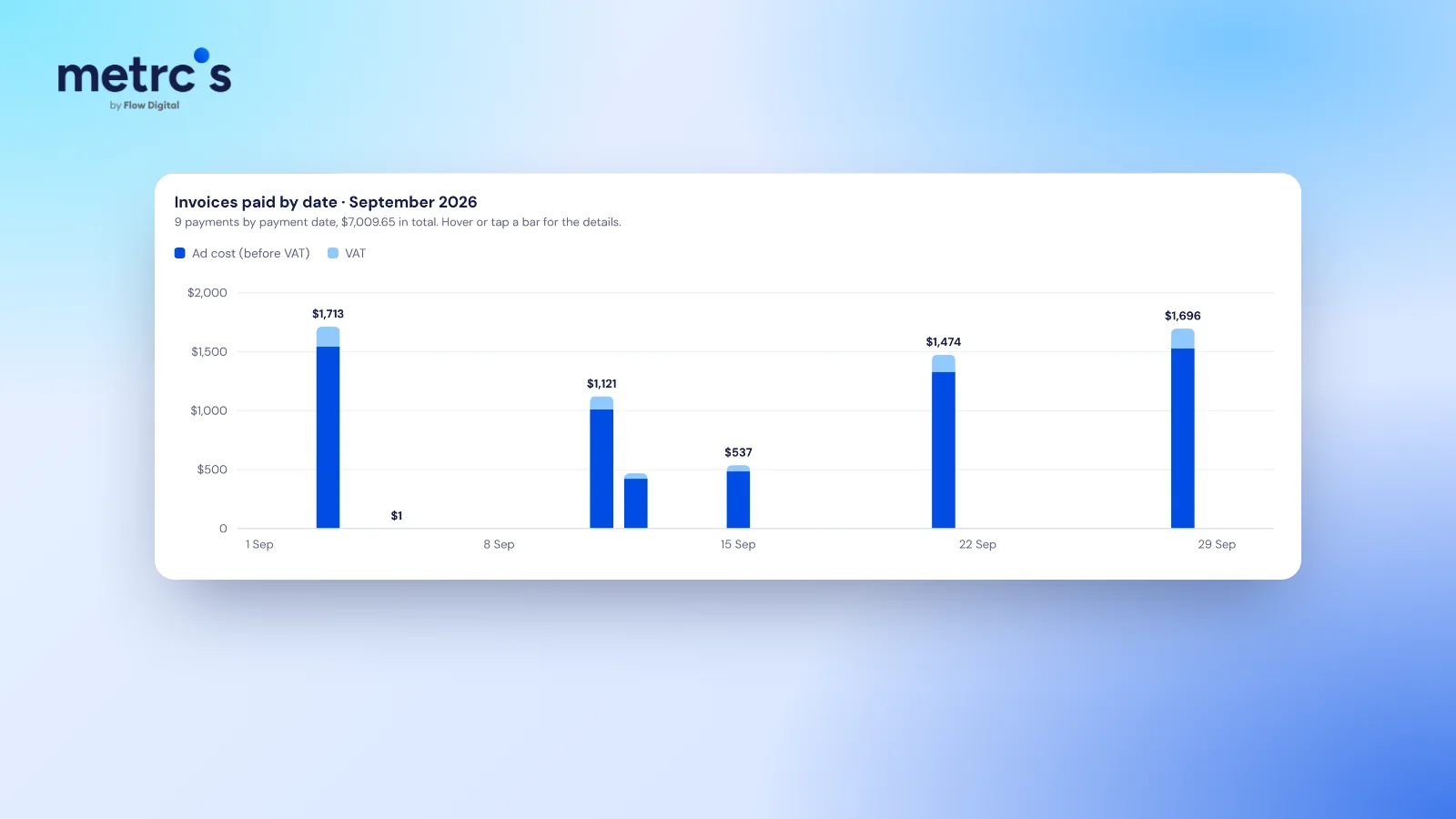
Ad spend and card charges rarely match because ad platforms report what you spent each day, while they charge your card in batches, sometimes with tax added and in a different currency. Over a full month the two get close, but on any given day or week they won't line up. Reconciling them means matching charges to invoices, not to daily spend.
Spend is daily, charges are batched
Meta charges your card when your accumulated spend reaches your billing threshold. New accounts often start with a low threshold, so you can see several charges in one day. As the threshold rises, charges get bigger and less frequent. Google Ads works in a similar way with automatic payments.
So a charge on the 3rd of the month can cover spend from the last days of the previous month, and the final days of this month will be charged next month.
Five other reasons the totals differ
- Tax. Platforms report spend before tax. Depending on your country and billing setup, VAT or another tax may be added to the charge.
- Currency conversion. If the ad account is billed in a different currency from the card, your bank converts it, often with a fee and a rate that moves daily.
- Failed payments. A declined charge is retried later. It can look like a double charge if you count the failed attempt.
- Credits and refunds. Platforms sometimes credit back invalid clicks or promotional amounts, which reduces later charges.
- Several ad accounts on one card. One business with two brands, or an agency card used for several clients, mixes charges from different accounts.
How to reconcile ad spend for finance
- Download or open the invoices or receipts for the month from each platform. Each one lists the amount, tax and the dates it covers.
- Match each card charge to an invoice by date and amount, not to daily spend.
- List failed payments separately, so nobody counts them as paid.
- Report ad cost and tax in separate columns. Finance needs both.
- Note the date range each charge covers at month boundaries, so spend is booked in the right month.
| Column | Why finance needs it |
|---|---|
| Date charged | Matches the card statement |
| Platform and account | Splits brands and clients |
| Ad cost (before tax) | The marketing expense |
| Tax | Reclaimable or reportable separately |
| Total charged | What actually left the account |
| Status | Paid or failed, so failed attempts aren't counted |
Making it a one-minute job
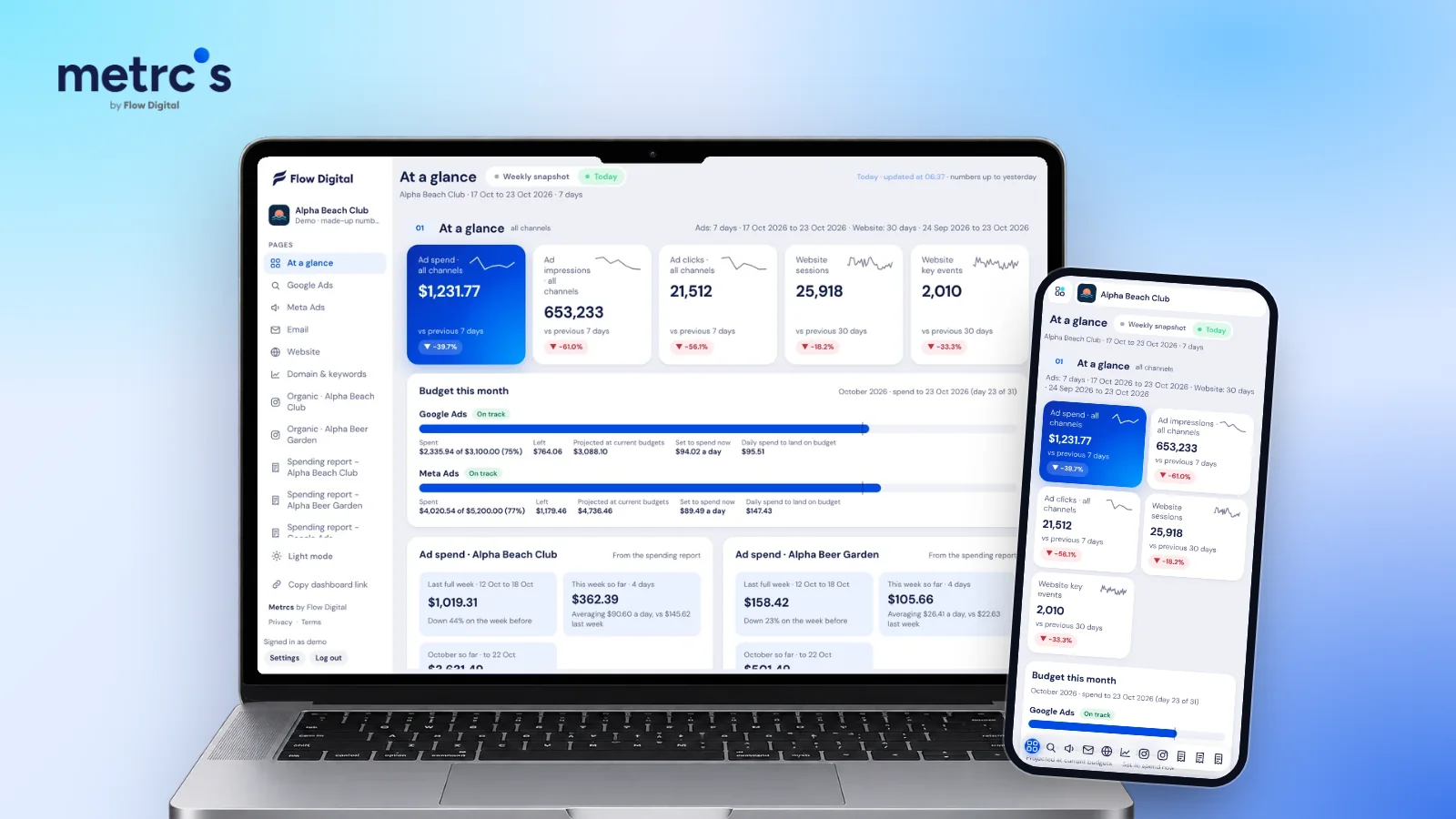
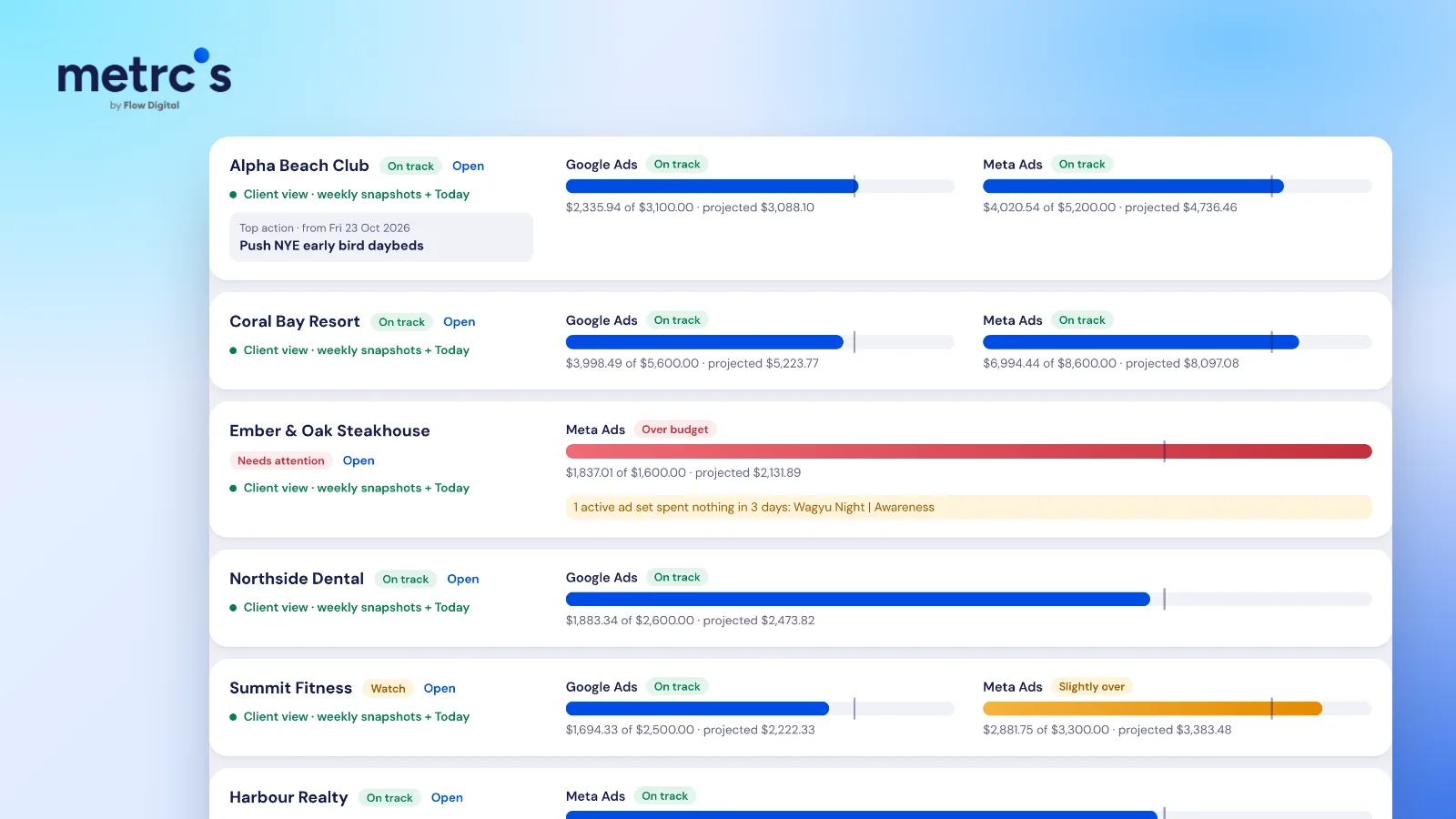
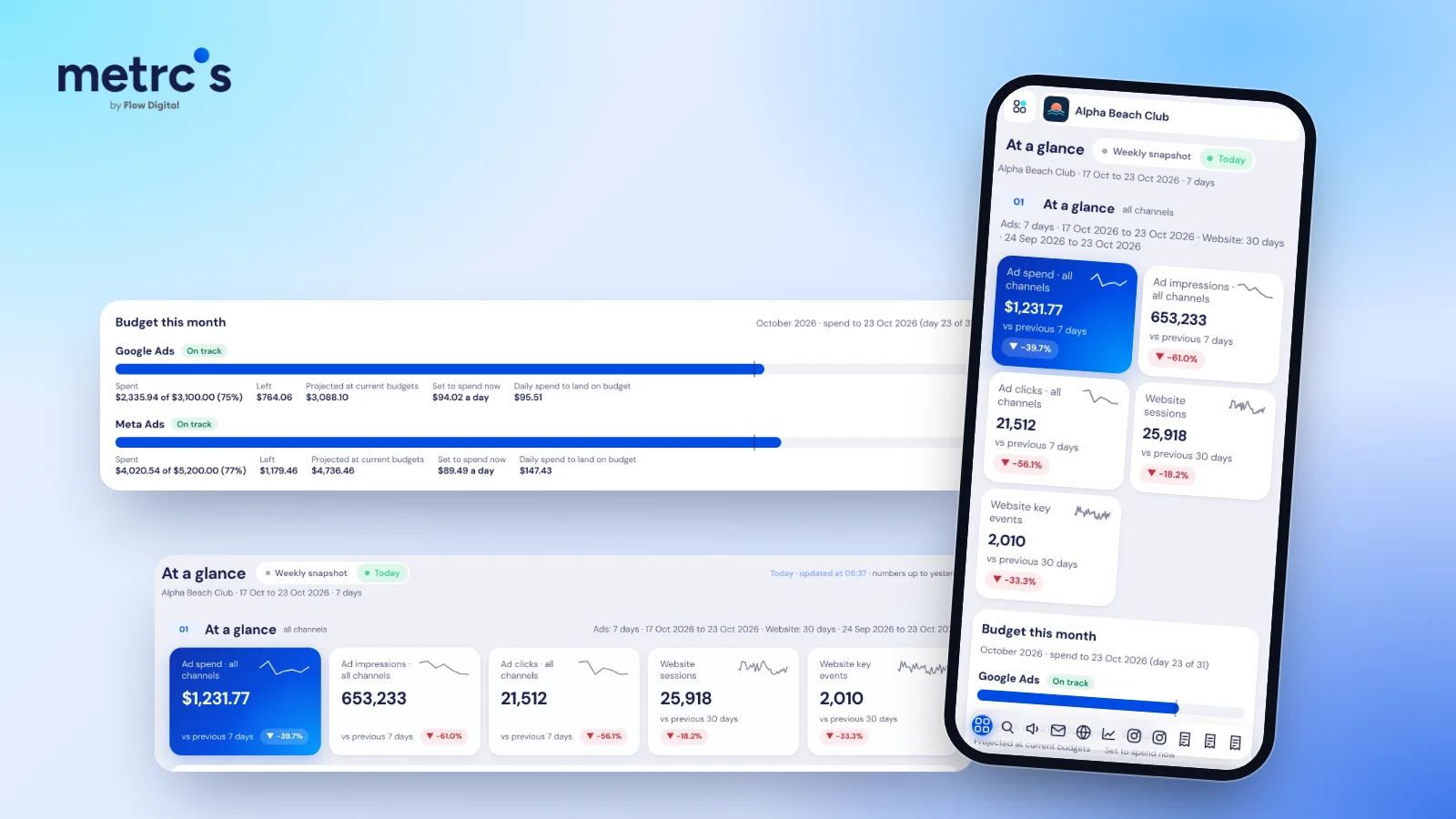
Collecting invoices from Meta and Google every month is slow, and it gets slower with every ad account. Metrcs ad spend reports list every charge by date with ad cost and tax shown separately, grouped by month, week or year, with failed payments listed on their own. Finance gets a page they can reconcile against the card statement, and the marketing team keeps tracking spend against budget with budget pacing.
Ardjuna founded Flow Digital, a marketing agency in Bali that runs ads, websites, email and content for its clients. He built Metrcs so the agency could see every client’s marketing on one page and spend less time on reports.