Budget pacing means checking, partway through the month, whether your ad spend is on course to land on budget, and adjusting daily budgets before it is too late. It takes two numbers: where the month will land at today's pace, and the daily spend you need from now on to finish exactly on budget.
The two formulas
Projected month-end spend = spend so far ÷ days gone × days in the month
Daily spend to land on budget = (monthly budget − spend so far) ÷ days left
A worked example
A client has a $3,000 monthly budget. On day 20 of a 30-day month, they have spent $2,100.
| Calculation | Result | |
|---|---|---|
| Pace so far | $2,100 ÷ 20 days | $105 a day |
| Projected month-end | $105 × 30 days | $3,150, or $150 over |
| Left to spend | $3,000 − $2,100 | $900 |
| Daily target from now | $900 ÷ 10 days | $90 a day |
Lowering daily budgets from about $105 to $90 brings the month in on budget.
Why platforms don't spend exactly your daily budget
Google Ads treats your budget as an average. On a given day a campaign can spend up to twice its average daily budget to catch busy traffic, but across a month you won't be charged more than 30.4 times the average daily budget. Meta also lets daily spend move up and down with demand. That's why daily spend looks uneven, and why pacing against the month matters more than any single day.
When to check, and what to do
- Around day 10: early warning. A campaign that hasn't spent at all is usually stuck in review, out of payment or limited by targeting.
- Mid-month: the main adjustment. There are still enough days left for a change in daily budget to land the month.
- Final week: fine-tune only. Big changes late in the month can push the platform into spending too fast or too slowly.
| If the projection is | Do this |
|---|---|
| Within about 5% of budget | Leave it |
| Well over budget | Lower daily budgets to the daily target, starting with the weakest campaigns |
| Well under budget | Raise daily budgets on the campaigns with the best cost per result |
| Zero on an active campaign | Check delivery, payment and ad approval today |
Budgets that change mid-month
When a client increases or cuts the budget partway through the month, recalculate from that point: the new remaining budget divided by the days left. Keep a note of the date and the new figure so month-end reports make sense.
Pacing every account at once
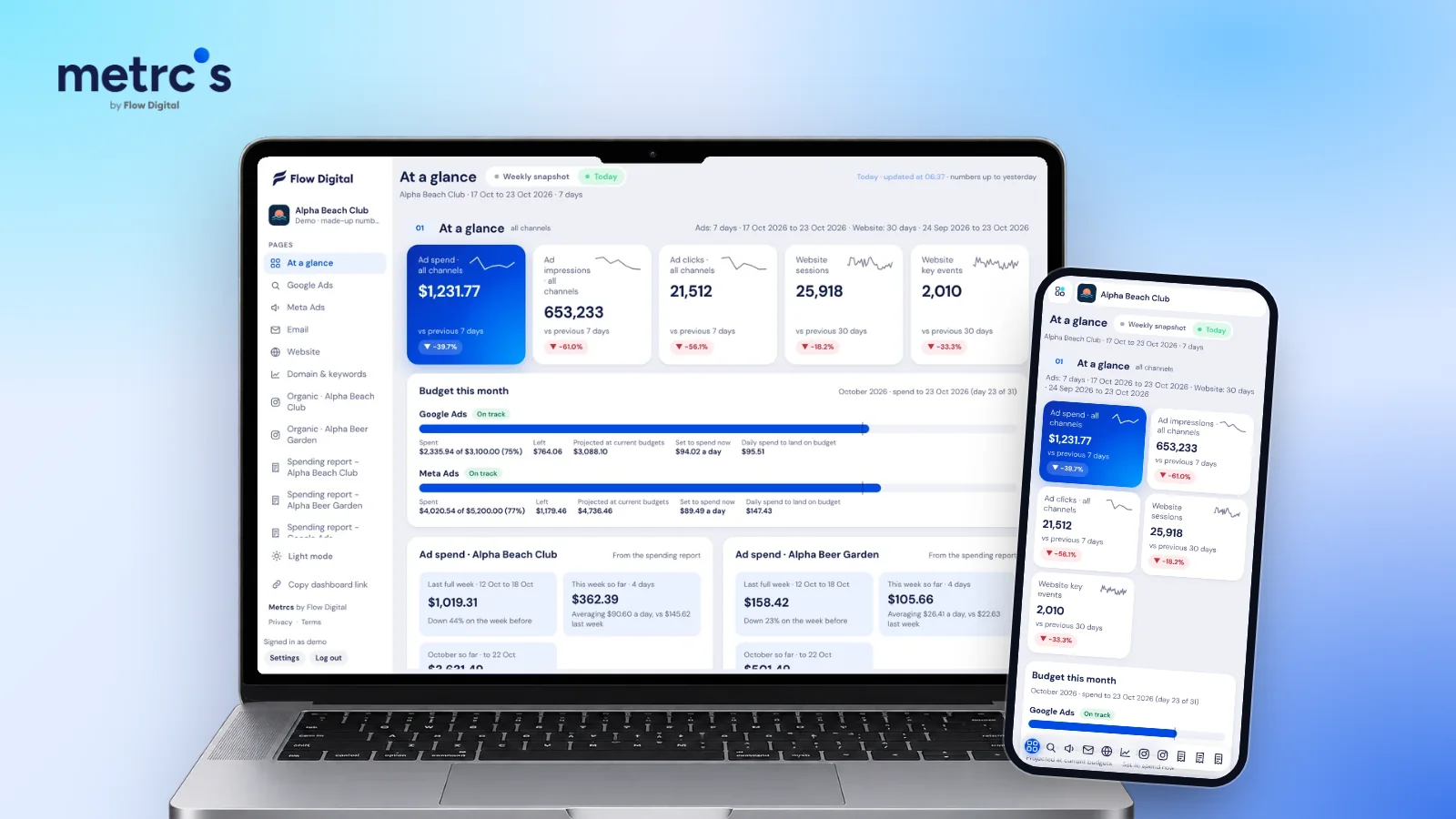
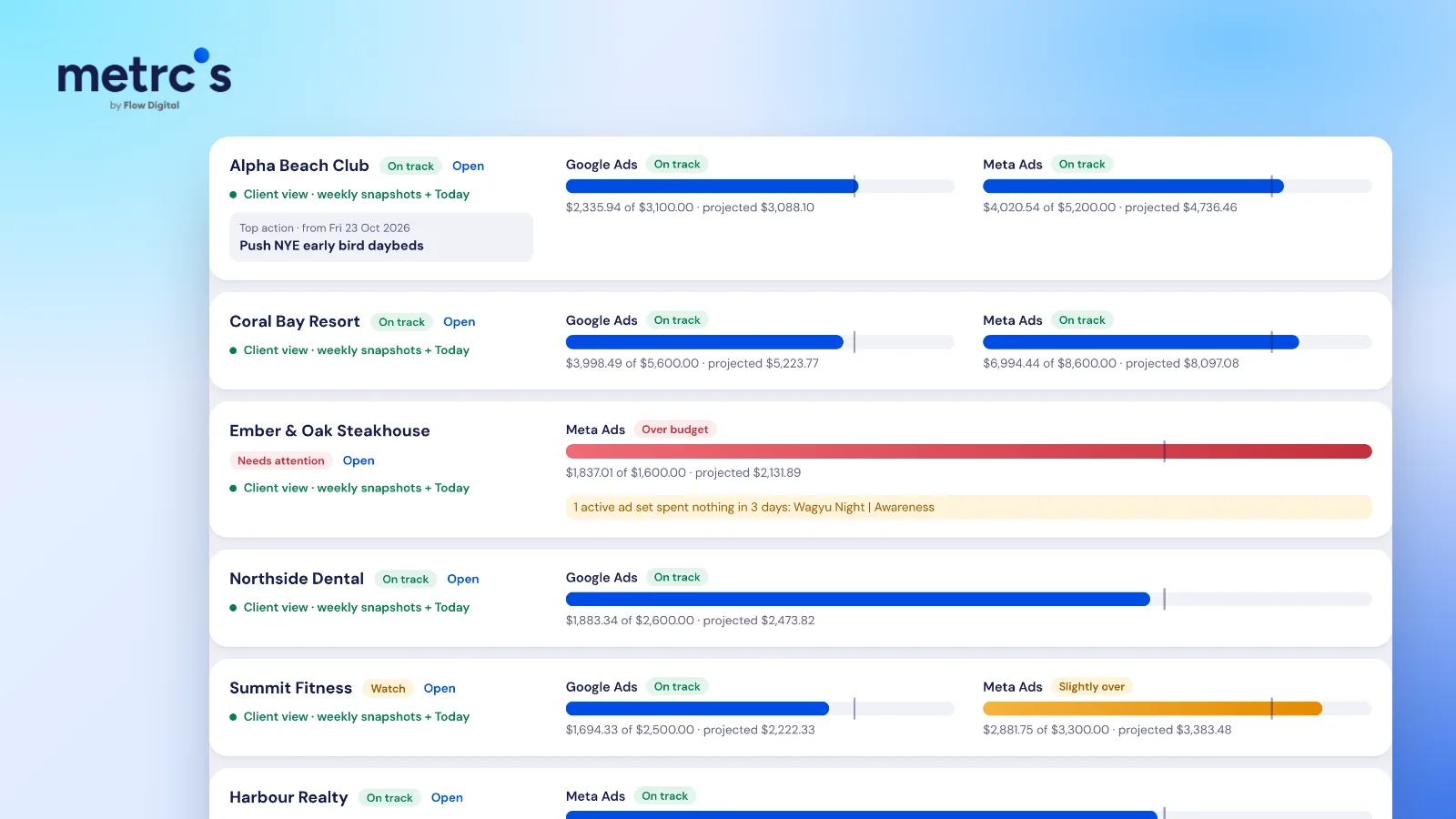
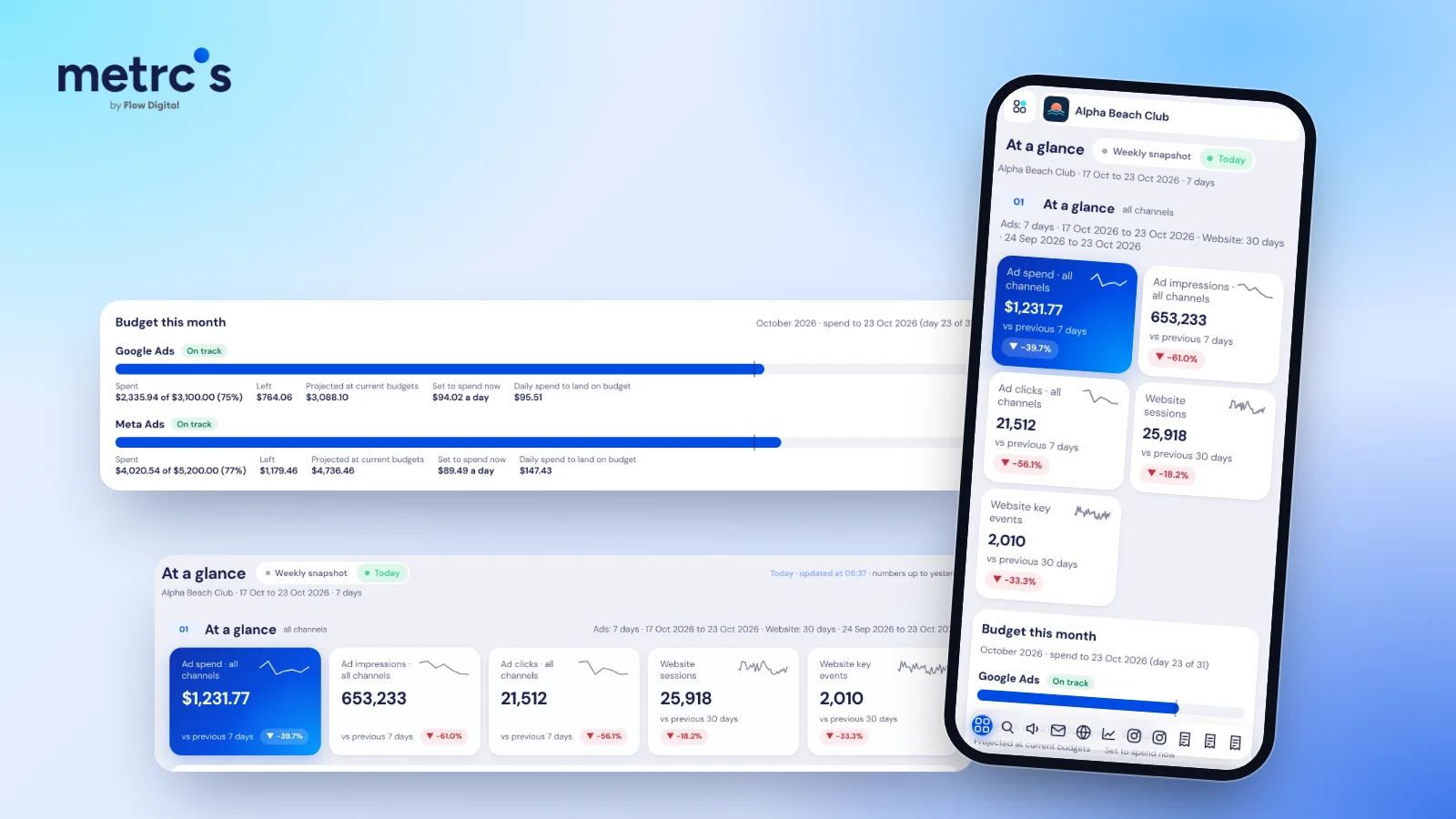
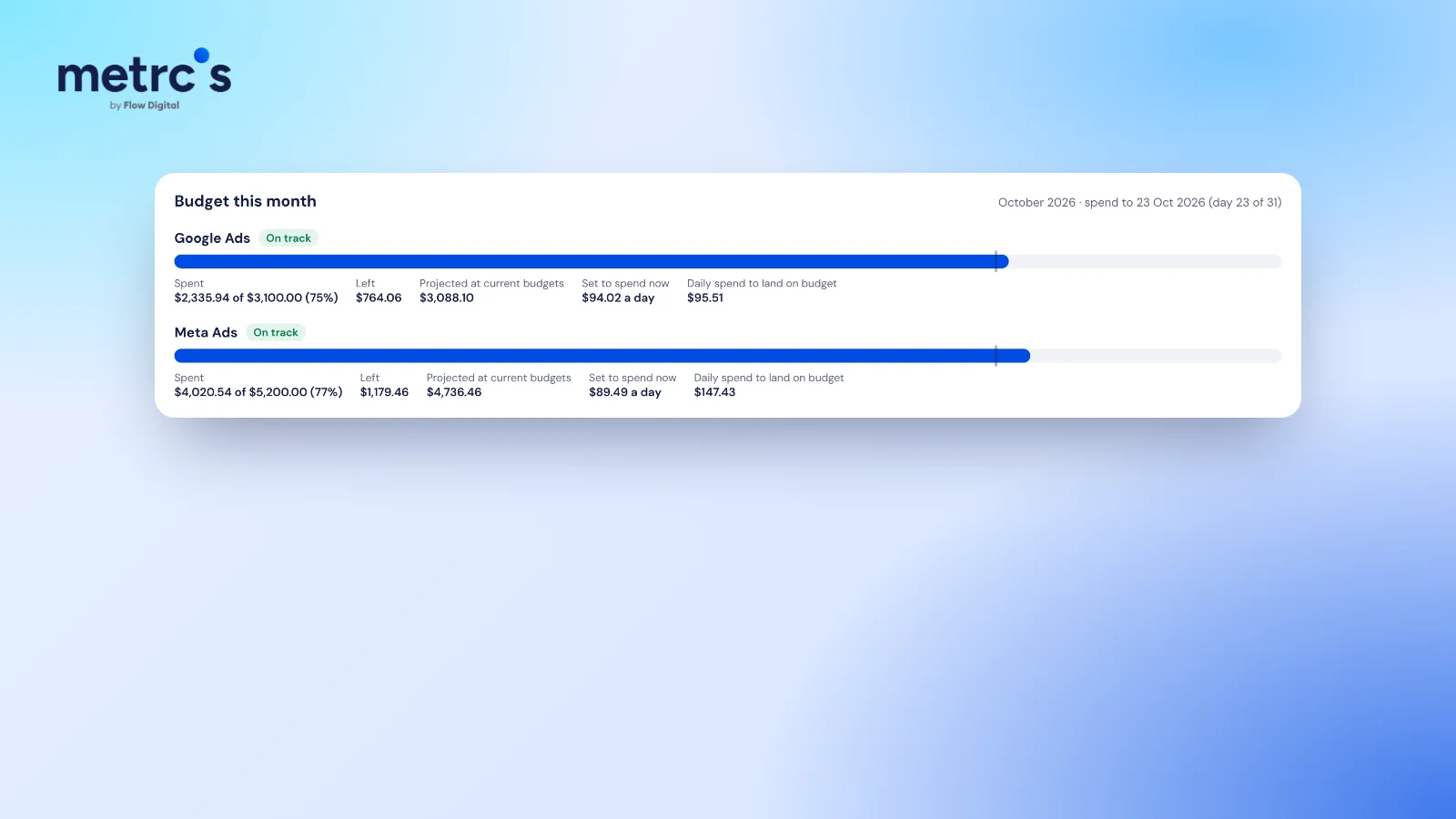
Doing this by hand for one account is quick. Doing it for ten clients across Google and Meta every few days is where it slips. Metrcs shows Budget this month for every channel, with spend so far, what's left, the projection at today's pace and the daily spend needed to land on budget. The agency view flags anything over budget or not spending, and finance gets the actual charges from the ad spend reports.
Ardjuna founded Flow Digital, a marketing agency in Bali that runs ads, websites, email and content for its clients. He built Metrcs so the agency could see every client’s marketing on one page and spend less time on reports.