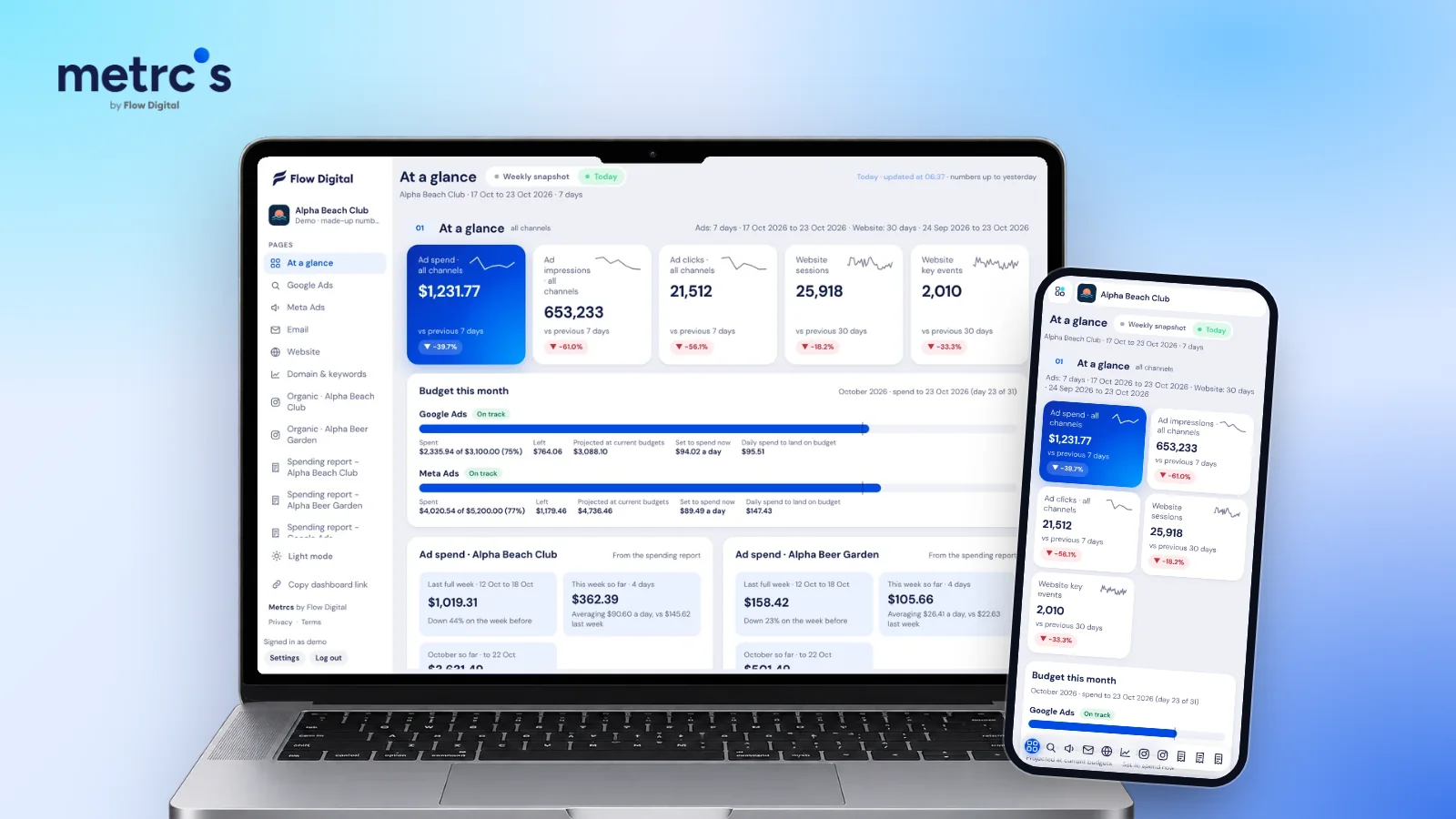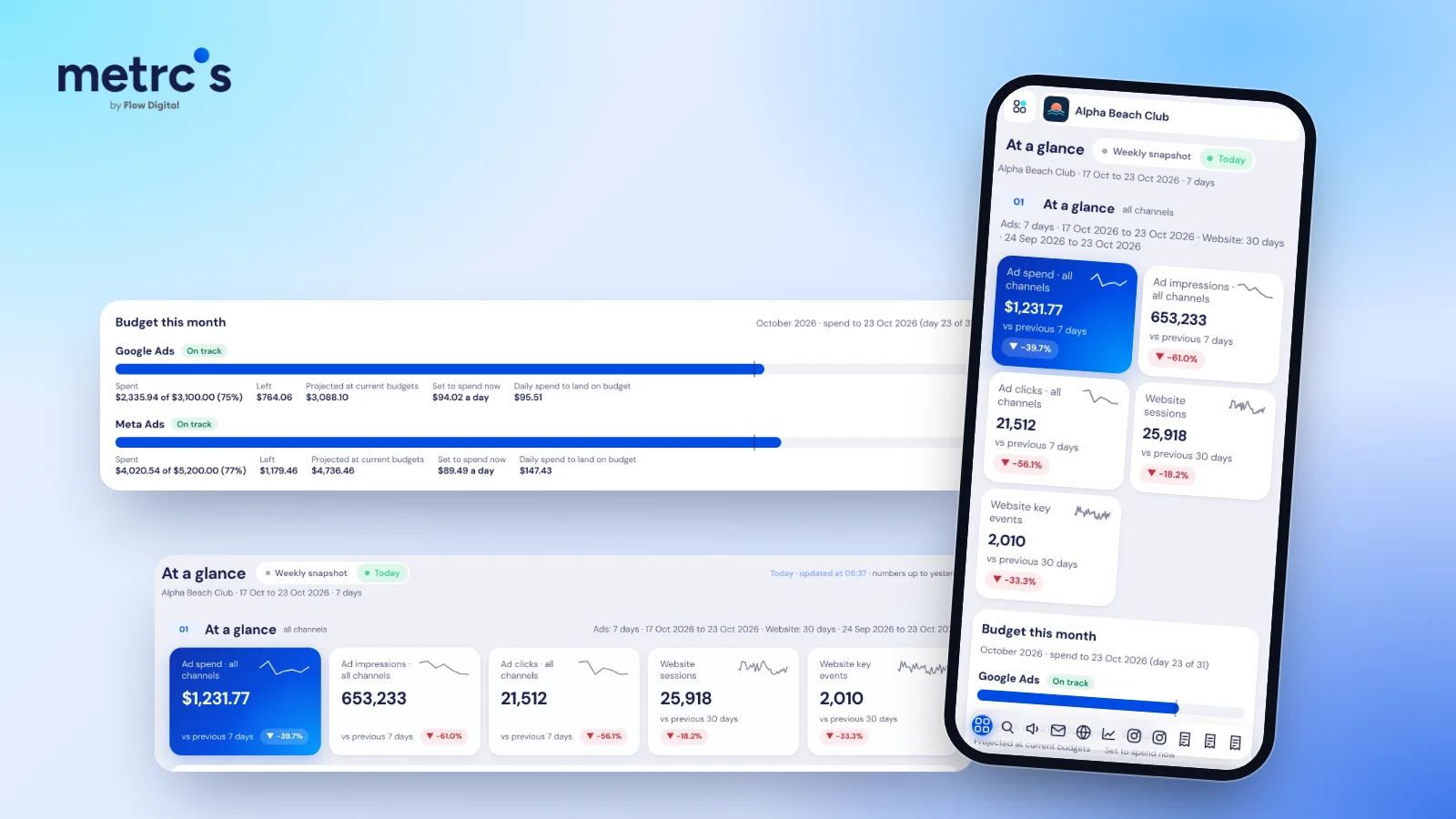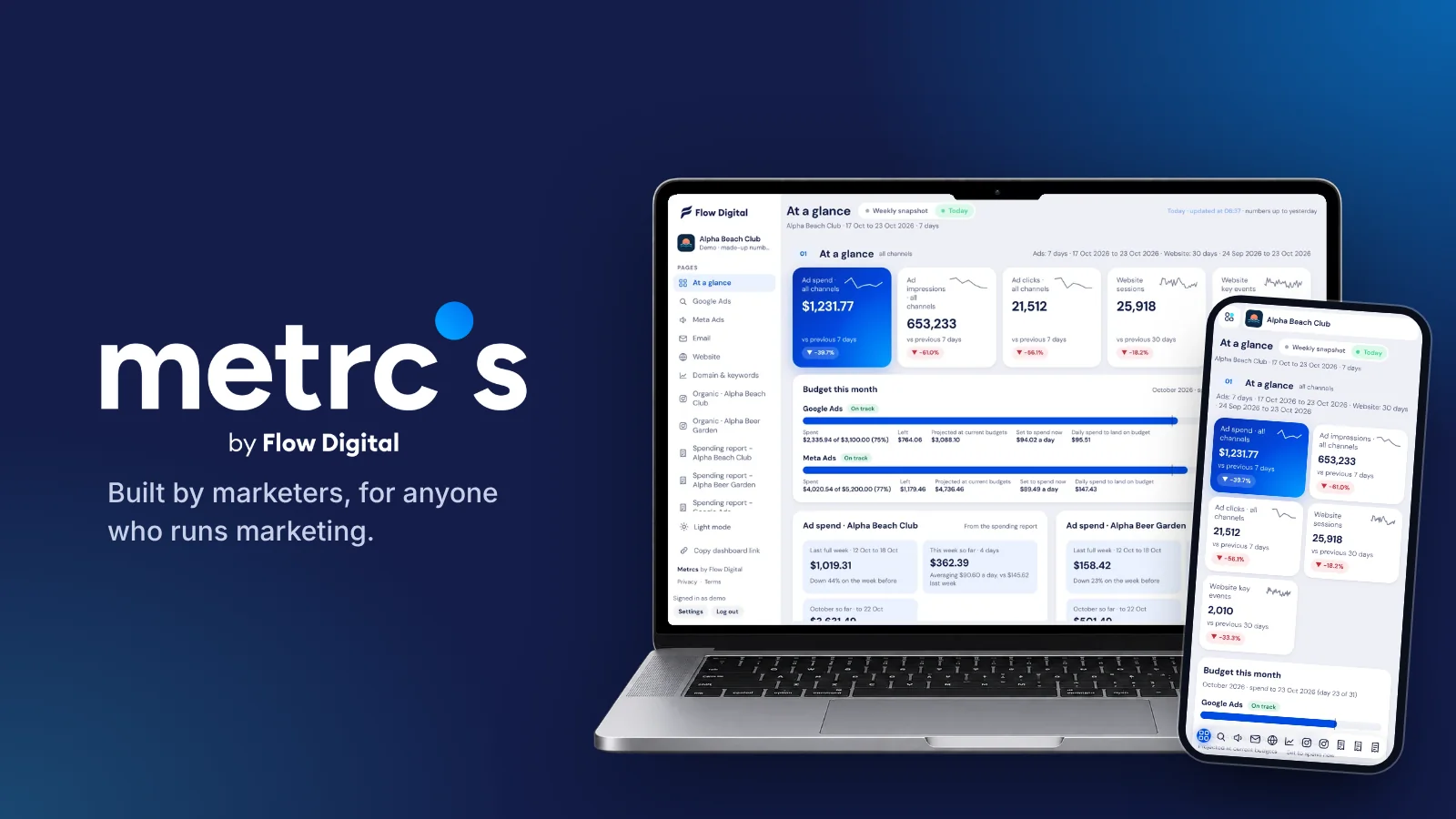
Metrcs works like a reporting assistant for marketing agencies. Every morning it has each client's numbers ready and flags the clients that need attention. Every week it saves a snapshot with the key points and next actions written for you, and at month end it has the budget and spend figures finance asks for. We built it at Flow Digital to run our own client work, and this is how we use it.
The daily check: every client in five minutes
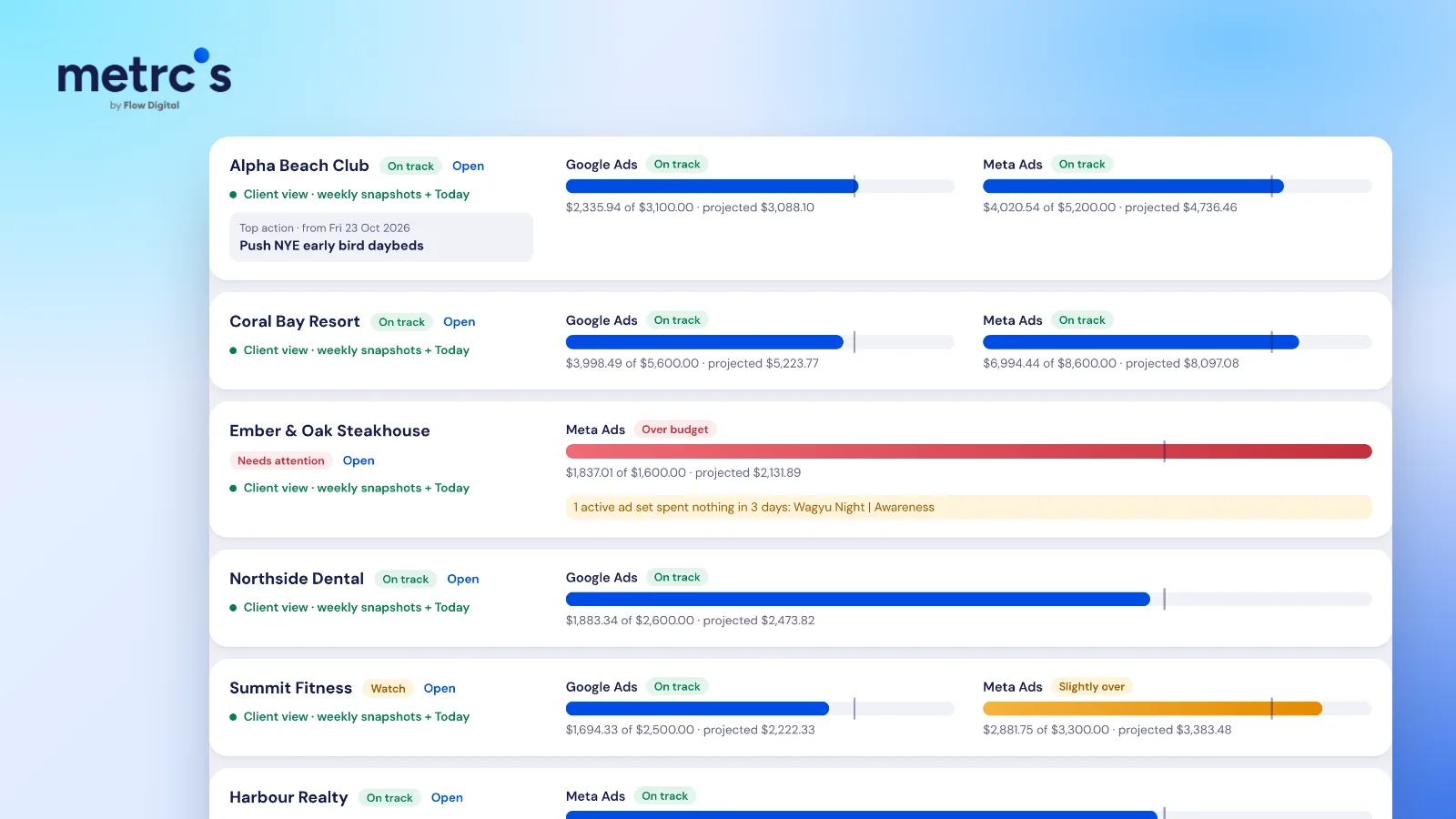
The agency view puts every client on one screen. For each one you see spend against budget for every ad platform, the month-end projection at today's pace and a status: On track, Watch, Over budget or Needs attention.
Clients that need you come first. If an active ad set has spent nothing for three days, Metrcs says so in plain words on that client's card, so a stalled campaign gets fixed that morning instead of showing up in next month's report.
A typical morning looks like this:
- Open the agency view and scan for anything that isn't On track.
- Open a flagged client. Their At a glance page shows which channel moved.
- Fix it in the ad account, then move on.
When nothing is flagged, the check is over before your coffee is.
The weekly client meeting: the report is already written
Every week Metrcs saves a snapshot for each client. The Key points card sums up the week in three lines tagged Working, Slipping or Note, such as "Meta bookings: 39 purchases at $7.62 each" or "Website sessions slipping, 28,044 over 30 days". Next to it, Work on this ranks what to do next by impact, with a link straight to the page that needs the change. There's a closer look at both in weekly marketing reports.
That gives every client meeting the same simple agenda:
- What worked this week, with the numbers.
- What slipped and why.
- What we're doing next, in order of impact.
You can also open any earlier week or put two weeks side by side, which helps when a client asks how this month compares with the last.
Month end: budgets and spend without the spreadsheet
Budget this month shows, for each platform, what's been spent, what's left, the projected total and the daily spend needed to land on budget. That makes the mid-month conversation about increasing or pulling back spend a quick one, whether the money is going into Google Ads or Meta ads.
When finance asks what was actually charged, the spending report lists every card charge by date with ad cost and tax shown separately, grouped by month, week or year. Failed payments are listed on their own so nobody counts them twice.
Giving clients their own login
Each client gets a login that only shows their own business, with their logo on the dashboard and as the app icon when they add it to their phone. Before sharing the link, your team can preview exactly what the client will see.
Clients who can check their numbers whenever they like tend to send fewer "how are we doing?" emails, and they come to the weekly meeting already knowing the headline.
What an agency week looks like with Metrcs
| When | What you do | Where in Metrcs |
|---|---|---|
| Every morning | Scan for clients that need attention | Agency view |
| When a client is flagged | Find the channel that moved | The client's At a glance page |
| Weekly | Run the client meeting | Weekly snapshot: Key points and Work on this |
| Mid-month | Decide whether to adjust spend | Budget this month |
| Month end | Give finance the charges | Spending report |
New to Metrcs? Start with what Metrcs is and what it connects to.
Join the waitlist
Metrcs runs every Flow Digital client today and is available to select partner agencies. Join the waitlist to be first in line for a spot.
Ardjuna founded Flow Digital, a marketing agency in Bali that runs ads, websites, email and content for its clients. He built Metrcs so the agency could see every client’s marketing on one page and spend less time on reports.