Meta ads, Google Ads and Google Analytics report different numbers because each one counts a conversion by its own rules. Each ad platform credits itself for any sale or lead that happened within its own time window after someone saw or clicked an ad. Google Analytics only sees what happened on your website and usually credits one channel per conversion. Small gaps are normal. Large gaps usually point to a tracking problem.
Each platform answers a different question
- Meta asks: did someone who saw or clicked one of our ads go on to convert?
- Google Ads asks: did someone who clicked one of our ads go on to convert?
- Google Analytics asks: what happened on this website, and which channel brought the visit that converted?
Add the platforms together and you will often count the same sale two or three times, because Meta and Google can both claim a customer who saw an Instagram ad, later searched your name and clicked a Google ad.
Attribution windows: how long a platform keeps claiming credit
Meta's default attribution setting is 7-day click and 1-day view. A purchase counts if it happened within seven days of someone clicking your ad, or within one day of them seeing it without clicking.
That view-through credit is the biggest single reason Meta reports more than Google Analytics. Analytics never sees an ad view. It only sees the visit, and if that visit came from a Google search or someone typing your address, the conversion goes to that channel instead.
Google Ads uses its own windows set per conversion action, and it also counts conversions it models when cookies are blocked.
The date a conversion lands on
Ad platforms usually report a conversion on the date of the ad interaction. Google Analytics reports it on the day it happened. A booking made on Monday from an ad clicked the Friday before shows up in different weeks, which matters most around month end.
Consent, browsers and tracking gaps
Visitors who decline cookies, use privacy browsers or block scripts may never be recorded by Google Analytics, while the ad platforms can still estimate them from their own signals. Missing or stripped campaign tags (UTMs) can also push paid traffic into Direct or Unassigned in Analytics, so it looks like the ads brought nothing. There's a longer list of causes from Trackingplan if you want to go deeper.
So which number should you trust?
Use each one for the decision it was built for:
| Decision | Number to use |
|---|---|
| Which Meta campaign or ad to scale | Meta's results and cost per result |
| Which Google Ads keywords to keep | Google Ads conversions and cost per conversion |
| Overall trend in enquiries or sales | Google Analytics key events, or your booking or sales system |
| What the business actually earned | Your sales or booking records |
Then compare trends, not totals. If Meta results fall 30% while Analytics key events from paid social rise, look at tracking. If both fall together, look at the ads.
A quick check when the gap suddenly widens
- Make sure the date ranges, time zones and currencies match.
- Check that the conversion you are comparing is the same action in each platform.
- Test a purchase or form on the site and confirm it registers.
- Check that every ad link carries campaign tags.
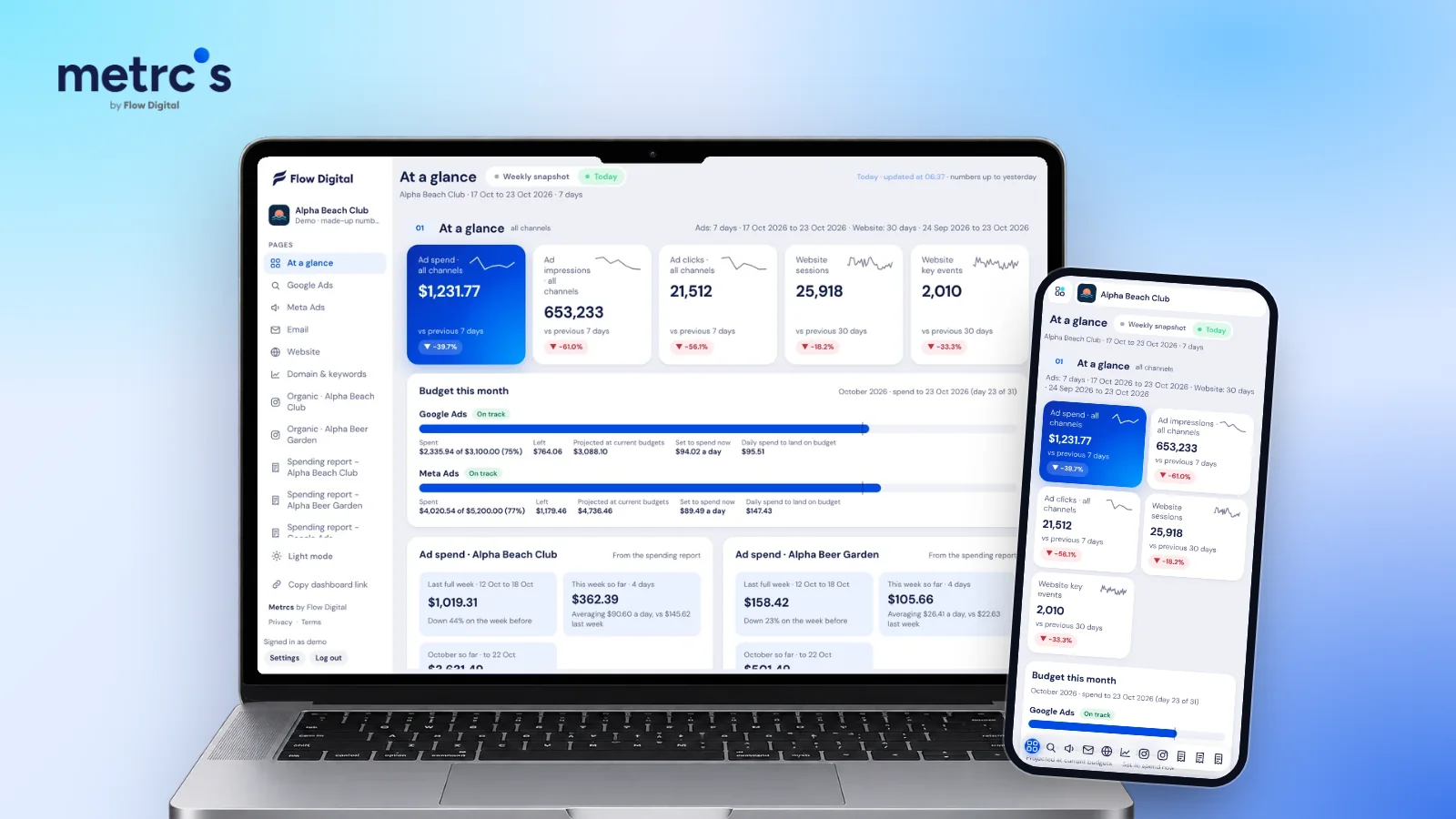
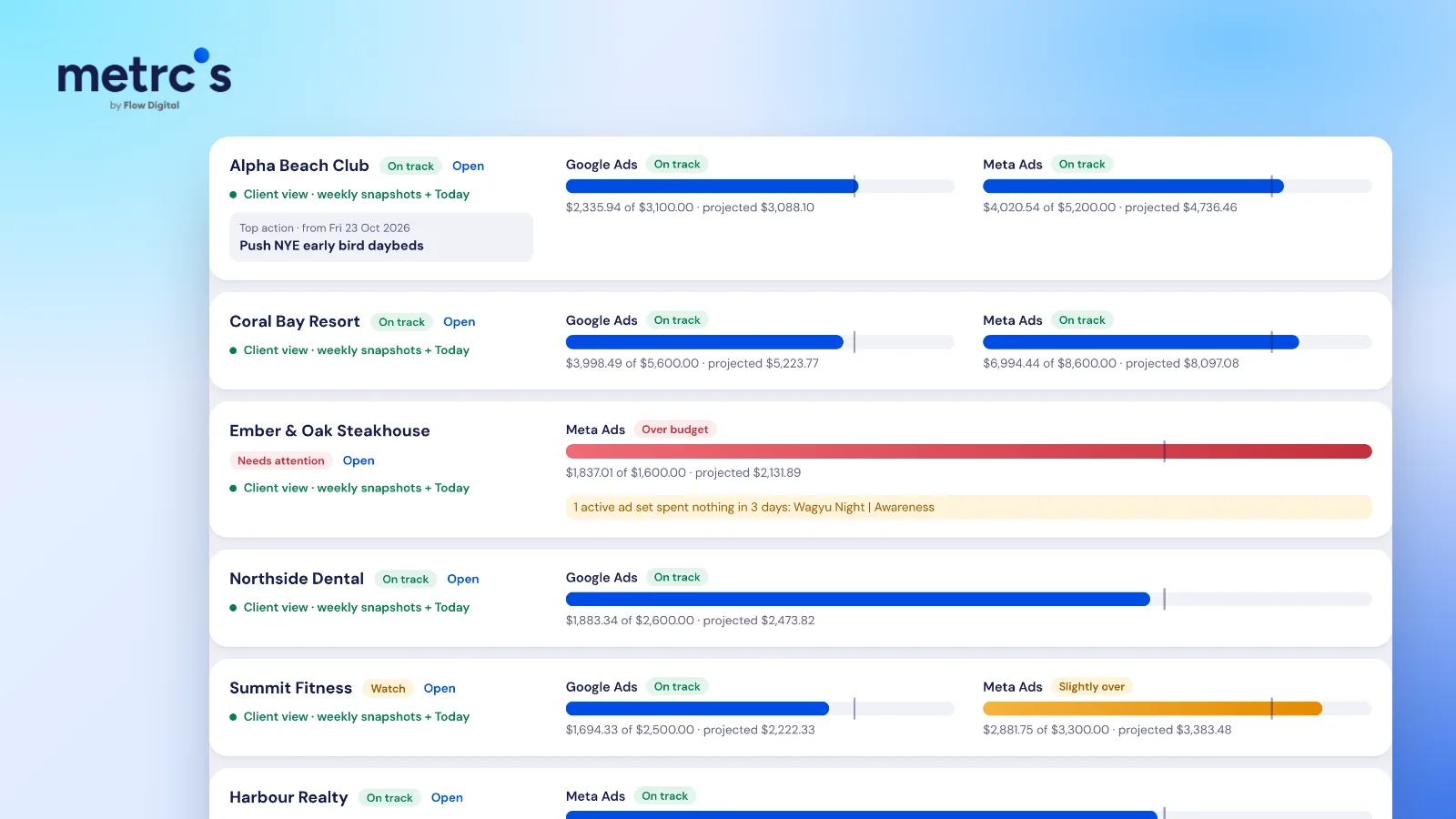
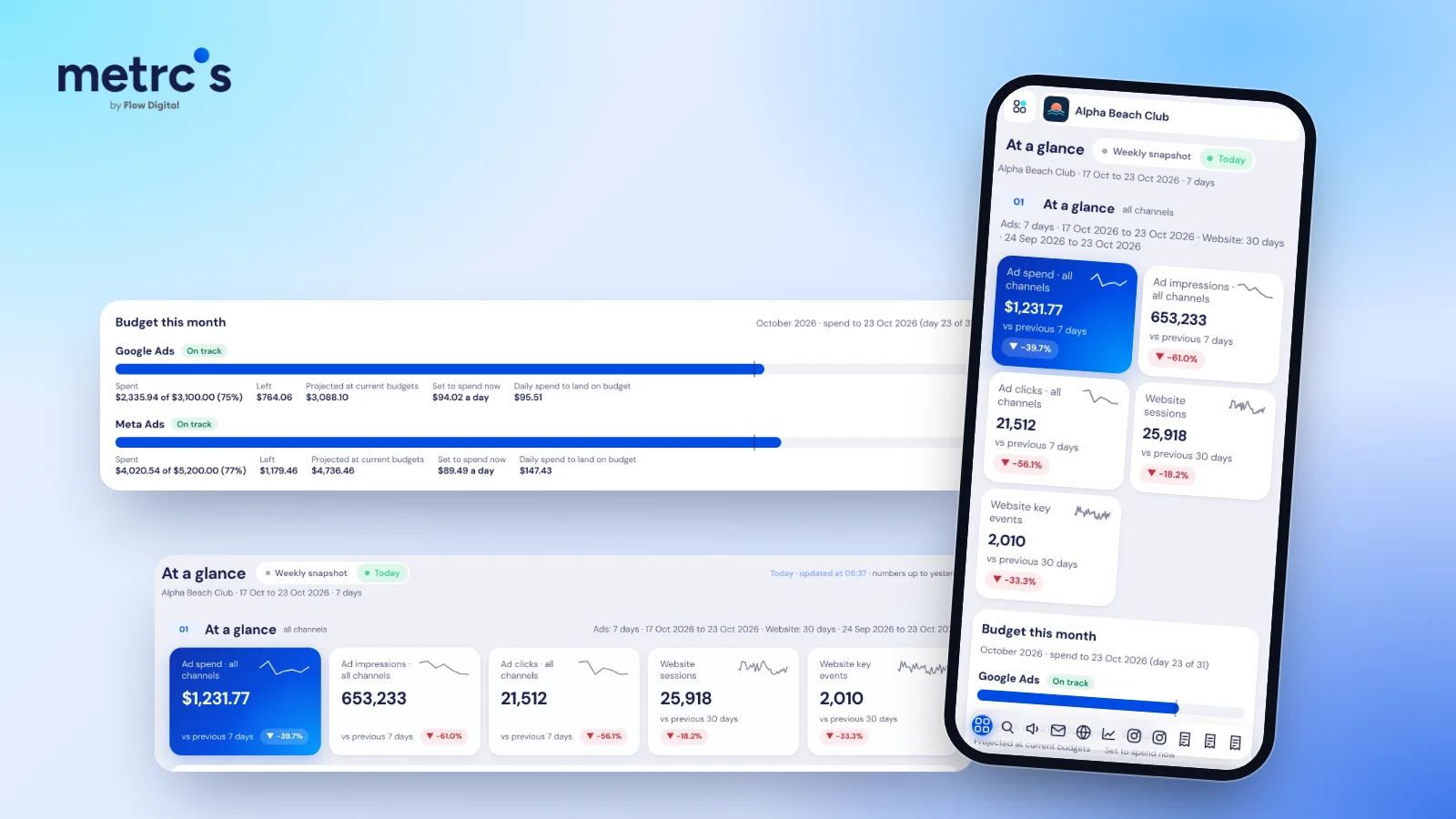
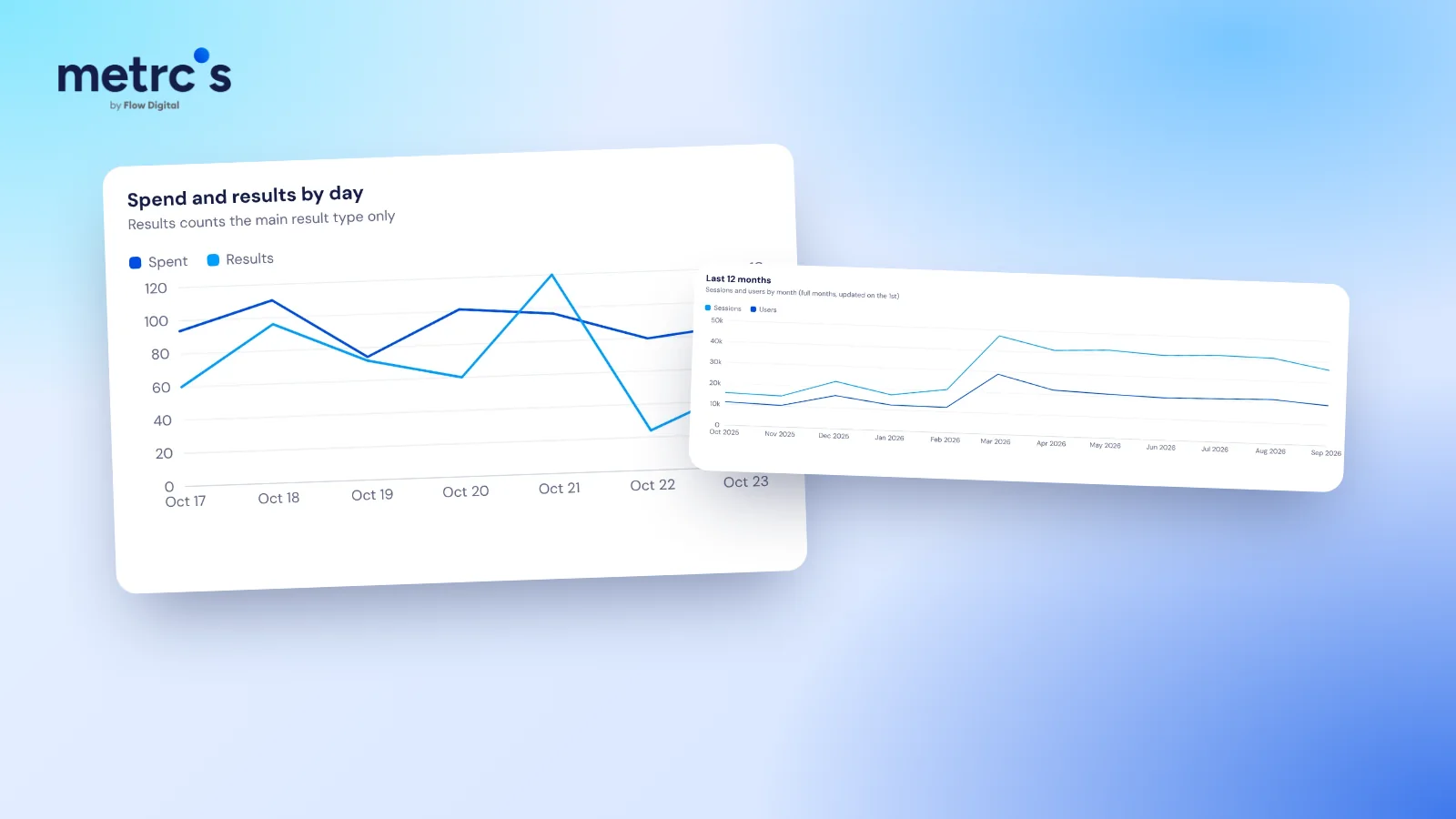
In Metrcs, Meta ads and website analytics sit on the same dashboard with the same date range, so the comparison takes seconds instead of three logins.
Ardjuna founded Flow Digital, a marketing agency in Bali that runs ads, websites, email and content for its clients. He built Metrcs so the agency could see every client’s marketing on one page and spend less time on reports.