A weekly client report works when it fits on one screen and answers three questions: what happened, why, and what you are doing next. Lead with the numbers the client cares about, keep each point to a line, and end with actions ranked by impact. Anything that doesn't lead to a decision can go.
Why most reports don't get read
Long monthly decks look thorough, but they arrive weeks after the fact and bury the one number the client cares about on slide 14. Clients skim the summary, or skip it, and then email to ask how things are going. A short weekly report fixes both problems: it arrives while there is still time to act, and it's short enough to read in full.
The structure that works
1. The headline numbers
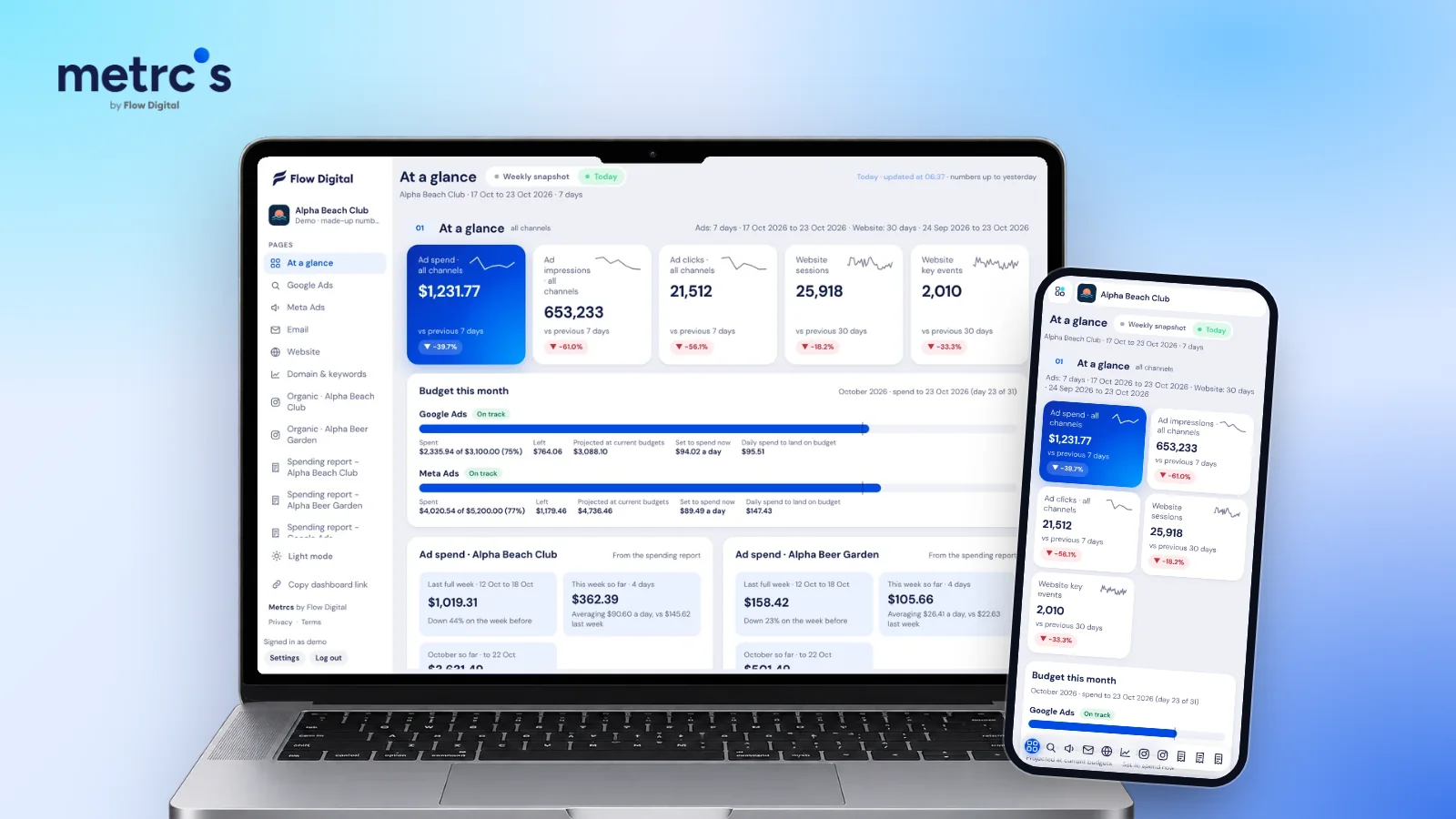
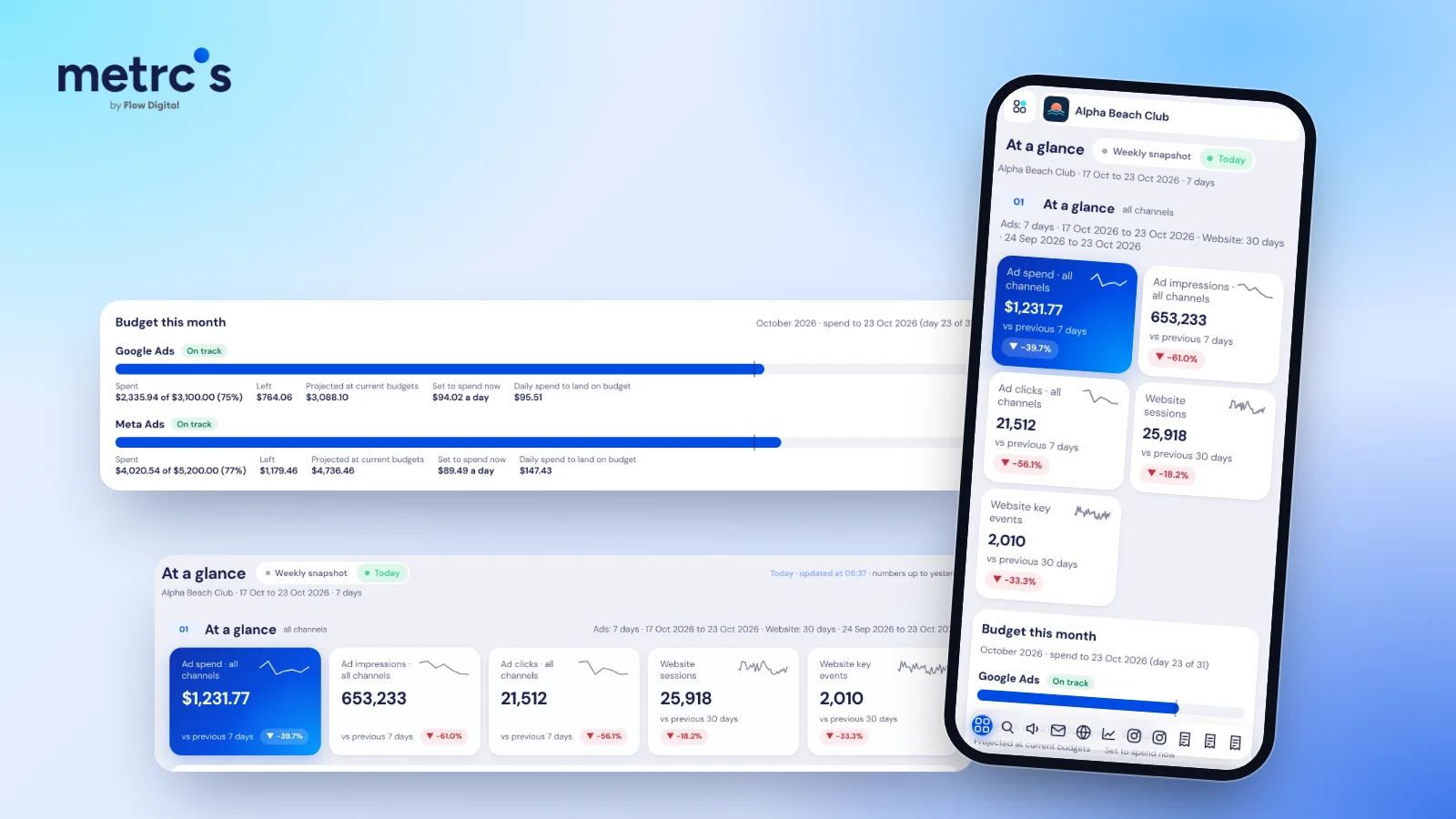
Three to five numbers, each compared with last week: the results the client pays for (bookings, leads, sales), what each one cost, total spend against budget, and one traffic number. Show the change, not just the figure.
2. What's working
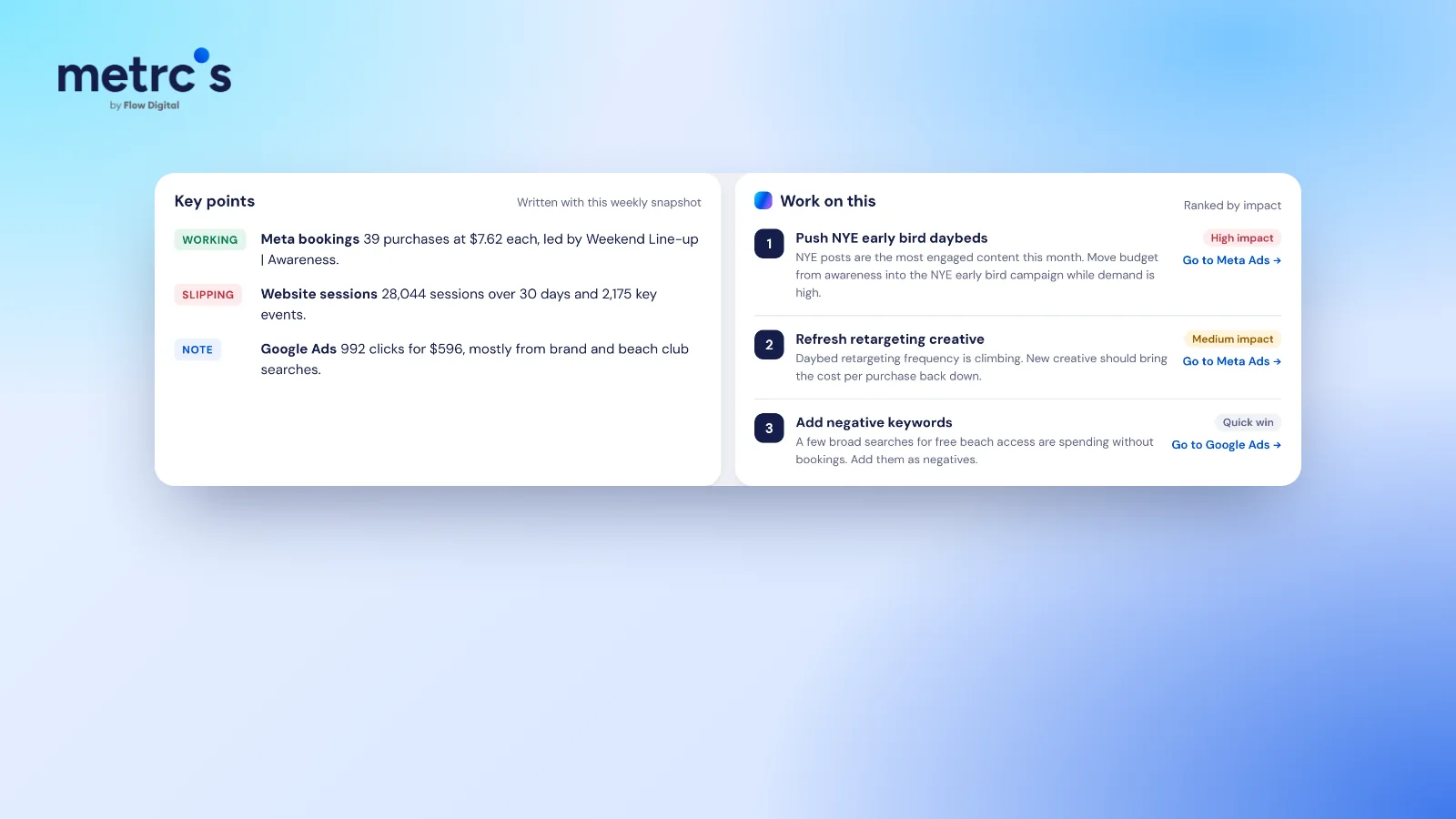
One to three lines, each with a number. "Meta bookings: 39 purchases at $7.62 each, led by the weekend campaign" beats "Meta performed well this week".
3. What's slipping
Be as specific about bad news as good news. "Website sessions down 18%, mostly from organic search after the holiday" builds more trust than leaving it out, because the client will notice anyway.
4. What we're doing next
A short list ranked by impact, each with the channel it touches. This is the part clients value most, because it shows you are ahead of the numbers rather than reporting them.
A template you can copy
| Section | Example |
|---|---|
| Headline | 42 bookings (+12%), $7.80 per booking (−6%), $1,231 spent, on track for the $5,200 monthly budget |
| Working | Weekend campaign brought 18 of the 42 bookings at $6.10 each |
| Slipping | Website sessions down 18%, mostly organic, after the long weekend |
| Note | Google Ads clicks steady, mostly from brand and "beach club" searches |
| Next | 1. Move budget into the weekend campaign. 2. Refresh retargeting creative, frequency is climbing. 3. Add negative keywords for free-entry searches. |
Mistakes to avoid
- Every metric the platform offers. Pick the few that tie to the client's goal and keep them the same every week.
- Totals without comparisons. "653,233 impressions" means nothing without "down 61% on last week, because we paused awareness".
- Platform jargon. Write "people who clicked" rather than "CTR", unless the client uses the term.
- No next steps. A report that only describes the past invites the client to decide what happens next on their own.
Weekly or monthly?
Weekly works best for active campaigns and working teams, because problems surface while there is time to fix them. Monthly suits owners who only want the big picture. Many agencies send a short weekly update and a fuller monthly review.
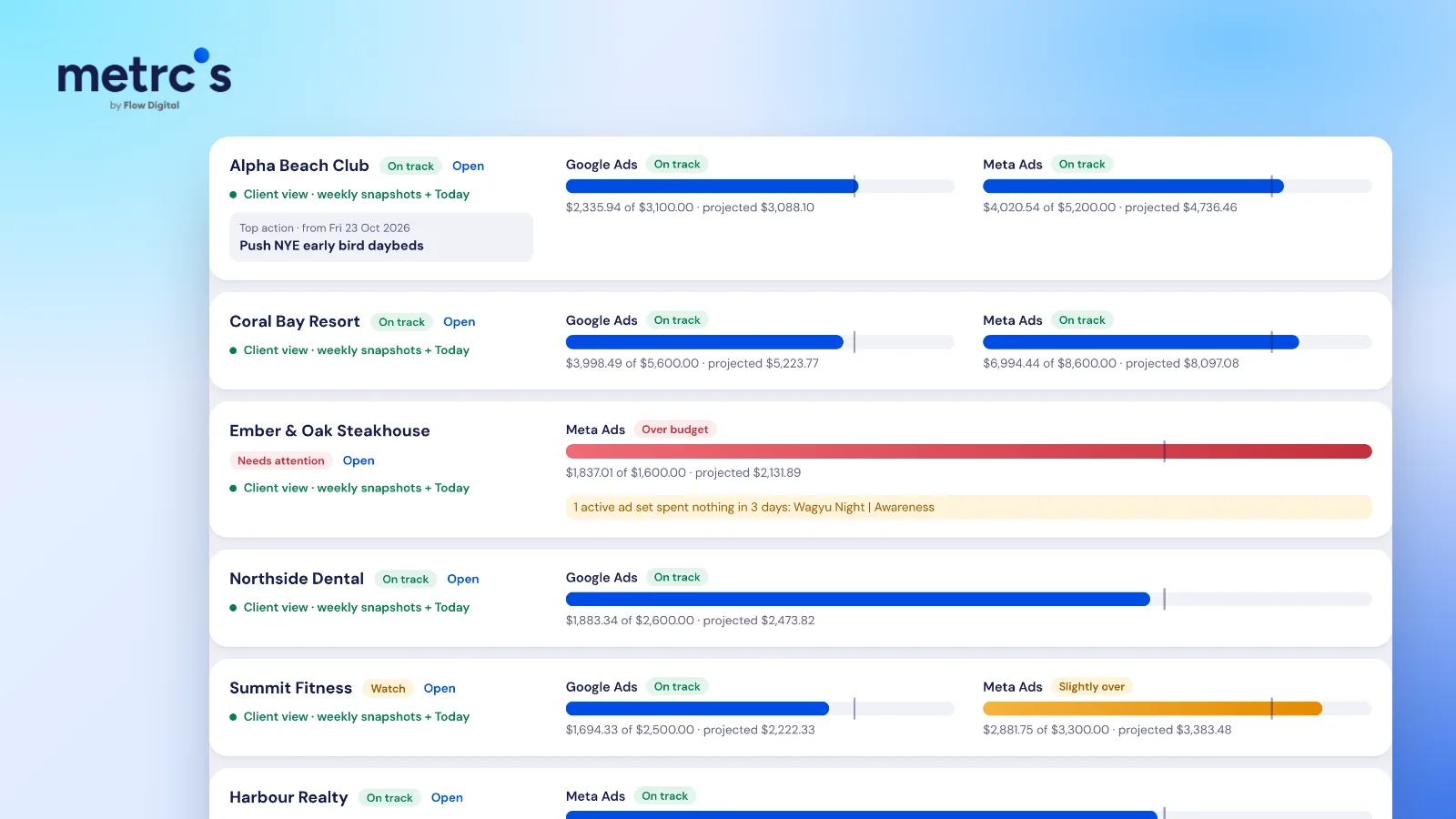
Metrcs saves a weekly snapshot for every client with the headline numbers, key points tagged Working, Slipping or Note, and next actions ranked by impact. Clients can open it themselves, so the meeting starts from the same page. There's more on running an agency week this way in how agencies use Metrcs.
Ardjuna founded Flow Digital, a marketing agency in Bali that runs ads, websites, email and content for its clients. He built Metrcs so the agency could see every client’s marketing on one page and spend less time on reports.