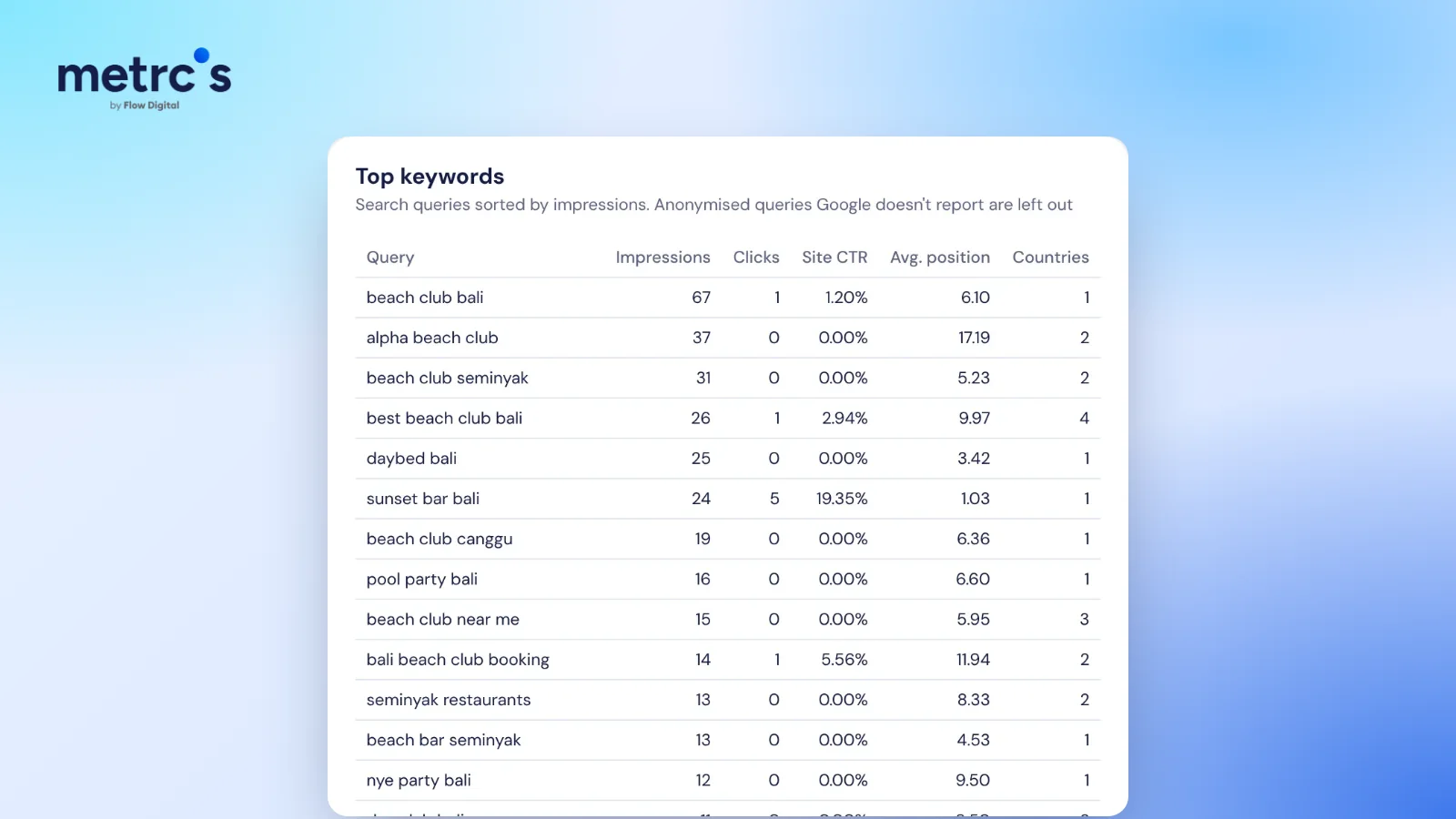
When impressions go up while clicks go down, your site is usually appearing for more searches but lower on the page, or Google is answering more of those searches directly. It is often a sign of growth, not a problem. The way to tell is to look at which search terms and pages changed, not at the totals.
What impressions, clicks and average position mean
Google defines them in its Search Console help:
- Impressions: how often a link to your site appeared in Google results.
- Clicks: how often someone clicked through to your site.
- Average position: a relative ranking of your highest result across those searches, where 1 is the top. Lower numbers are better.
Click-through rate (clicks divided by impressions) ties them together.
Four common reasons impressions rise while clicks fall
1. You started ranking for new, broader searches
When Google begins showing your page for more searches, many of them land on page two or three at first. Each one adds impressions but almost no clicks, which pulls your click-through rate and average position down even while your main terms hold steady. This is usually the early stage of SEO working.
2. Google answers more searches on the results page
Since AI Overviews began rolling out in May 2024, more searches get an answer before anyone clicks. Informational searches ("what is", "how to") are affected most. Your listing can still appear, which counts as an impression, without earning the click.
3. Seasonality or a news spike
A burst of searches around an event or a season brings impressions from people who were never likely to visit. Compare with the same period last year before drawing conclusions.
4. A real ranking drop on your money pages
This is the one to catch. If the searches that bring enquiries or sales slipped from the top three to lower down, clicks fall sharply. Filter to those terms and check their position over time.
How to tell which one it is
| Check | What it tells you |
|---|---|
| Top search terms by clicks, this period vs last | Whether your important terms lost clicks |
| New search terms with many impressions and low position | Whether you are simply ranking for more |
| Average position for your main terms only | Whether the real rankings moved |
| Pages that lost the most clicks | Where to focus fixes |
| Branded vs non-branded clicks | Whether new customers are still finding you (more on that here) |
What to do next
- If you are ranking for more searches, improve the pages that sit on page two for valuable terms: better titles, clearer answers, stronger internal links.
- If AI Overviews took the click, make sure your pages answer the question directly in the first lines. Pages that are cited in AI answers still earn visits.
- If a money page dropped, check what changed on it and what now outranks it.
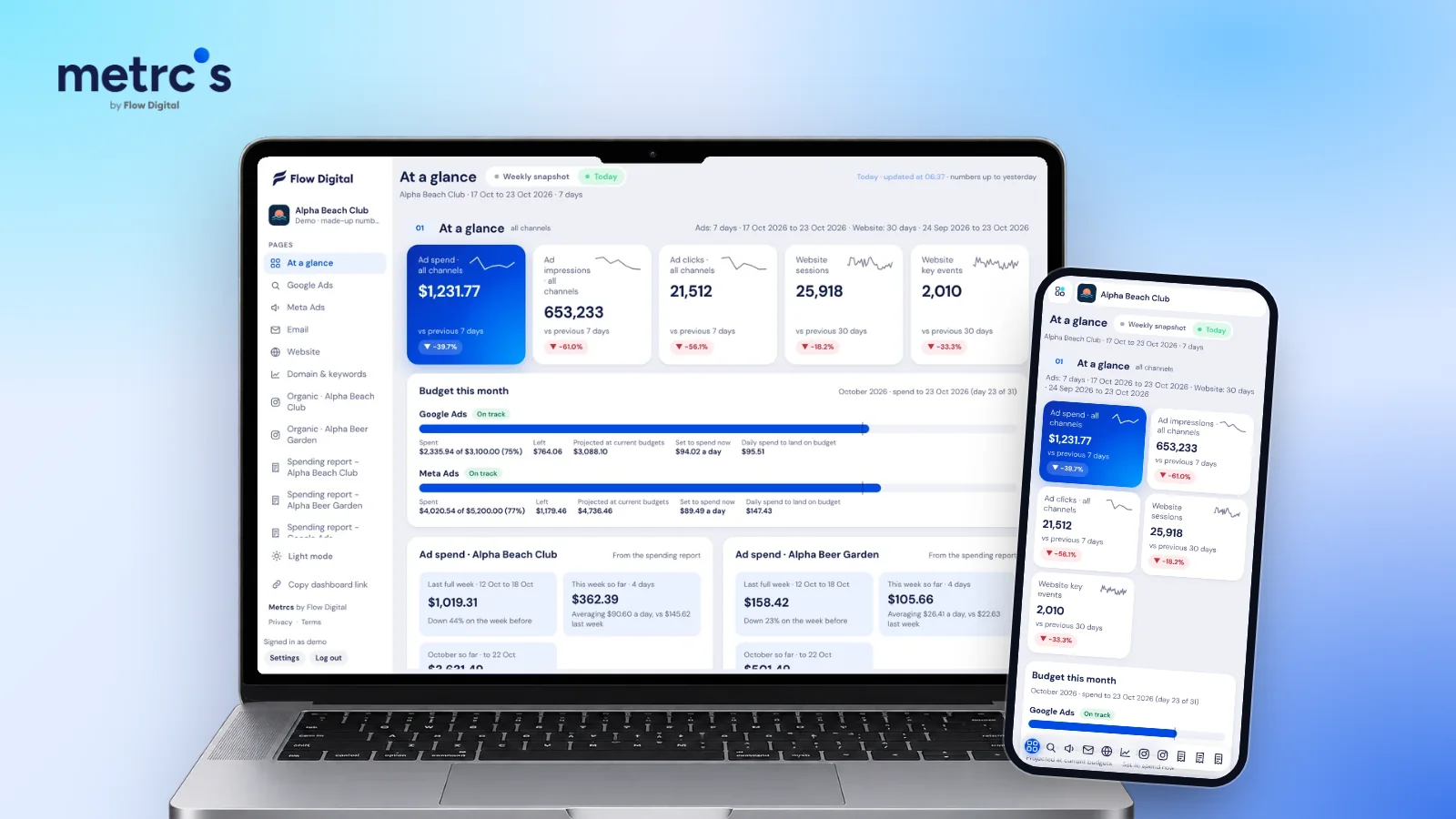
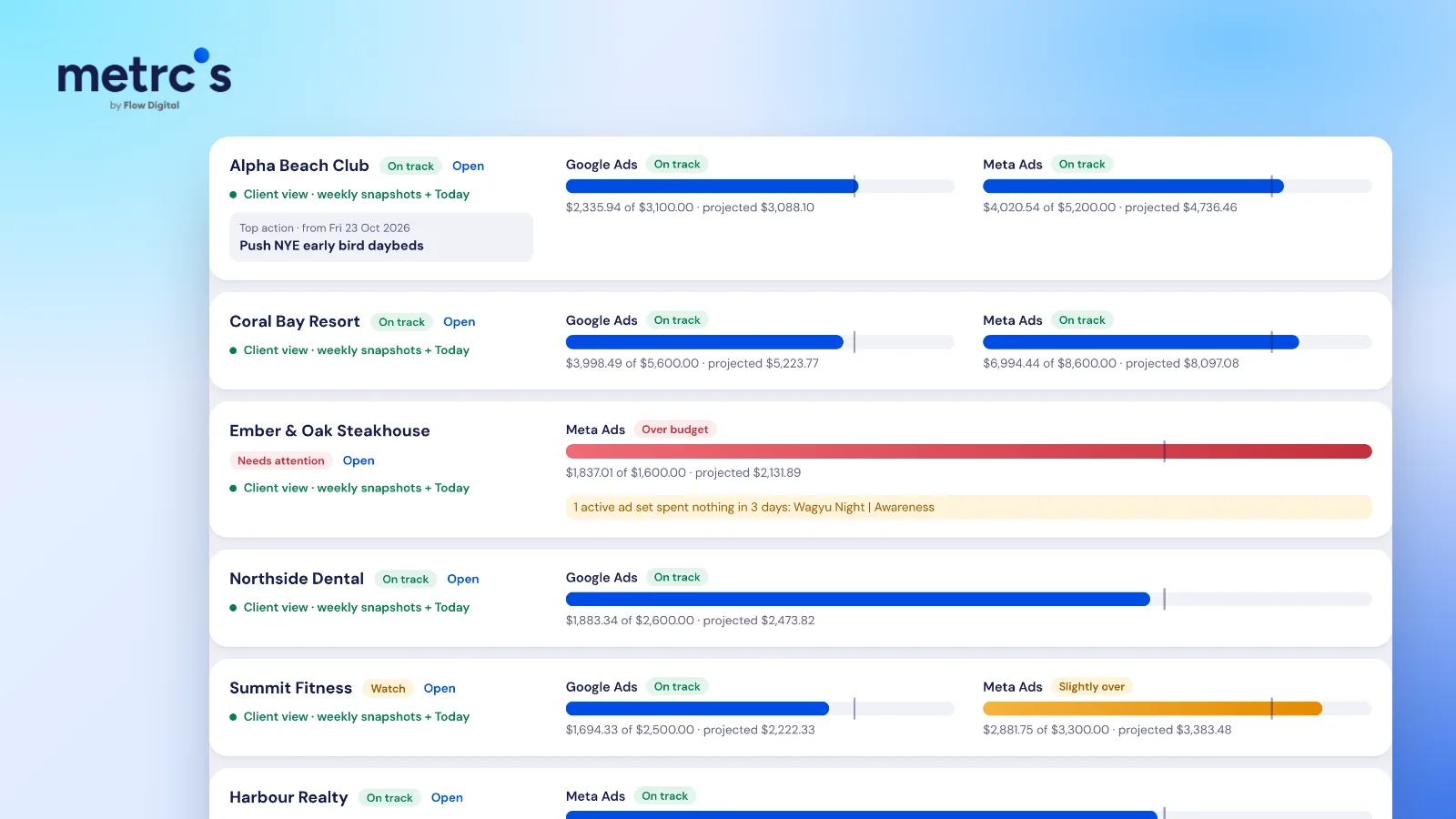
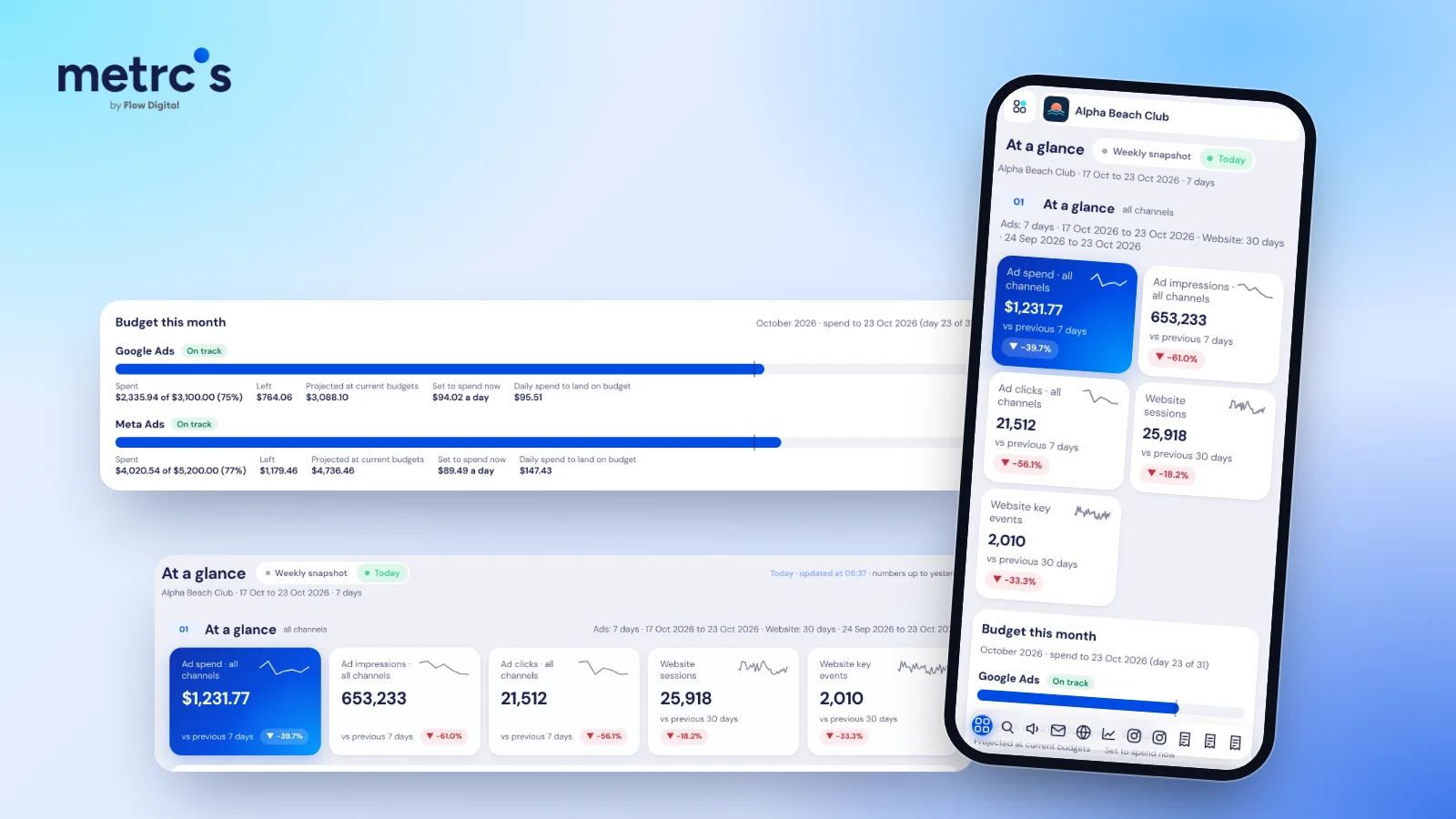
Metrcs shows Search Console clicks, impressions and average position for months, with the exact search terms and a branded vs non-branded split, so you can see which story your numbers are telling without digging through filters.
Ardjuna founded Flow Digital, a marketing agency in Bali that runs ads, websites, email and content for its clients. He built Metrcs so the agency could see every client’s marketing on one page and spend less time on reports.