A business owner needs six numbers from Google Analytics 4: users, sessions, engagement rate, key events, where visitors came from and which pages they landed on. Compare each with the period before, look at a twelve-month trend rather than one week, and you will know whether your website is doing its job. Everything else in GA4 is for specialists.
Why GA4 feels so hard
GA4 is built for analysts. The reports most owners need are spread across menus, conversions were renamed key events, and bounce rate now means something different. None of that changes what you actually want to know: are more of the right people visiting, and are they getting in touch or buying?
1. Users
Users are the number of people (strictly, browsers or devices) who visited. It is the simplest measure of reach. A rising user count with flat enquiries usually means the new traffic is the wrong audience or the site isn't converting it.
2. Sessions
A session is one visit. One user can make several sessions, so sessions are always equal to or higher than users. Sessions per user creeping up is a good sign: people are coming back.
3. Engagement rate
Google counts a session as engaged when it lasts longer than 10 seconds, includes a key event or has at least two page views. Engagement rate is the share of sessions that were engaged. Bounce rate still exists, but in GA4 it is simply the share of sessions that were not engaged.
A sudden drop in engagement rate after launching a campaign usually means the ad and the landing page don't match.
4. Key events
Key events are the actions you have marked as important: a form submission, a booking, a purchase, a click to WhatsApp. This is the number that ties the website to the business. If key events aren't set up, nothing else in GA4 can tell you whether your marketing works, so fix that first.
5. Where visitors came from
The channel report splits visits into Organic Search, Paid Search, Paid Social, Direct, Referral, Email and so on. Watch the share each channel brings and, more importantly, the key events each one produces. A large Direct or Unassigned slice usually means campaign links are missing tags, which UTM tags fix.
6. Landing pages
Landing pages show where visits start. Your top five landing pages are your real front doors, often not the home page. Check that each one loads fast, explains the offer clearly and makes the next step obvious.
How to read them together
| If you see | It usually means |
|---|---|
| Users up, key events flat | More traffic, but not the right audience or the page isn't converting |
| Engagement rate down after a campaign launch | The ad promises something the page doesn't deliver |
| Direct traffic jumping | Untagged links, or people returning by typing your address |
| One landing page bringing most key events | Put more of your ads and links behind that page |
Skip the menus
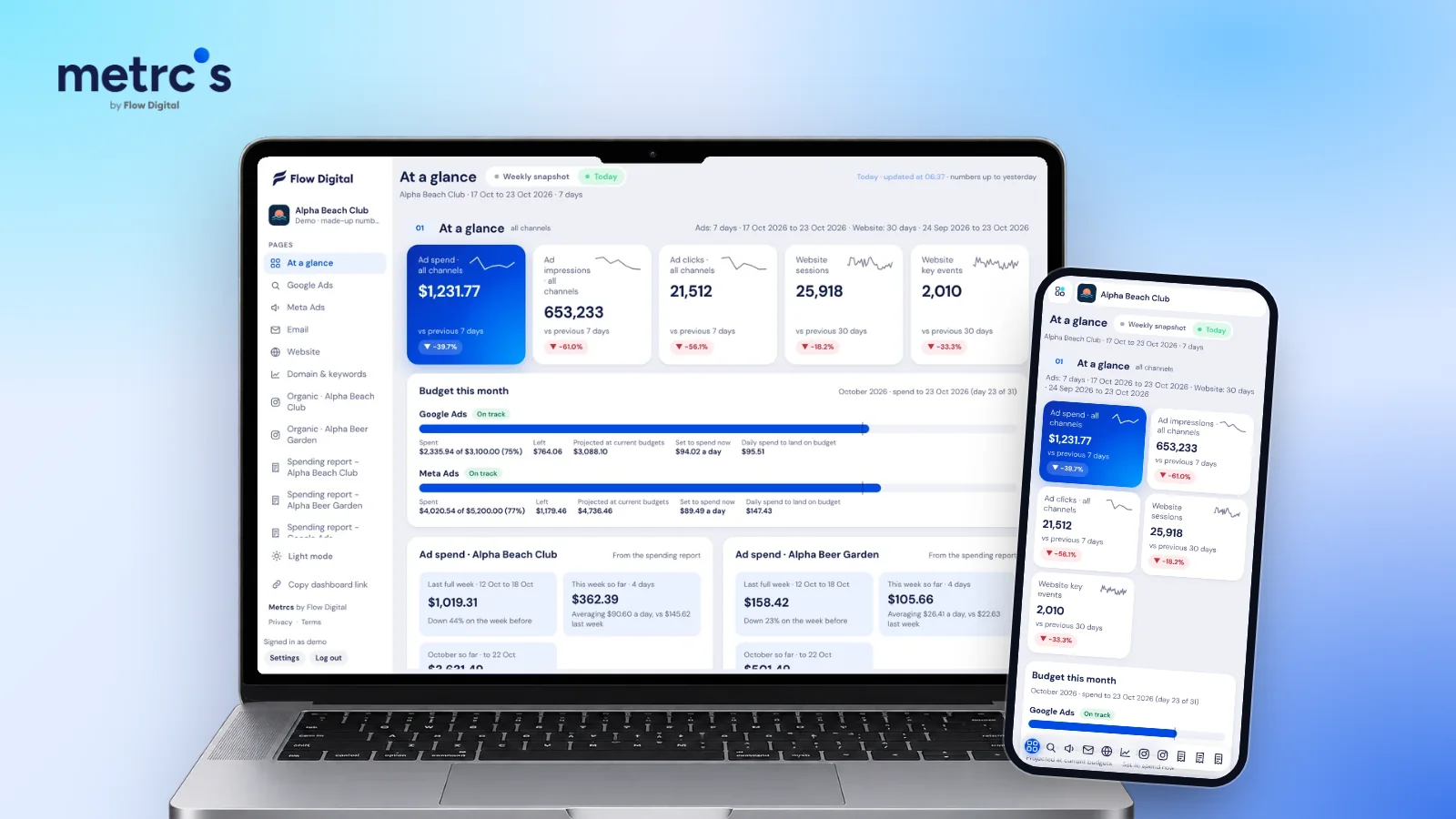
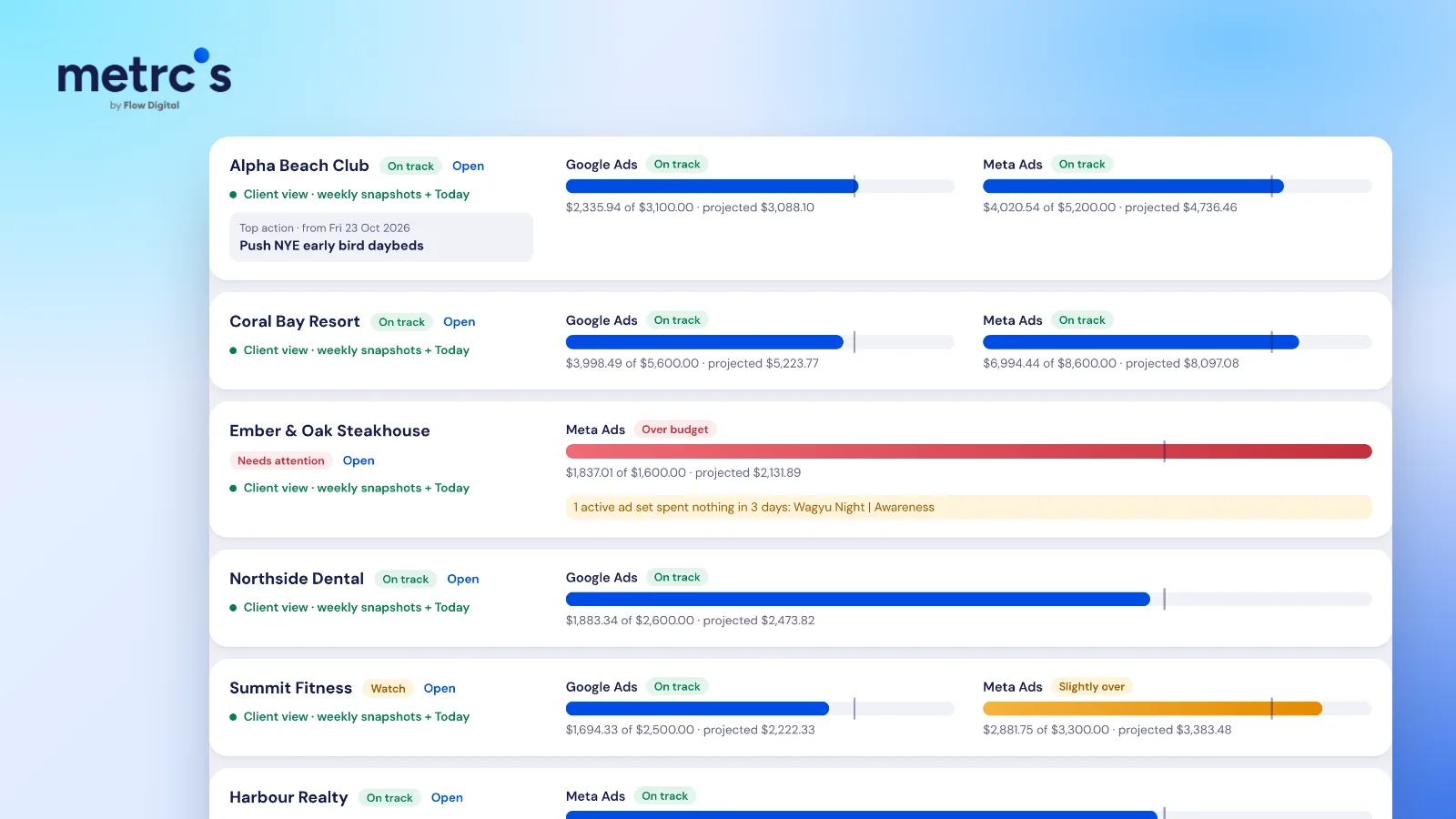
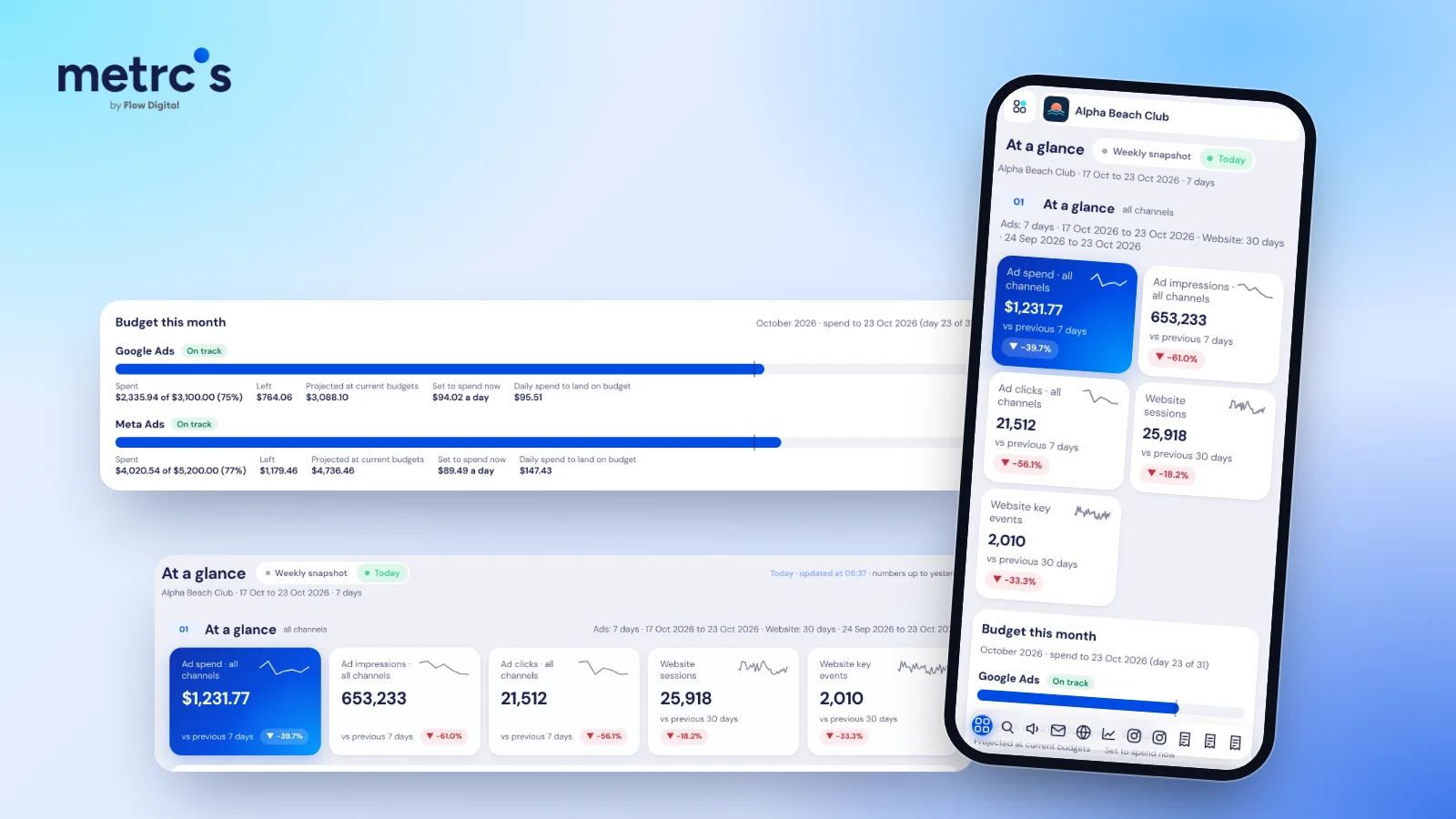
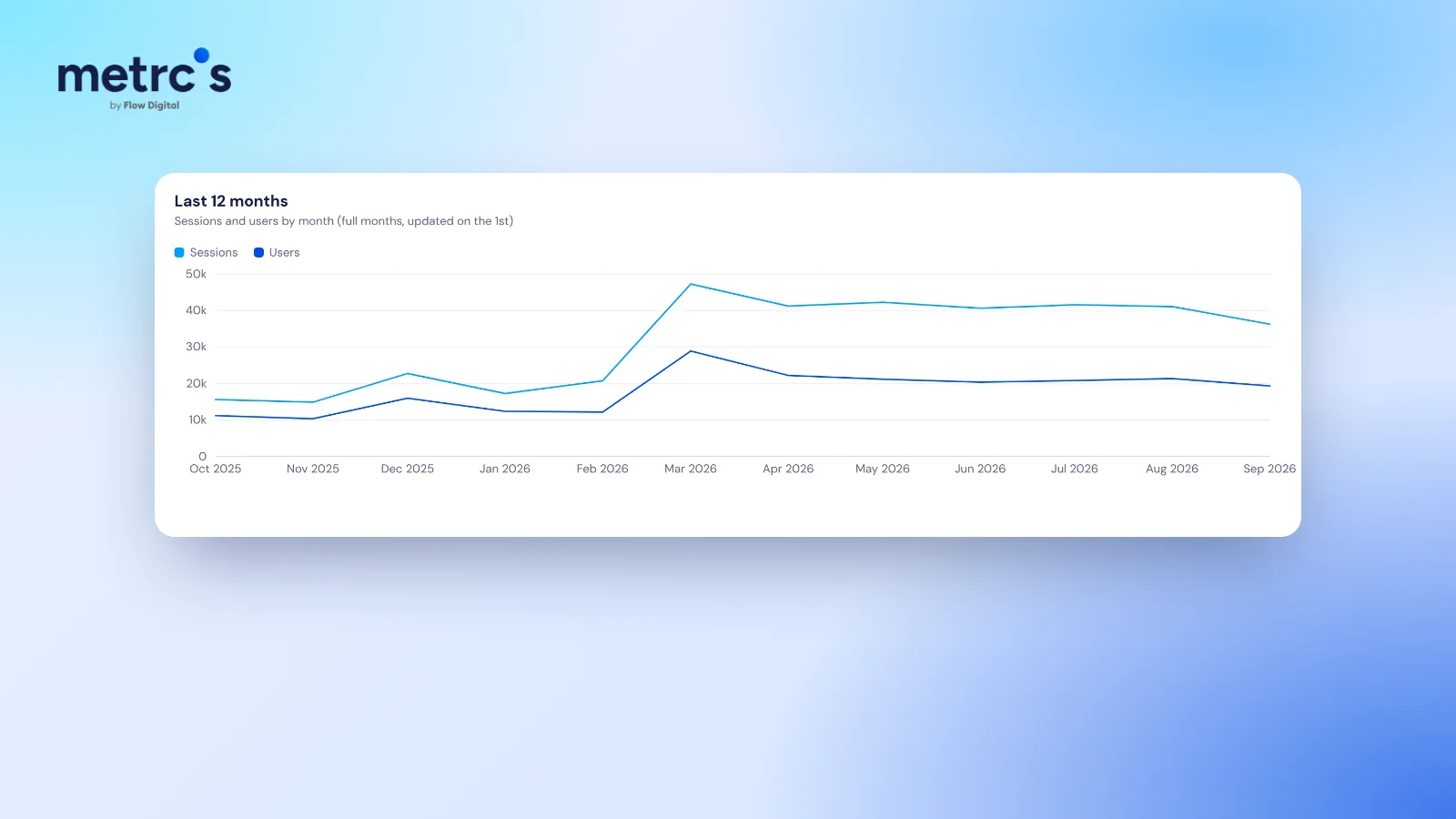
Metrcs puts these numbers on one website analytics page, each next to the period before, with twelve months of sessions and users so the trend is obvious. It sits next to your ads and search numbers, so you can see what caused a change, not only that it happened.
Ardjuna founded Flow Digital, a marketing agency in Bali that runs ads, websites, email and content for its clients. He built Metrcs so the agency could see every client’s marketing on one page and spend less time on reports.